> ## Documentation Index
> Fetch the complete documentation index at: https://docs.melonly.com/llms.txt
> Use this file to discover all available pages before exploring further.
# Activity
> Track staff activity, shifts, performance and wave statistics in Melonly.
***
## What is the Activity Module?
The Activity module tracks how your staff perform. It records shift time, online time, break time and moderation actions across activity waves.
It also gives you tools to manage shifts, view each member's statistics and compare staff on a leaderboard.
***
## How Does the Activity Module Benefit My Server?
You can see how your staff team performs over time, check on individual members, compare activity across waves and enforce hour requirements.
This keeps your team accountable and makes it easier to keep an active staff team.
 ***
## 🧭 Quick Navigation
Configure activity waves, wave duration and hour requirements.
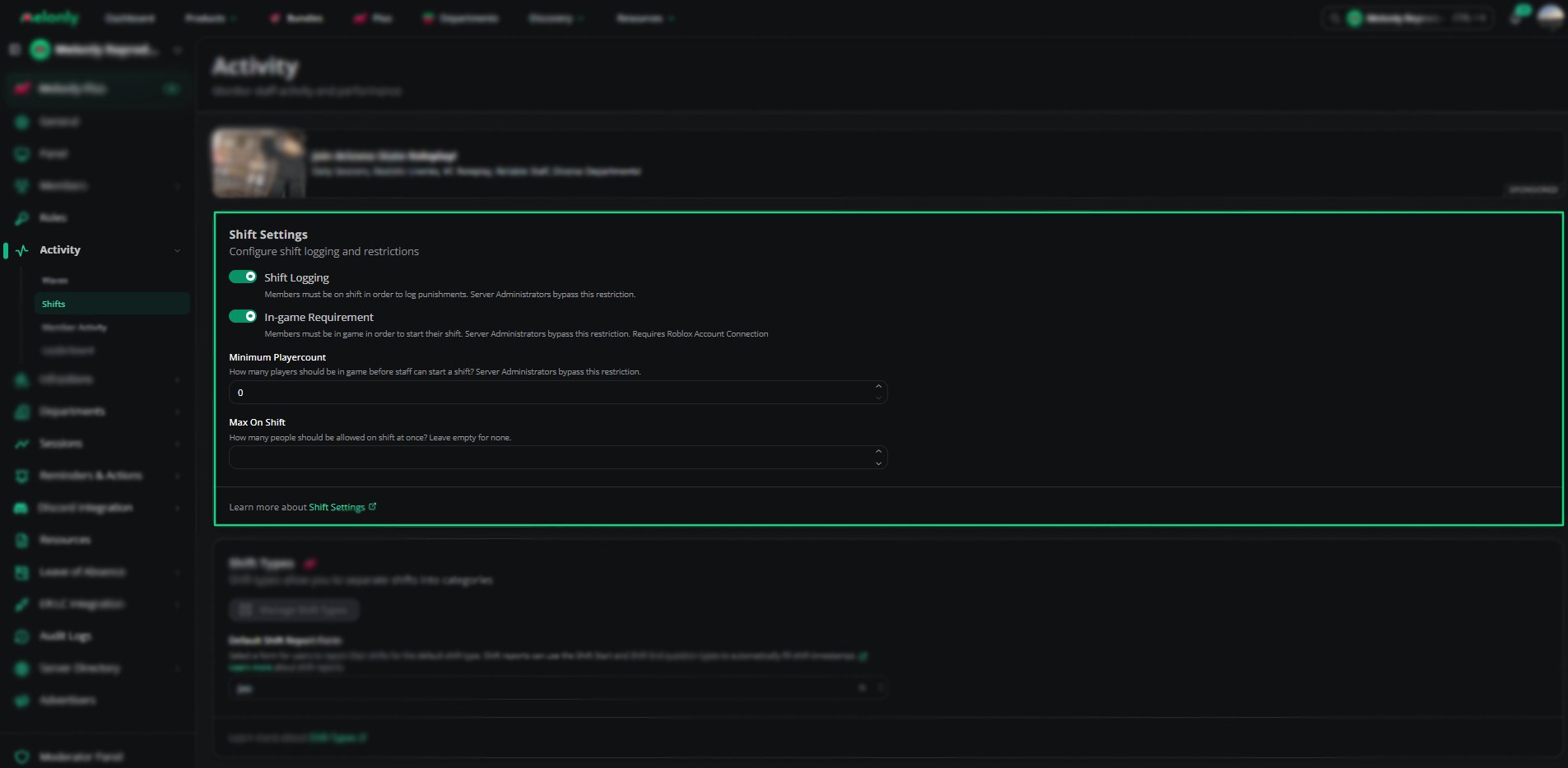
Manage shifts, shift types, shift logging rules and shift reports.
View statistics, logs and shift history for each staff member.
Compare staff activity and requirement completion across waves.
***
Still have questions? Join our Discord server for support from the Melonly Team.
This documentation is built and hosted on [Mintlify](https://mintlify.com), a developer documentation platform.
***
## 🧭 Quick Navigation
Configure activity waves, wave duration and hour requirements.
Manage shifts, shift types, shift logging rules and shift reports.
View statistics, logs and shift history for each staff member.
Compare staff activity and requirement completion across waves.
***
Still have questions? Join our Discord server for support from the Melonly Team.
This documentation is built and hosted on [Mintlify](https://mintlify.com), a developer documentation platform.