> ## Documentation Index
> Fetch the complete documentation index at: https://docs.melonly.com/llms.txt
> Use this file to discover all available pages before exploring further.
# Welcome Messages
> Send players a private welcome message when they join your ER:LC private server.
***
## What are Welcome Messages?
Welcome Messages send players a private message when they join your ER:LC private server. Use it to greet players, share your rules or point them to your Discord server.
***
## How to Use Welcome Messages
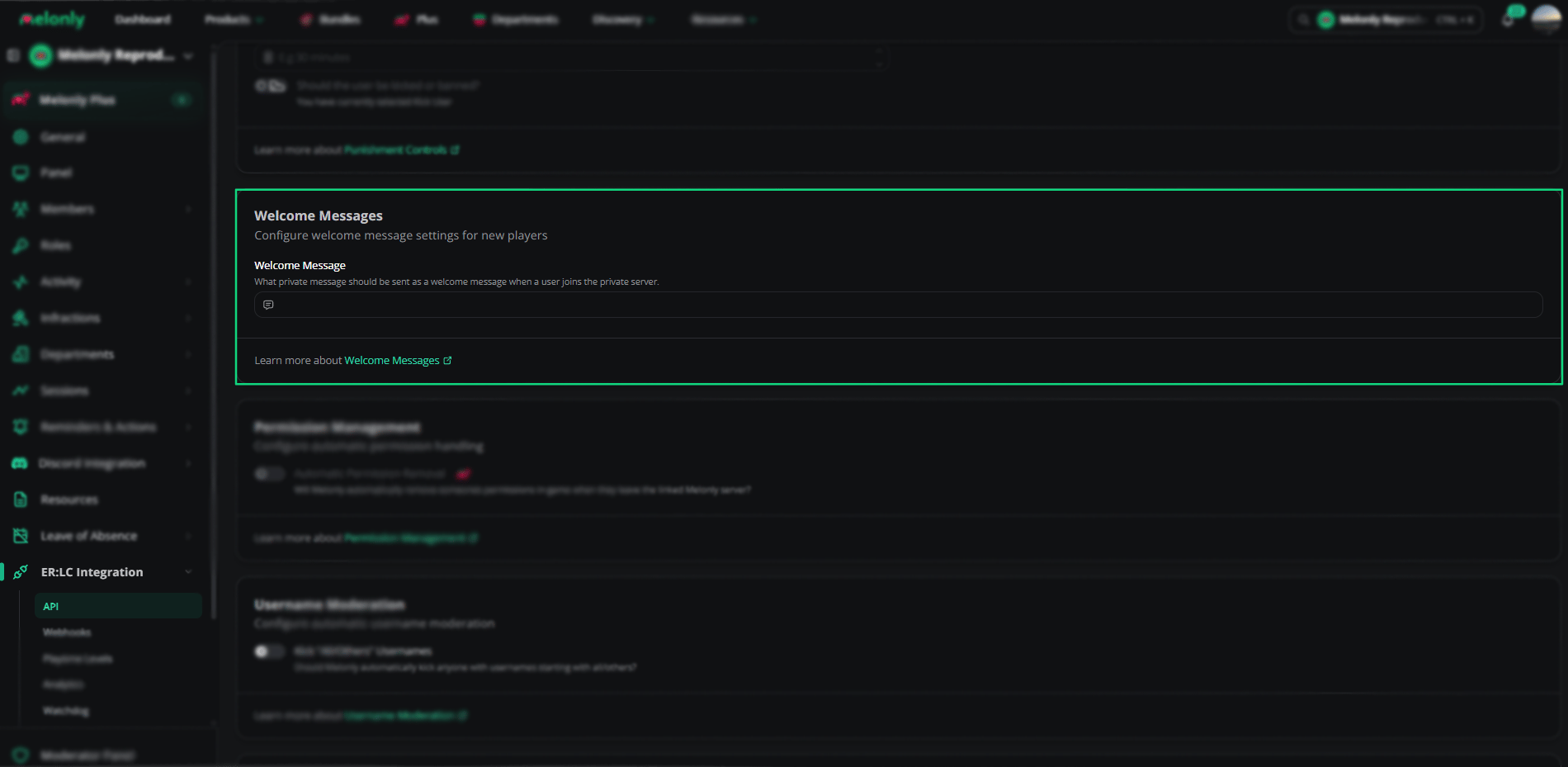
Find **Welcome Messages** on the **ER:LC Integration → API** page, below **Mass Unban**.
### Configuration Options
| Setting | Description |
| - | - |
| Welcome Message | The PM sent when a player joins, at most once an hour per player. Clear it to turn welcome messages off. |
 ***
## Example Use Cases
* Greet new players
* Point players to your rules, support channels or staff
***
Still have questions? Join our Discord server for support from the Melonly Team.
This documentation is built and hosted on [Mintlify](https://mintlify.com), a developer documentation platform.
***
## Example Use Cases
* Greet new players
* Point players to your rules, support channels or staff
***
Still have questions? Join our Discord server for support from the Melonly Team.
This documentation is built and hosted on [Mintlify](https://mintlify.com), a developer documentation platform.