> ## Documentation Index
> Fetch the complete documentation index at: https://docs.melonly.com/llms.txt
> Use this file to discover all available pages before exploring further.
# Leave of Absence
> Handle staff leave requests, active absences and LOA history.
***
## What is the Leave of Absence Module?
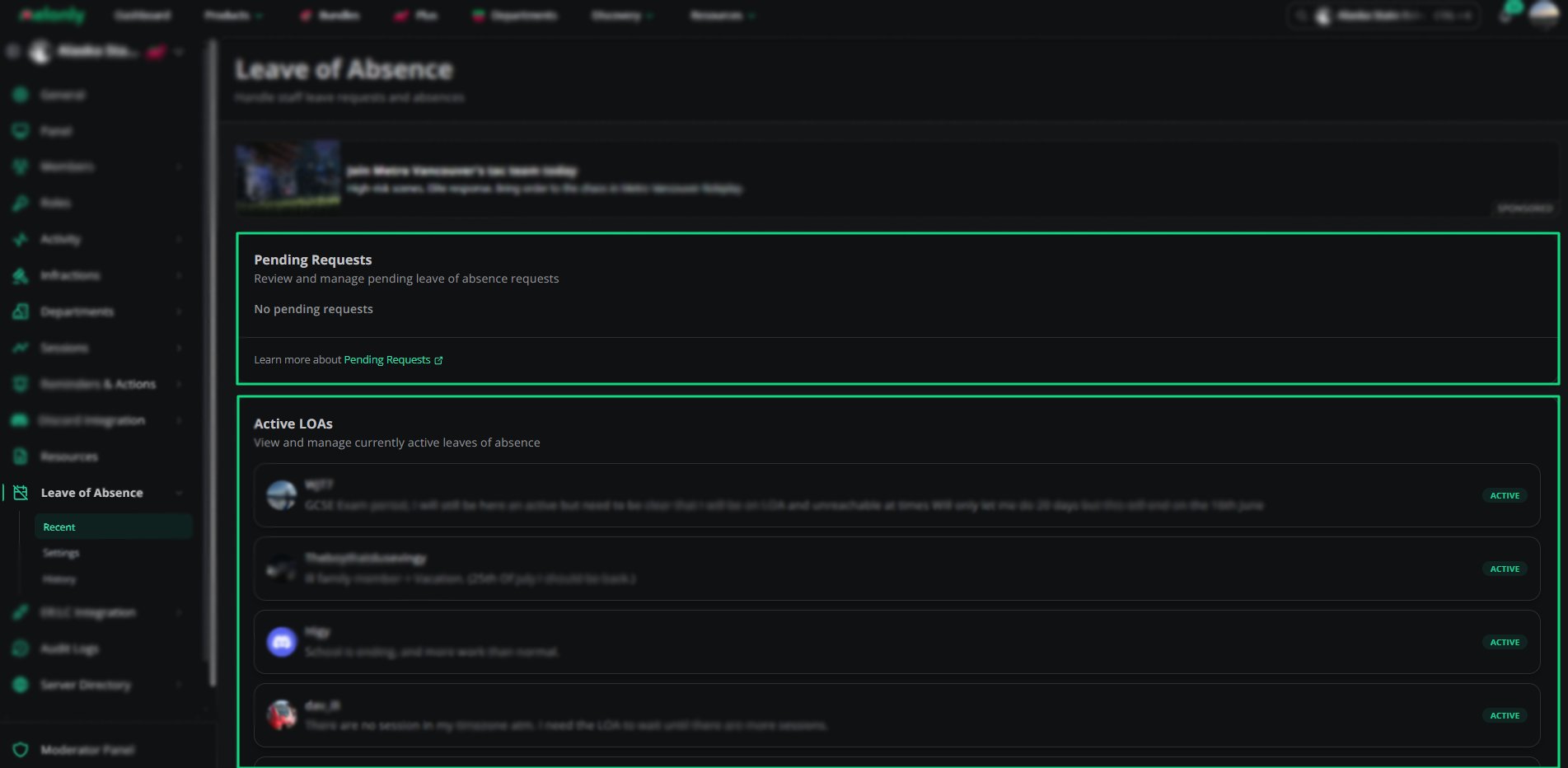
The leave of absence (LOA) module lets staff request time away. Supervisors can review pending requests, track active LOAs and look back through LOA history.
It keeps time away fair, visible and properly recorded across your team.
***
## How Does LOA Benefit My Server?
Staff aren't penalized for approved absences, and supervisors can see who is available, plan around it and check past leave.
 ***
## 🧭 Quick Navigation
View pending requests and active LOAs.
Search completed LOAs and review past leave.
Configure LOA rules, duration limits and messages.
How staff submit an LOA request.
***
Still have questions? Join our Discord server for support from the Melonly Team.
This documentation is built and hosted on [Mintlify](https://mintlify.com), a developer documentation platform.
***
## 🧭 Quick Navigation
View pending requests and active LOAs.
Search completed LOAs and review past leave.
Configure LOA rules, duration limits and messages.
How staff submit an LOA request.
***
Still have questions? Join our Discord server for support from the Melonly Team.
This documentation is built and hosted on [Mintlify](https://mintlify.com), a developer documentation platform.