> ## Documentation Index
> Fetch the complete documentation index at: https://docs.melonly.com/llms.txt
> Use this file to discover all available pages before exploring further.
# Reminders & Actions
> Automate server reminders and create custom actions for your staff team.
***
## What are Reminders & Actions?
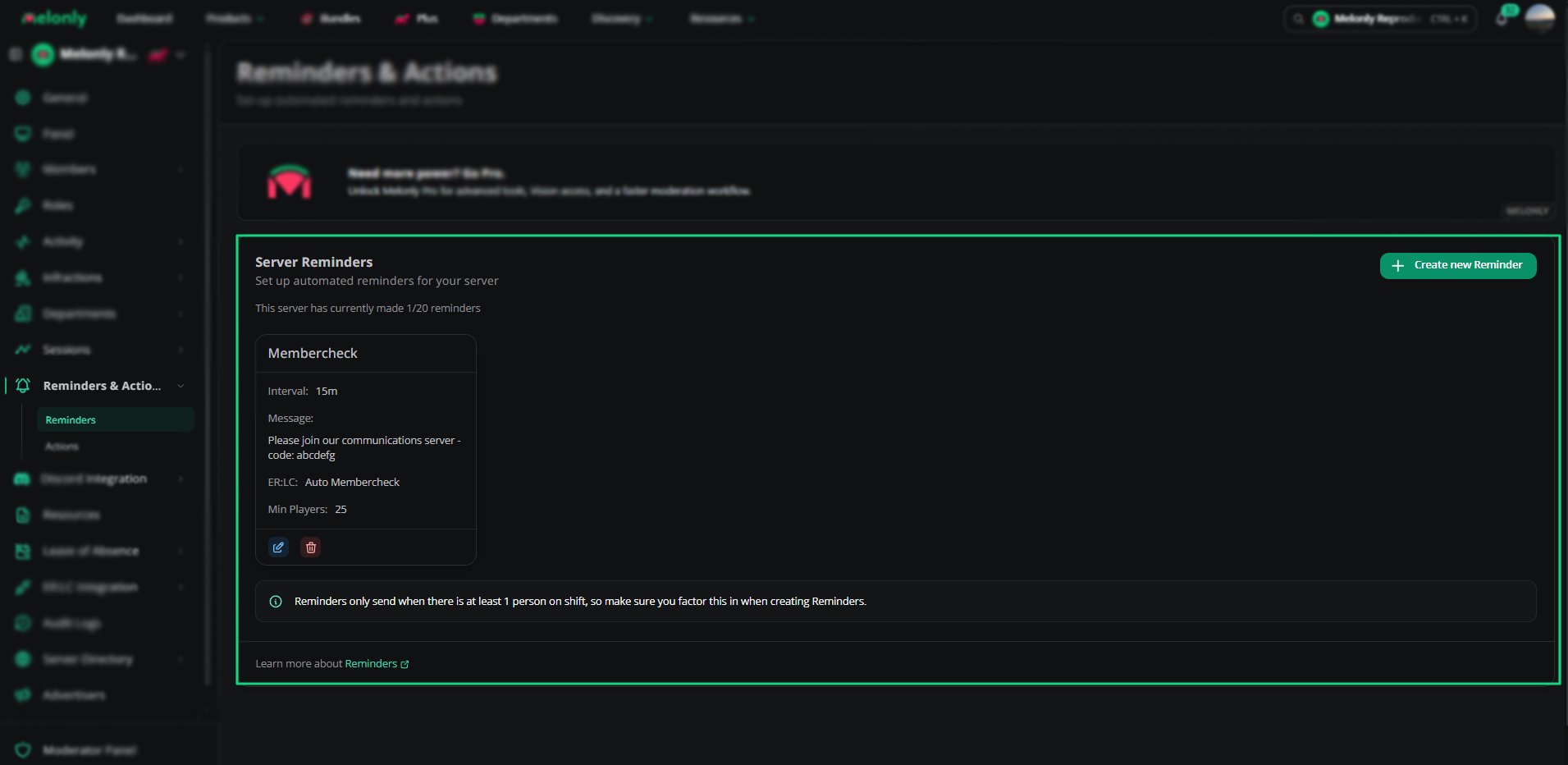
Reminders and actions automate routine messages and tasks in your server. You can schedule reminders, create custom actions and collect information with forms.
***
## How Do Reminders & Actions Benefit My Server?
Reminders handle repeated messages and keep staff informed. Actions give staff a set process to follow, with optional form questions and logging, so tasks are done the same way every time.
 ***
## 🧭 Quick Navigation
Create automatic reminders, including in-game ER:LC messages.
Build custom actions with roles, logs and form questions.
***
Still have questions? Join our Discord server for support from the Melonly Team.
This documentation is built and hosted on [Mintlify](https://mintlify.com), a developer documentation platform.
***
## 🧭 Quick Navigation
Create automatic reminders, including in-game ER:LC messages.
Build custom actions with roles, logs and form questions.
***
Still have questions? Join our Discord server for support from the Melonly Team.
This documentation is built and hosted on [Mintlify](https://mintlify.com), a developer documentation platform.