> ## Documentation Index
> Fetch the complete documentation index at: https://docs.melonly.com/llms.txt
> Use this file to discover all available pages before exploring further.
# Documents
> Create, edit and manage documents for your server.
***
Documents hold your server's important information, such as SOPs, policies, guides and reference material.\
You can edit them at any time and share them with the members or roles who need them.
***
## Ribbon
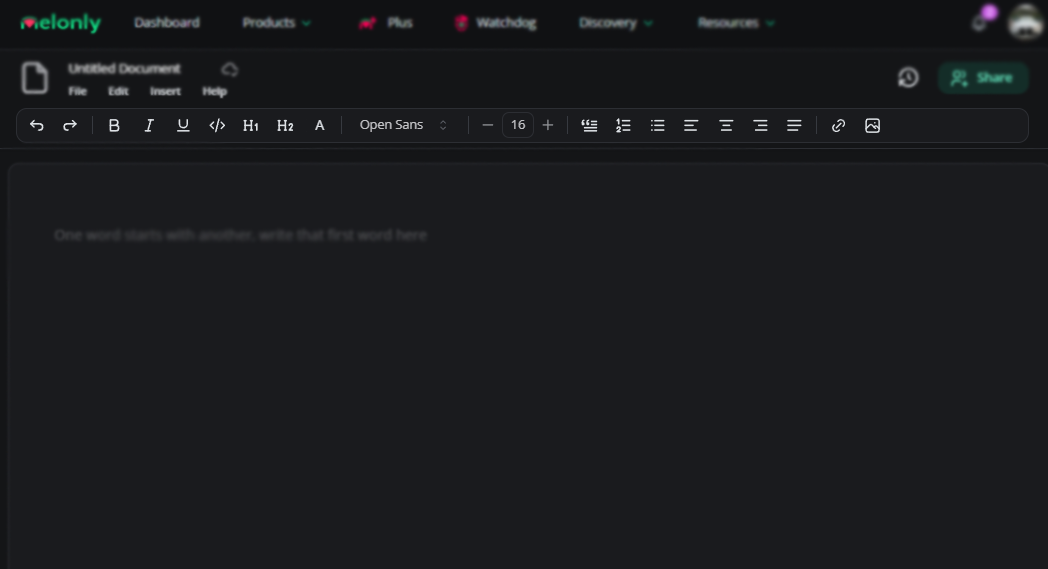
The ribbon at the top of the editor holds all the formatting tools.
| Tool | Description |
| - | - |
| Undo / Redo | Reverts or reapplies your last change |
| Bold / Italic / Underline | Standard text styles |
| Code Text | Switches to a monospace font |
| Heading 1 / Heading 2 | Section headings |
| Text Color | Recolor selected text |
| Font Selector | Switch font |
| Size | Change text size |
| Block Quote | Wraps text in a quote block |
| Numbered / Bulleted List | List formatting |
| Align Left / Center / Right / Justified | Text alignment |
| Insert Link | Add a hyperlink |
| Insert Image | Add an image |
 ***
## File Menu
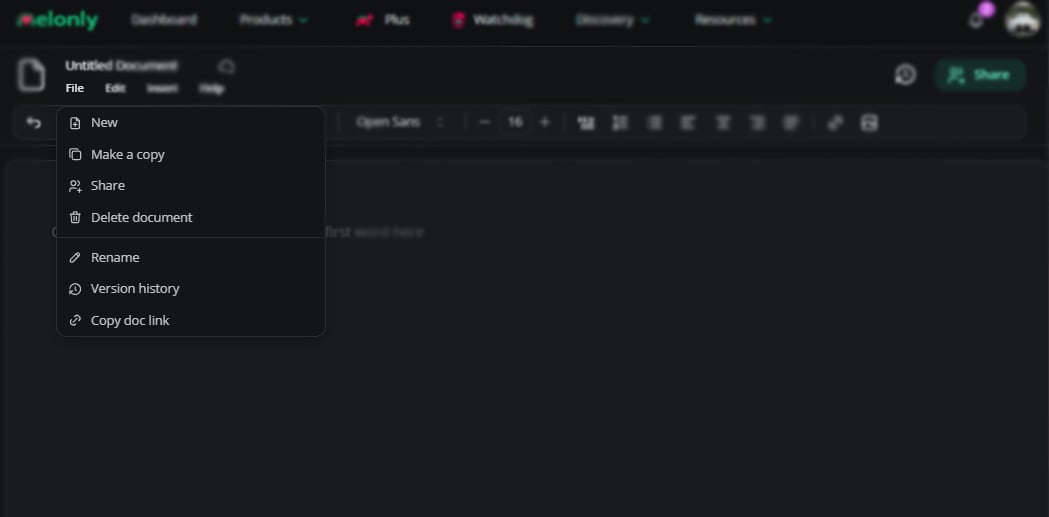
| Option | Description |
| - | - |
| New | Create a fresh document |
| Make a Copy | Duplicate the document |
| Share | Open the access page |
| Delete Document | Permanently delete the document |
| Rename | Rename the document |
| Version History | View past versions |
| Copy Doc Link | Copy the document URL |
| Access Logs | View who has opened the document |
| Import from Gitbook | Import a Gitbook page from raw markdown |
***
## File Menu
| Option | Description |
| - | - |
| New | Create a fresh document |
| Make a Copy | Duplicate the document |
| Share | Open the access page |
| Delete Document | Permanently delete the document |
| Rename | Rename the document |
| Version History | View past versions |
| Copy Doc Link | Copy the document URL |
| Access Logs | View who has opened the document |
| Import from Gitbook | Import a Gitbook page from raw markdown |
 ***
## Edit Menu
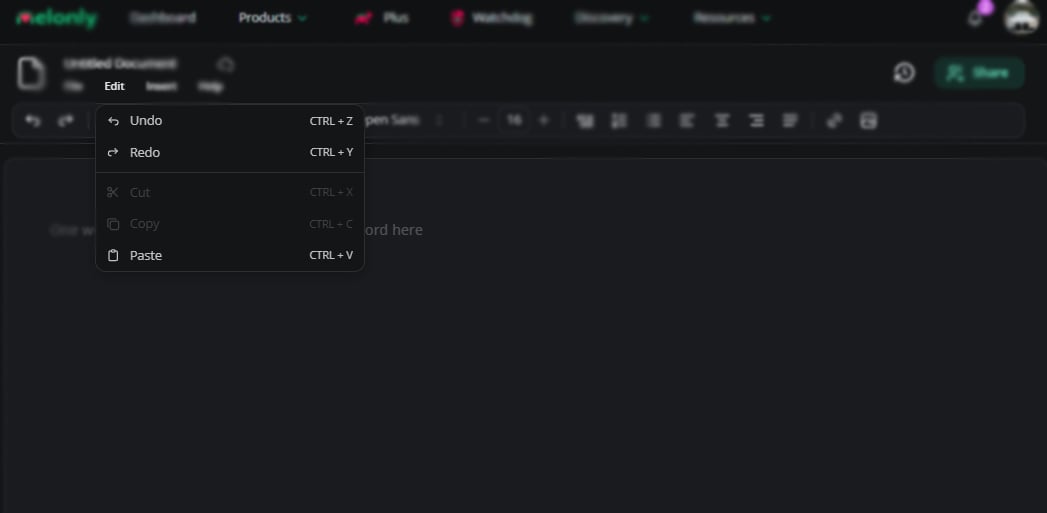
| Option | Description |
| - | - |
| Undo / Redo | Step back or forward |
| Cut | Copy and remove highlighted text |
| Copy | Copy highlighted text |
| Paste | Paste from clipboard |
***
## Edit Menu
| Option | Description |
| - | - |
| Undo / Redo | Step back or forward |
| Cut | Copy and remove highlighted text |
| Copy | Copy highlighted text |
| Paste | Paste from clipboard |
 ***
## Insert Menu
Two slash commands speed things up:
* `/discord invite` inserts your Discord server invite.
* `/erlc` adds a card with your ER:LC server stats and join link.
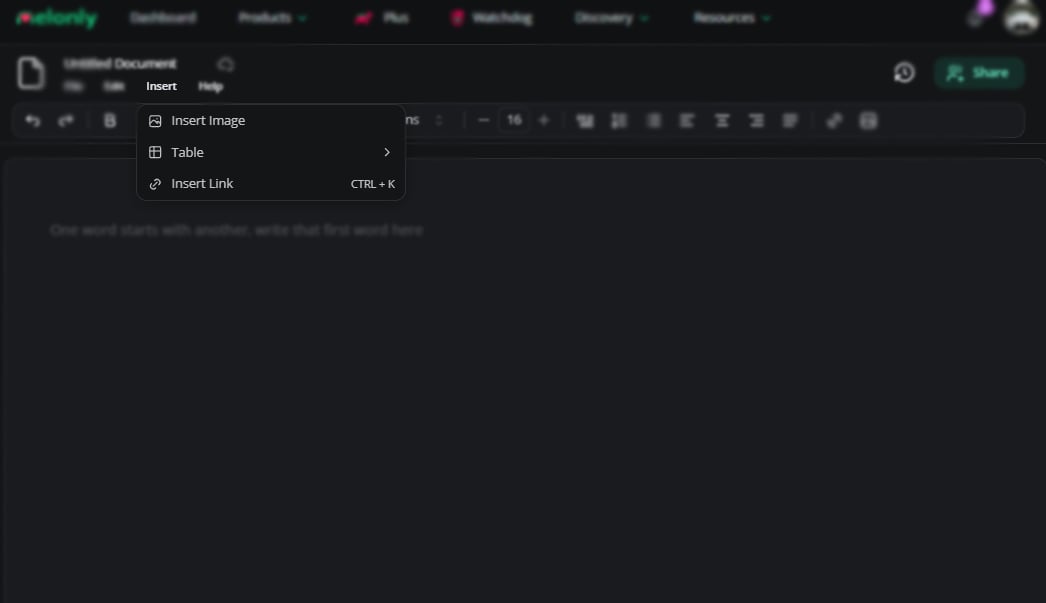
| Object | Description |
| - | - |
| Insert Image | Add an image |
| Table | Insert a table |
| Insert Link | Add a hyperlink |
***
## Insert Menu
Two slash commands speed things up:
* `/discord invite` inserts your Discord server invite.
* `/erlc` adds a card with your ER:LC server stats and join link.
| Object | Description |
| - | - |
| Insert Image | Add an image |
| Table | Insert a table |
| Insert Link | Add a hyperlink |
 ***
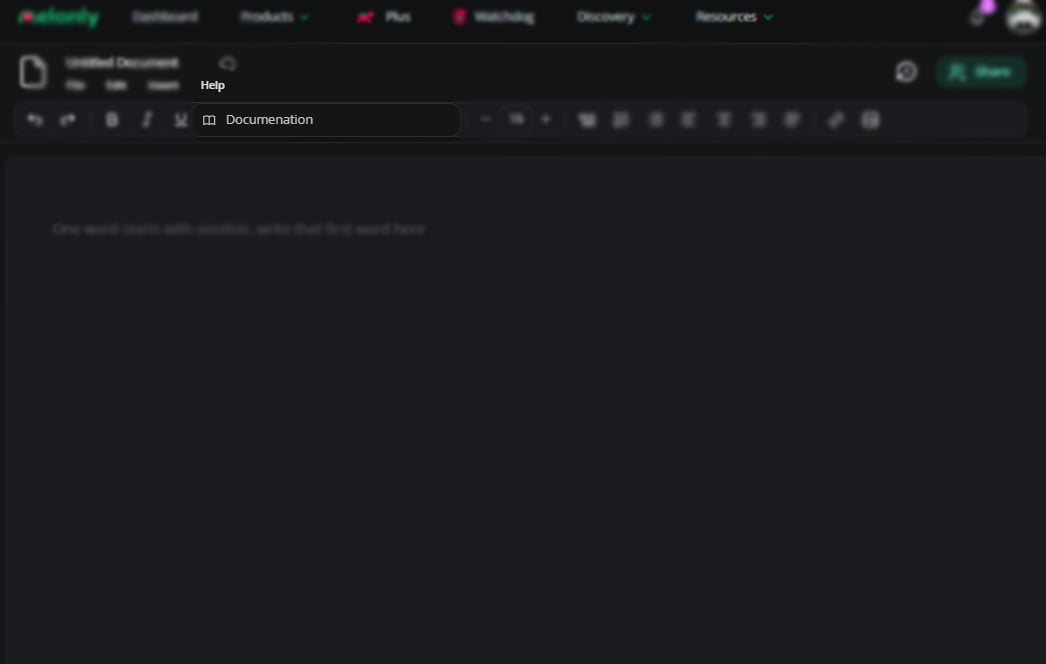
## Help Menu
Opens this documentation in a new tab.
***
## Help Menu
Opens this documentation in a new tab.
 ***
## Sharing
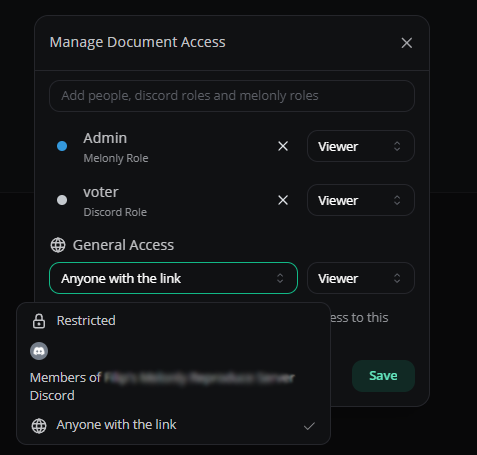
Share documents with individual members, Discord roles, Melonly roles or anyone with the link.\
Each person or role you add gets viewer or editor access.
***
## Sharing
Share documents with individual members, Discord roles, Melonly roles or anyone with the link.\
Each person or role you add gets viewer or editor access.
 ***
Still have questions? Join our Discord server for support from the Melonly Team.
This documentation is built and hosted on [Mintlify](https://mintlify.com), a developer documentation platform.
***
Still have questions? Join our Discord server for support from the Melonly Team.
This documentation is built and hosted on [Mintlify](https://mintlify.com), a developer documentation platform.