> ## Documentation Index
> Fetch the complete documentation index at: https://docs.melonly.com/llms.txt
> Use this file to discover all available pages before exploring further.
# Folders & Workspaces
> Organize your documents using folders and workspaces.
***
Folders and workspaces keep your Resources page organized.
***
## Folders
Folders group multiple documents and forms into a single location.
### Create a Folder
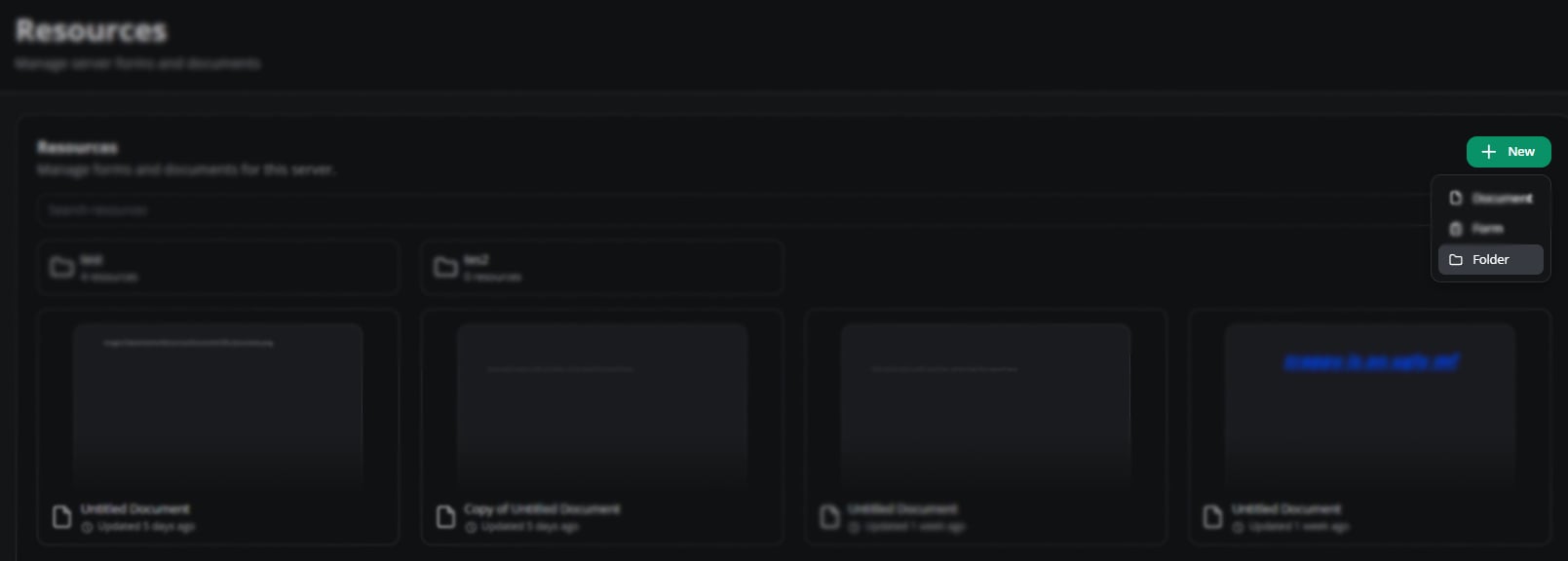
Press **New** on your Resources page and select **Folder**.
 ### Configure a Folder
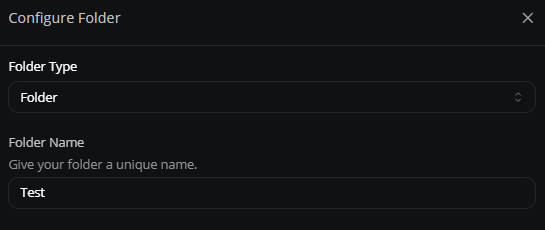
Convert it to a workspace or rename it from the configuration menu.
### Configure a Folder
Convert it to a workspace or rename it from the configuration menu.
 ### Share a Folder
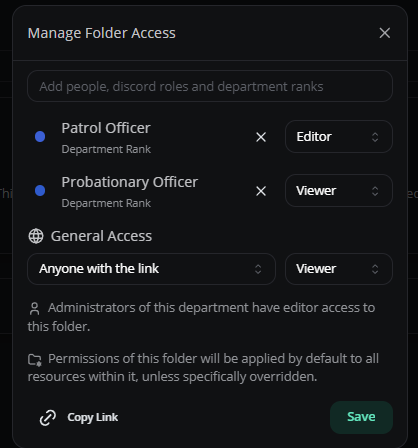
Restrict folders to specific roles or members. Use **Copy Link** to distribute the folder.
### Share a Folder
Restrict folders to specific roles or members. Use **Copy Link** to distribute the folder.
 ### Move Documents Into a Folder
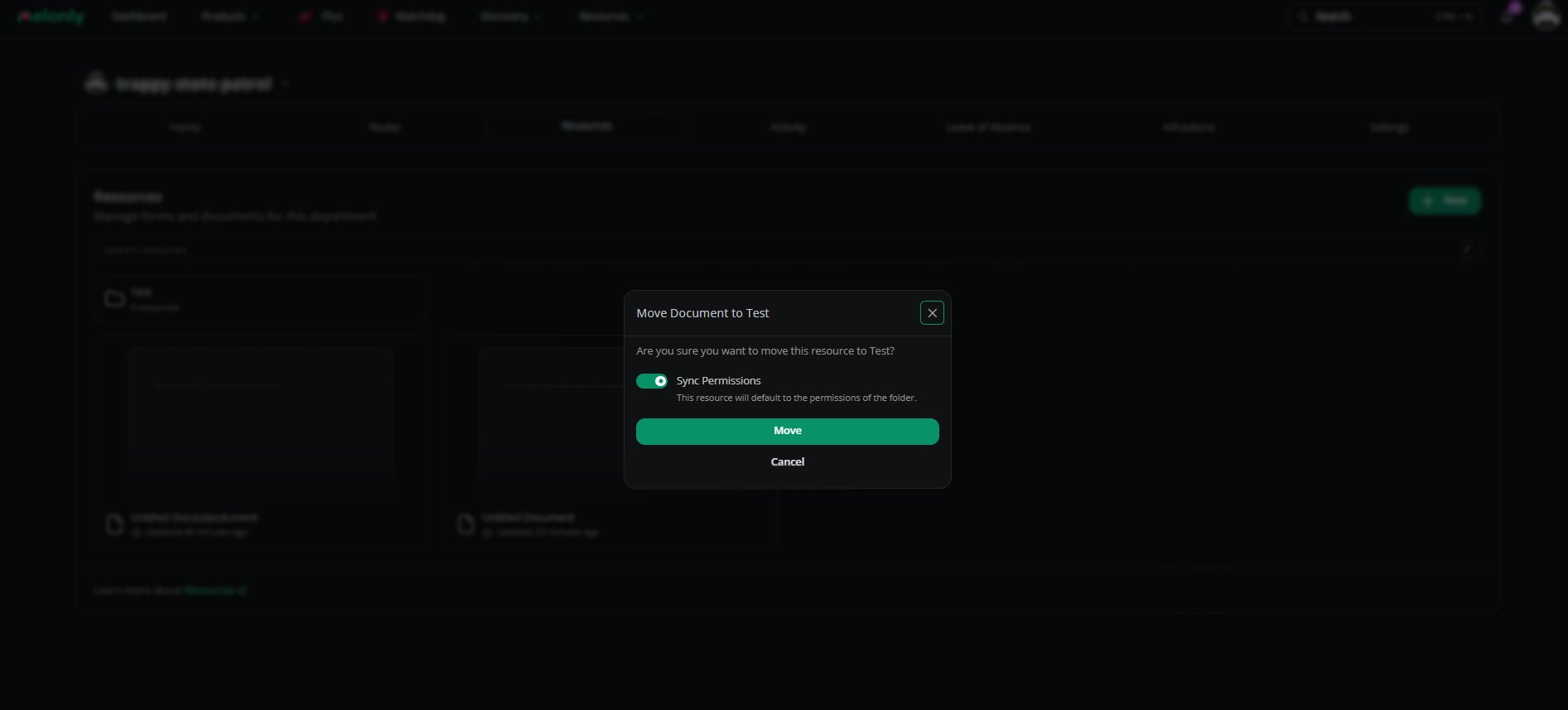
Drag and drop documents into the folder. Sync permissions to give them the folder's access settings.
### Move Documents Into a Folder
Drag and drop documents into the folder. Sync permissions to give them the folder's access settings.
 ***
## Workspaces
Workspaces are advanced folders with sidebar navigation and grouped content.
### Create a Workspace
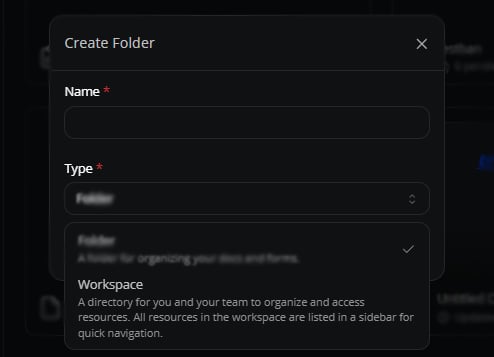
Press **New**, select **Folder**, then switch the **Type** to **Workspace**.
***
## Workspaces
Workspaces are advanced folders with sidebar navigation and grouped content.
### Create a Workspace
Press **New**, select **Folder**, then switch the **Type** to **Workspace**.
 ### Configure a Workspace
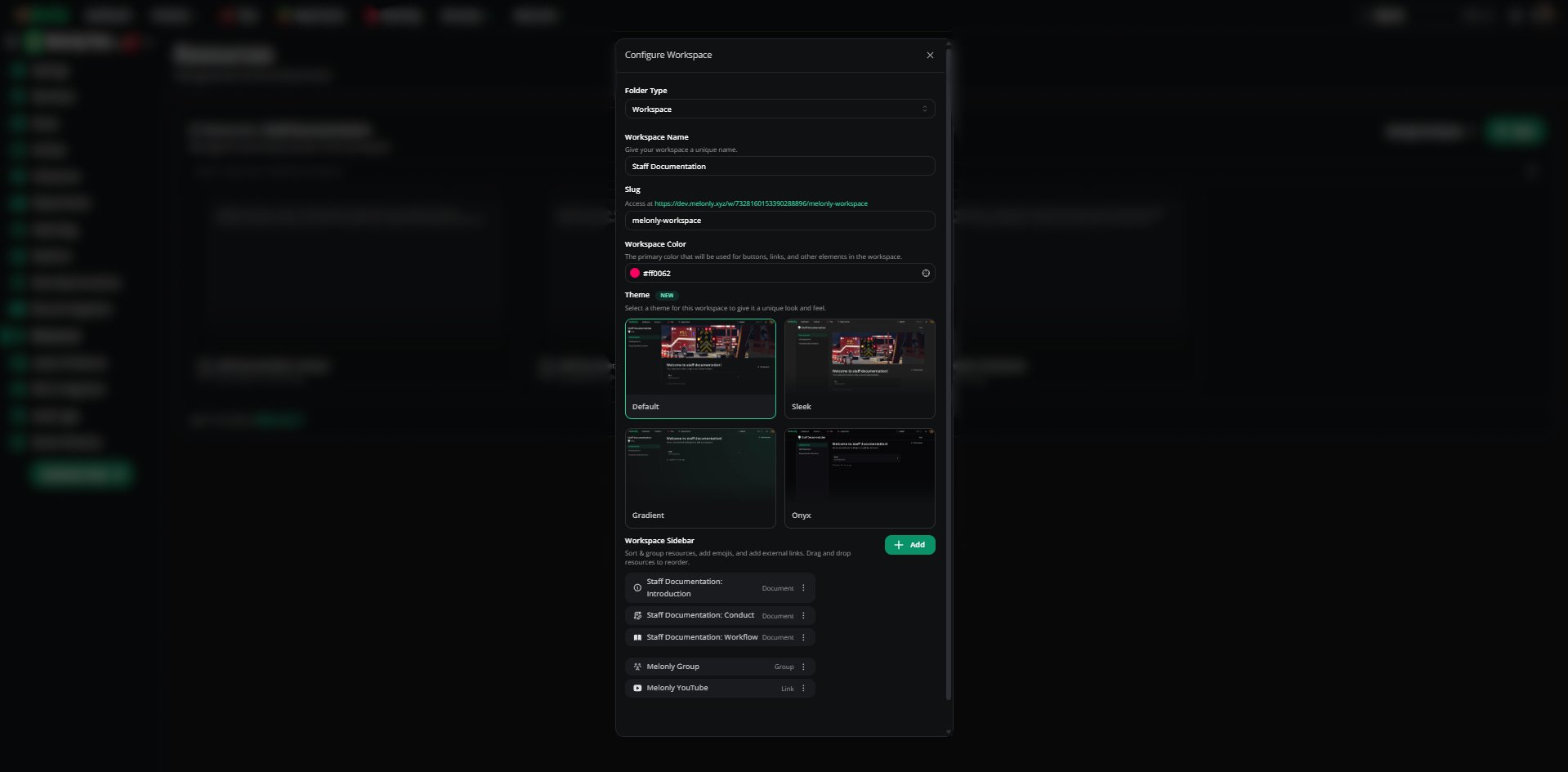
Convert it back to a folder, rename it or set up a sidebar with grouped documents and links.
### Configure a Workspace
Convert it back to a folder, rename it or set up a sidebar with grouped documents and links.
 ### Share a Workspace
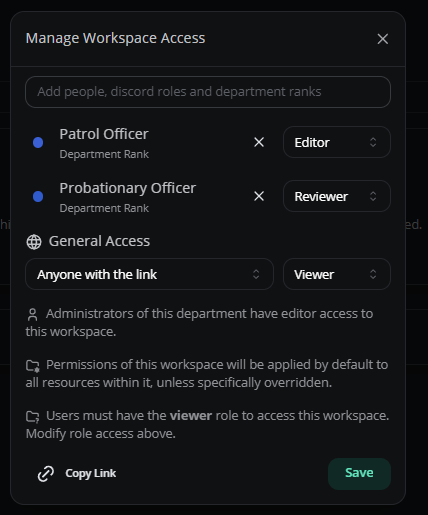
Like folders, you can restrict workspaces to specific roles or members, or share them by link.
### Share a Workspace
Like folders, you can restrict workspaces to specific roles or members, or share them by link.
 ### Move Documents Into a Workspace
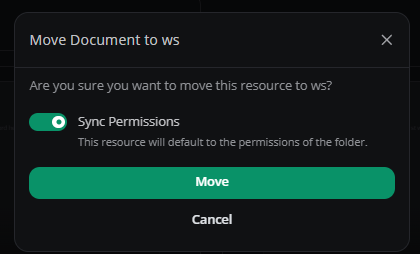
Drag and drop documents into the workspace. Sync permissions to give them the workspace's access settings.
### Move Documents Into a Workspace
Drag and drop documents into the workspace. Sync permissions to give them the workspace's access settings.
 ***
Still have questions? Join our Discord server for support from the Melonly Team.
This documentation is built and hosted on [Mintlify](https://mintlify.com), a developer documentation platform.
***
Still have questions? Join our Discord server for support from the Melonly Team.
This documentation is built and hosted on [Mintlify](https://mintlify.com), a developer documentation platform.