> ## Documentation Index
> Fetch the complete documentation index at: https://docs.melonly.com/llms.txt
> Use this file to discover all available pages before exploring further.
# Import Share Code & Templates
> Learn how to create workflows from templates or import them with share codes.
***
You can create a workflow from a template or import one with a share code.\
Both options are available when you first create a workflow.
## Templates
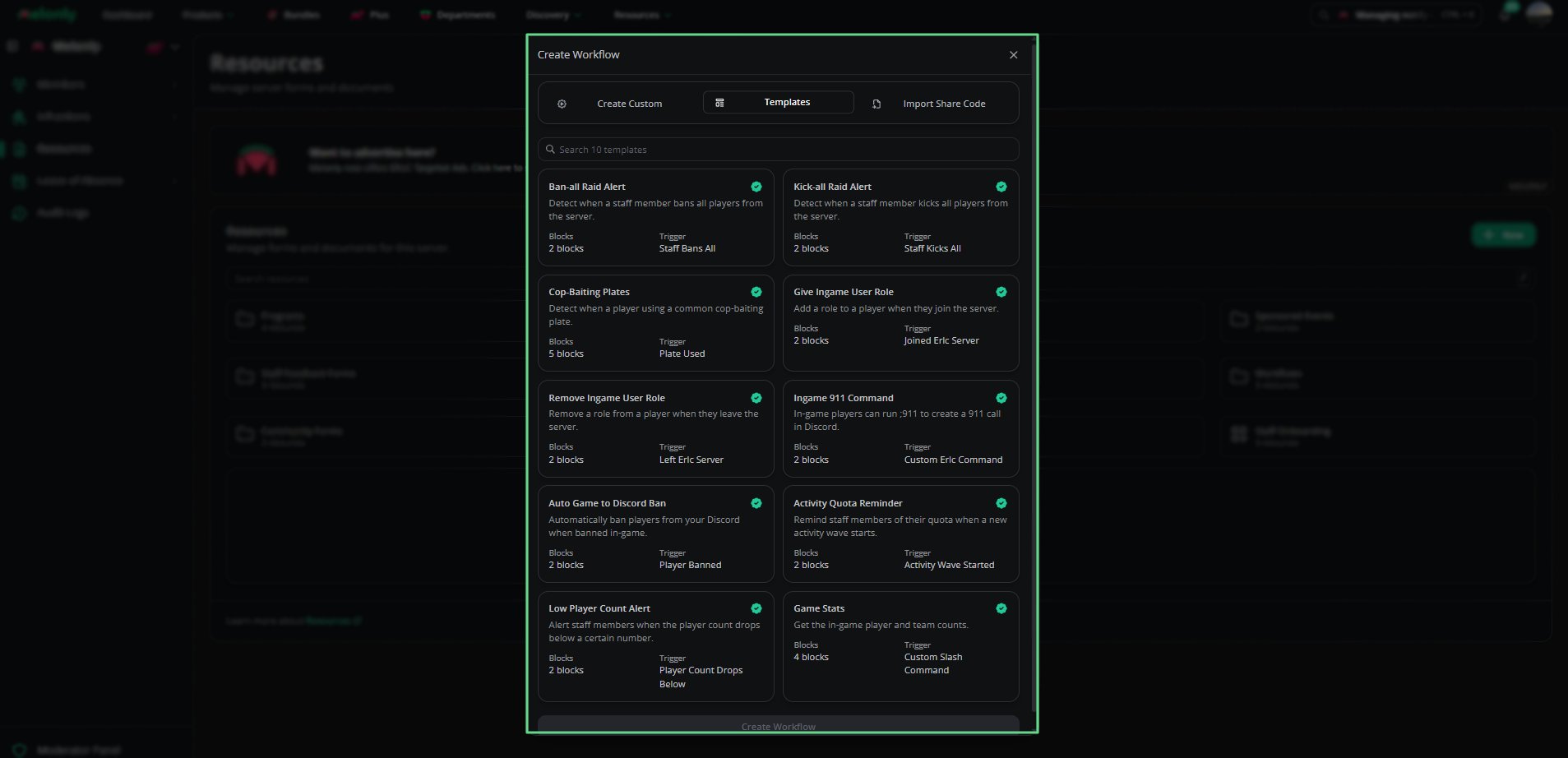
Templates let you start a workflow from a pre-made setup.\
Each template shows its name, description, block count and trigger type.
### Available Templates
| Template | Description |
| - | - |
| Ban-all Raid Alert | Detects when staff ban all players. |
| Kick-all Raid Alert | Detects when staff kick all players. |
| Cop-Baiting Plates | Detects when a player uses a common cop-baiting plate. |
| Give Ingame User Role | Adds a role to a player when they join the server. |
| Remove Ingame User Role | Removes a role when a player leaves the server. |
| Ingame 911 Command | Allows players to run .911 to create a Discord call. |
| Auto Game to Discord Ban | Automatically bans players from Discord when banned in-game. |
| Activity Quota Reminder | Reminds staff of their quota when an activity wave starts. |
| Low Player Count Alert | Alerts staff when player count drops below a threshold. |
| Game Stats | Retrieves in-game player and team counts. |
 ## Import Share Code
Import a workflow that another person or server has shared with you.\
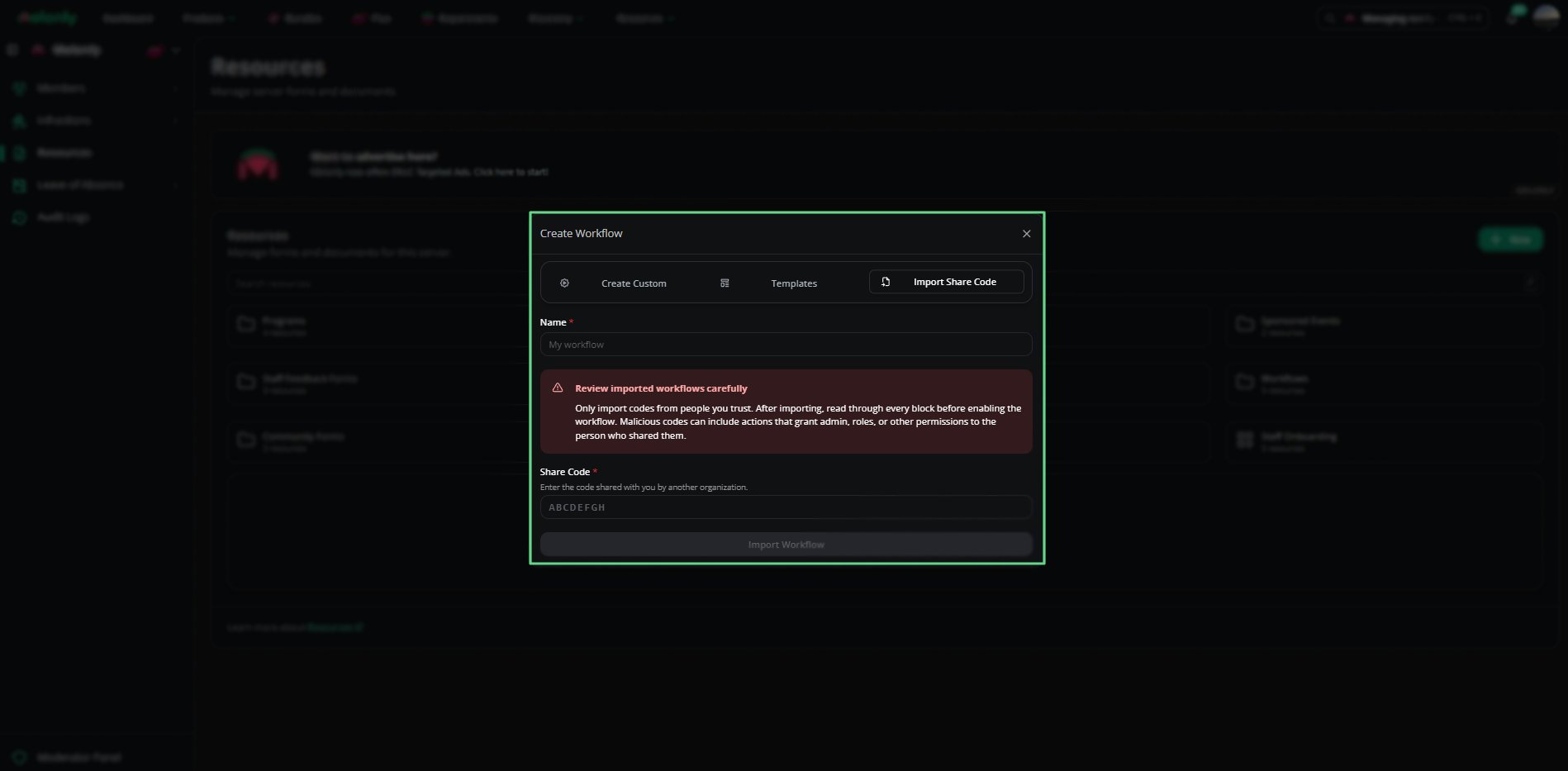
Enter the share code and review every block before you enable the workflow.
Only import share codes from trusted sources.\
Imported workflows may contain actions that grant roles, permissions or admin access.
## Import Share Code
Import a workflow that another person or server has shared with you.\
Enter the share code and review every block before you enable the workflow.
Only import share codes from trusted sources.\
Imported workflows may contain actions that grant roles, permissions or admin access.
 ### Fields
* **Name**: The workflow name.
* **Share Code**: The code shared by another person or server.
* **Import Workflow**: Click to confirm the import.
### Generate Share Code
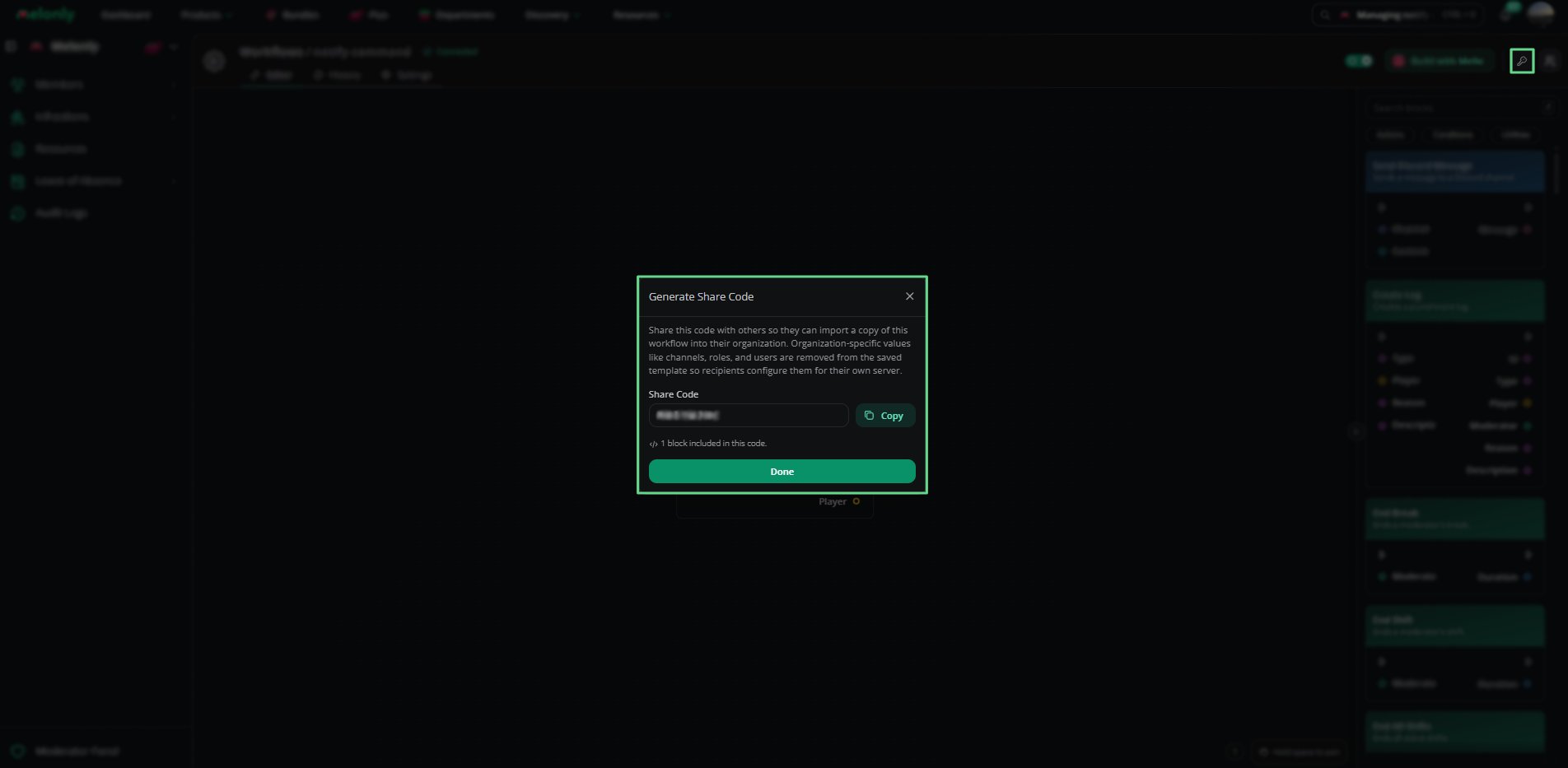
To share your own workflow, click **Generate Share Code** (the key icon) in the top right of the workflow editor.\
Server-specific values like channels and roles are removed before sharing.
### Fields
* **Name**: The workflow name.
* **Share Code**: The code shared by another person or server.
* **Import Workflow**: Click to confirm the import.
### Generate Share Code
To share your own workflow, click **Generate Share Code** (the key icon) in the top right of the workflow editor.\
Server-specific values like channels and roles are removed before sharing.
 #### Example Output
* Share Code: ETKNTHUB
* Blocks Included: 3
* Required Configuration:
* BLO-001 Custom Slash Command: Required Discord Roles
* BLO-004 Send Discord Message: Channel
***
Still have questions? Join our Discord server for support from the Melonly Team.
This documentation is built and hosted on [Mintlify](https://mintlify.com), a developer documentation platform.
#### Example Output
* Share Code: ETKNTHUB
* Blocks Included: 3
* Required Configuration:
* BLO-001 Custom Slash Command: Required Discord Roles
* BLO-004 Send Discord Message: Channel
***
Still have questions? Join our Discord server for support from the Melonly Team.
This documentation is built and hosted on [Mintlify](https://mintlify.com), a developer documentation platform.