> ## Documentation Index
> Fetch the complete documentation index at: https://docs.melonly.com/llms.txt
> Use this file to discover all available pages before exploring further.
# Utilities
> Learn how utility blocks process data in workflows and see every available utility.
***
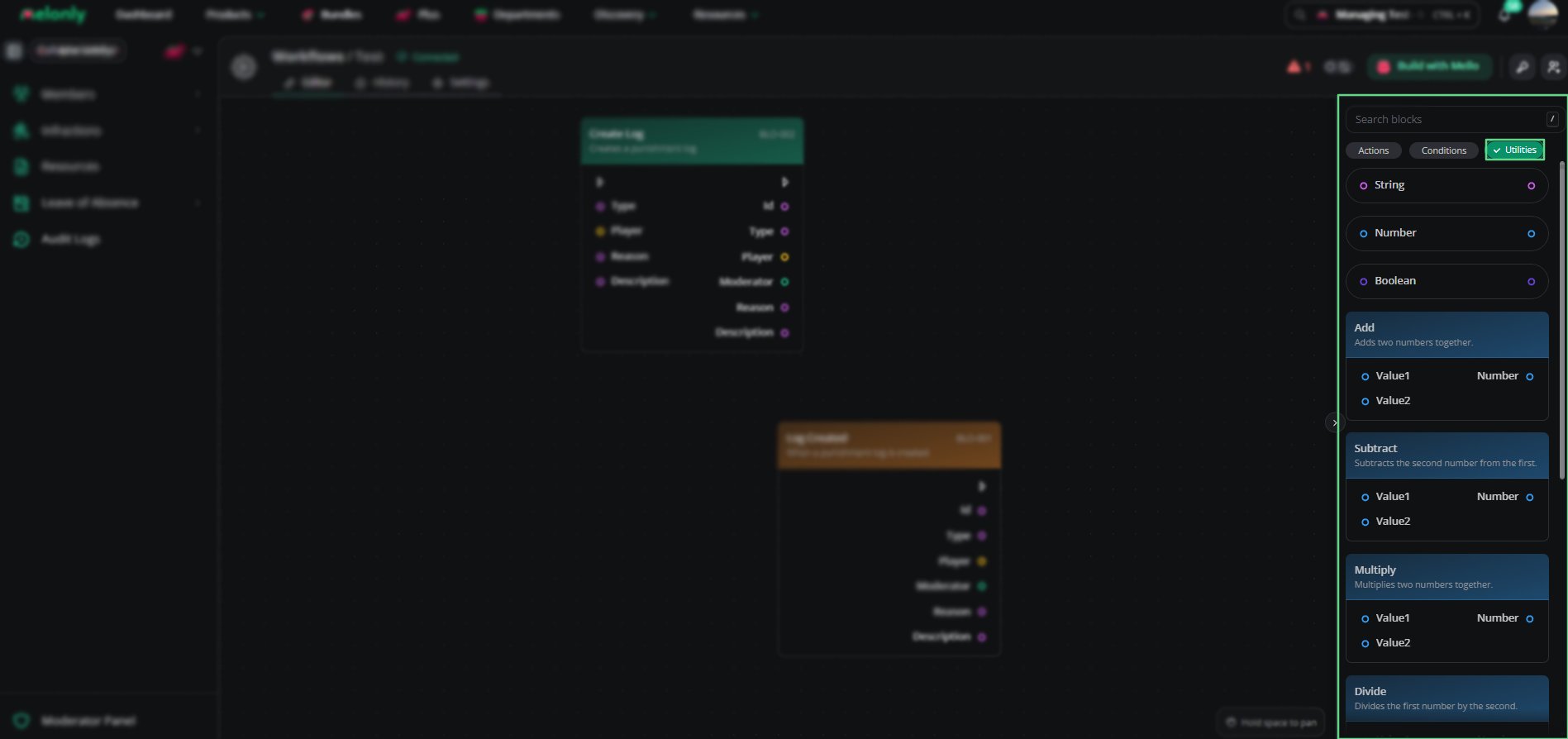
Utility blocks create values, do math and transform data inside workflows.\
They don't start workflows or perform actions themselves. Instead, they support the blocks that do.
***
## How Utilities Work
Utilities take input values, process them and return a result that other blocks can use.
For example:
* Adding two numbers together
* Finding the larger of two values
* Inverting a true or false result
* Getting a property from an object
***
## Utilities
Each utility performs one operation and returns the result.
| Utility | Description |
| - | - |
| String | Represents text values. |
| Number | Represents numeric values. |
| Boolean | Represents true or false values. |
See [Data Utilities](/Dashboard/resources/workflows/utilities/datautilities) for each utility's inputs and outputs.
| Utility | Description |
| - | - |
| Add | Adds two numbers together. |
| Subtract | Subtracts the second number from the first. |
| Multiply | Multiplies two numbers together. |
| Divide | Divides the first number by the second. |
| Min | Returns the smaller of two numbers. |
| Max | Returns the larger of two numbers. |
See [Math Utilities](/Dashboard/resources/workflows/utilities/mathutilities) for each utility's inputs and outputs.
| Utility | Description |
| - | - |
| Not | Inverts a boolean value. |
See [Logic Utilities](/Dashboard/resources/workflows/utilities/logicutilities) for each utility's inputs and outputs.
| Utility | Description |
| - | - |
| Object | Represents a structured data object. |
| Property | Retrieves a property from an object. |
See [Object Utilities](/Dashboard/resources/workflows/utilities/objectutilities) for each utility's inputs and outputs.
***
 ***
## Working With Utilities
Utilities let you calculate and transform values between other blocks.
When designing workflows, keep in mind:
* Data Flow: Utilities can pass values between triggers, actions and conditions.
* Reuse: Use utilities to simplify complex logic and avoid repetition.
* Data Types: Make sure math blocks get numbers, not text.
* Testing: Check utility outputs before connecting them to actions.
### Example Workflow Flow
1. A player leaves your ER:LC server and the trigger starts the workflow.
2. A utility calculates how long the player was in the server.
3. A condition checks whether that time is over a threshold.
4. If true, an action sends a Discord message.
***
Still have questions? Join our Discord server for support from the Melonly Team.
This documentation is built and hosted on [Mintlify](https://mintlify.com), a developer documentation platform.
***
## Working With Utilities
Utilities let you calculate and transform values between other blocks.
When designing workflows, keep in mind:
* Data Flow: Utilities can pass values between triggers, actions and conditions.
* Reuse: Use utilities to simplify complex logic and avoid repetition.
* Data Types: Make sure math blocks get numbers, not text.
* Testing: Check utility outputs before connecting them to actions.
### Example Workflow Flow
1. A player leaves your ER:LC server and the trigger starts the workflow.
2. A utility calculates how long the player was in the server.
3. A condition checks whether that time is over a threshold.
4. If true, an action sends a Discord message.
***
Still have questions? Join our Discord server for support from the Melonly Team.
This documentation is built and hosted on [Mintlify](https://mintlify.com), a developer documentation platform.