> ## Documentation Index
> Fetch the complete documentation index at: https://docs.melonly.com/llms.txt
> Use this file to discover all available pages before exploring further.
# Object Utilities
> Learn how object utility blocks get properties from objects inside workflows.
***
Object Utilities get specific values out of objects, such as a player or user.\
Use them when a later block needs one property instead of the whole object.
 ***
## Blocks
## Object
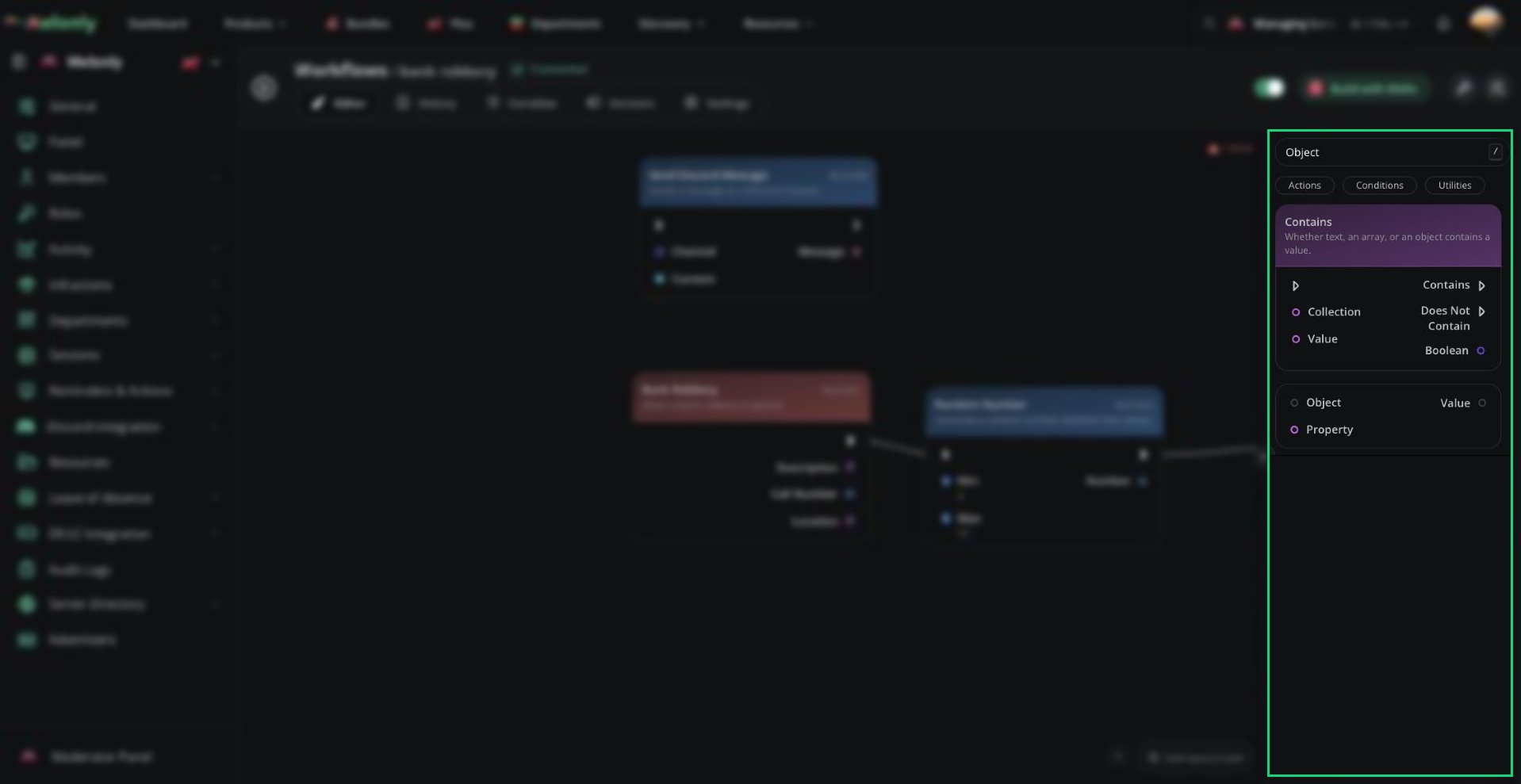
The Object block gets a property from a connected object.
### What Does It Do?
The Object block takes an object and a property name, then returns the value of that property.
**Input**
* **Object**: The object to get the property from.
* **Property**: The name of the property to get.
**Output**
* **Value**: The property value.
***
Still have questions? Join our Discord server for support from the Melonly Team.
This documentation is built and hosted on [Mintlify](https://mintlify.com), a developer documentation platform.
***
## Blocks
## Object
The Object block gets a property from a connected object.
### What Does It Do?
The Object block takes an object and a property name, then returns the value of that property.
**Input**
* **Object**: The object to get the property from.
* **Property**: The name of the property to get.
**Output**
* **Value**: The property value.
***
Still have questions? Join our Discord server for support from the Melonly Team.
This documentation is built and hosted on [Mintlify](https://mintlify.com), a developer documentation platform.