> ## Documentation Index
> Fetch the complete documentation index at: https://docs.melonly.com/llms.txt
> Use this file to discover all available pages before exploring further.
# Server Directory
> Submit, configure, and manage your server's listing on the Melonly Server Directory
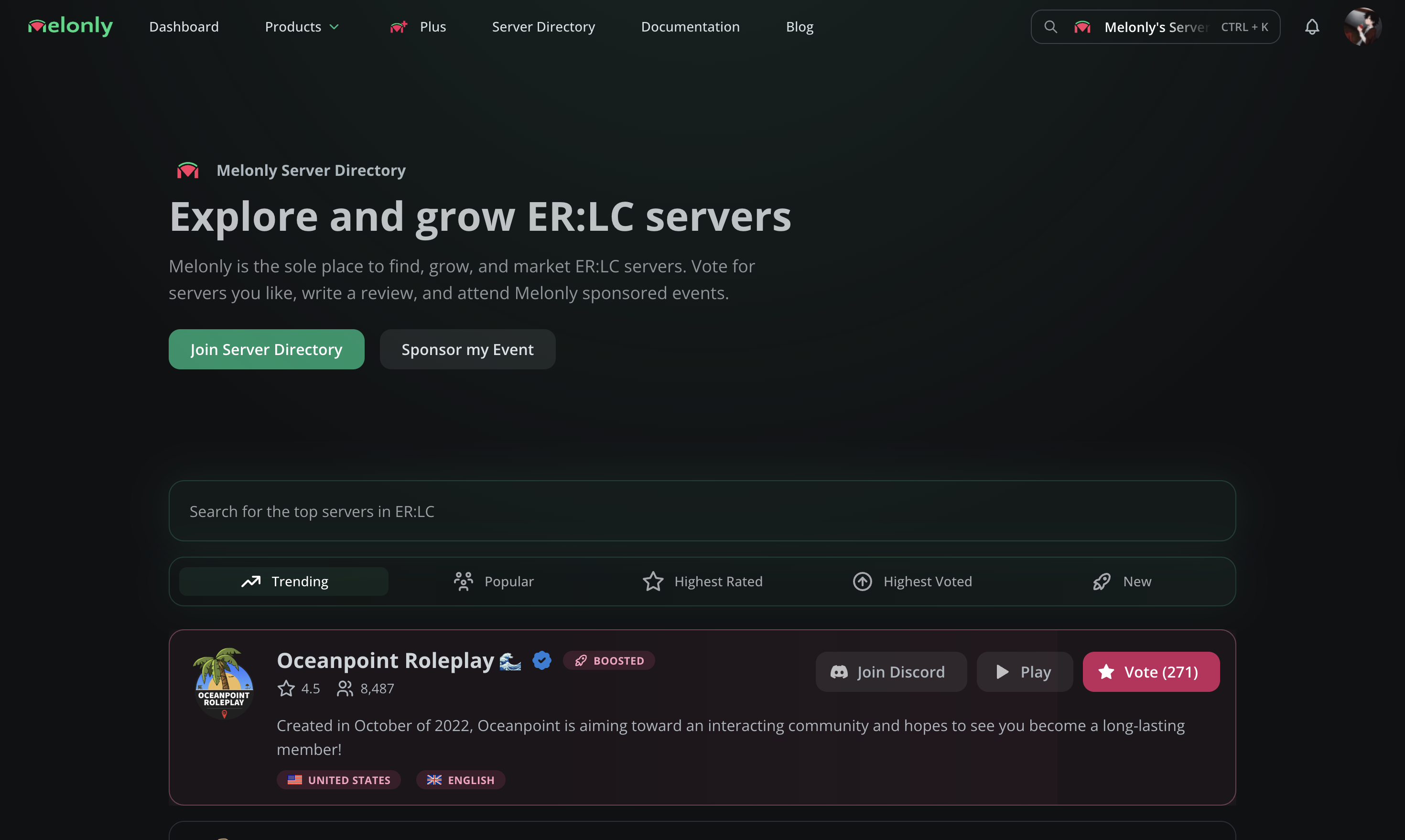
The Server Directory at [servers.melonly.xyz](https://servers.melonly.xyz) is where players discover, vote on, and review ER:LC communities. Listings are reviewed by the Melonly team before going live.
 ## Performance recommendations
Melonly automatically suggests improvements for your listing. Apply them as they appear to grow faster.
Learn how recommendations work and how votes and boosts factor in.
## Submit your server
From your server's dashboard, open **Server Directory** in the sidebar. Fill out the application (server name, descriptions, join code) and submit for review.
Navigate to your dashboard and click **Server Directory** in the sidebar.
## Performance recommendations
Melonly automatically suggests improvements for your listing. Apply them as they appear to grow faster.
Learn how recommendations work and how votes and boosts factor in.
## Submit your server
From your server's dashboard, open **Server Directory** in the sidebar. Fill out the application (server name, descriptions, join code) and submit for review.
Navigate to your dashboard and click **Server Directory** in the sidebar.
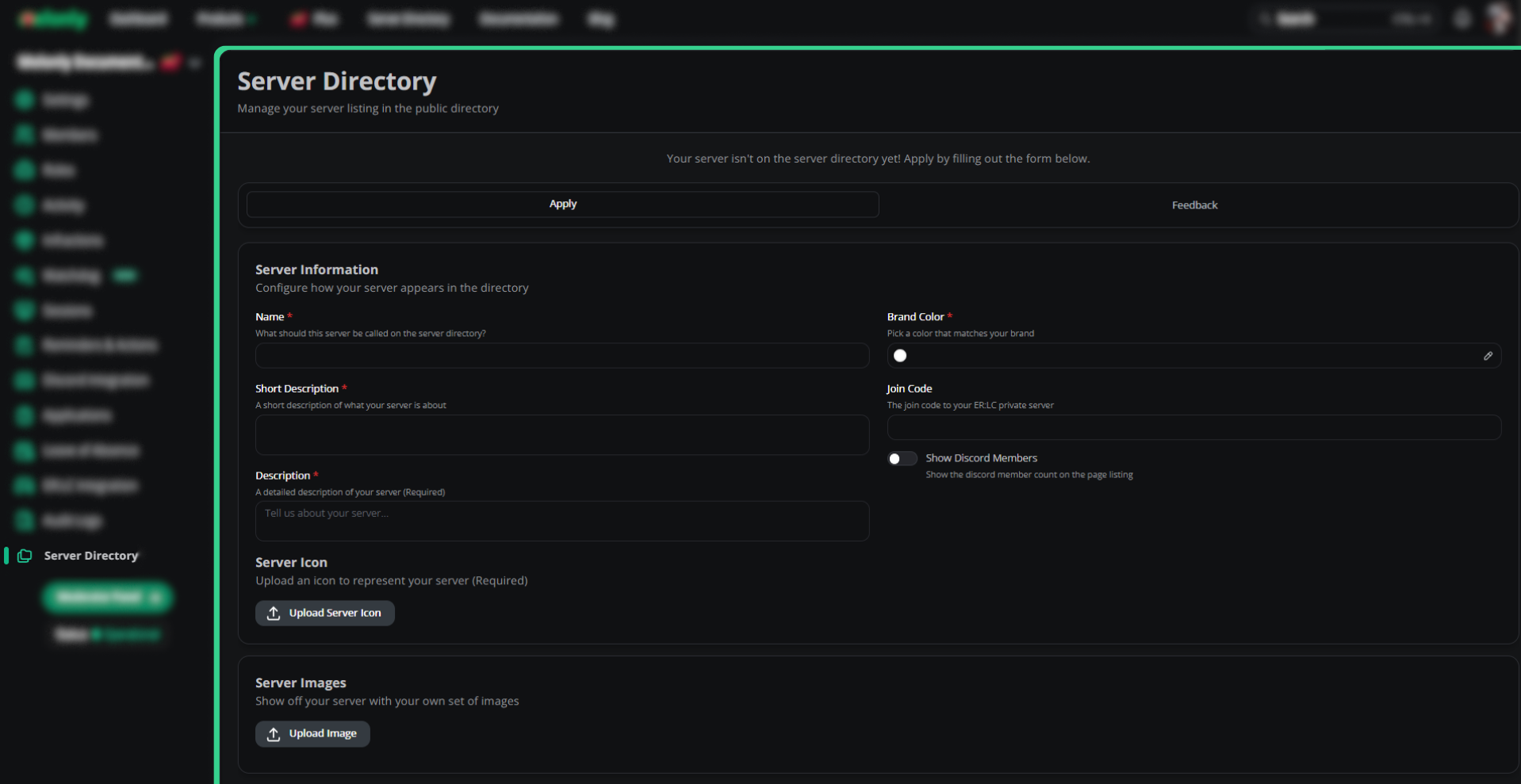 Name, descriptions, brand color, join code, Discord member visibility, and server icon.
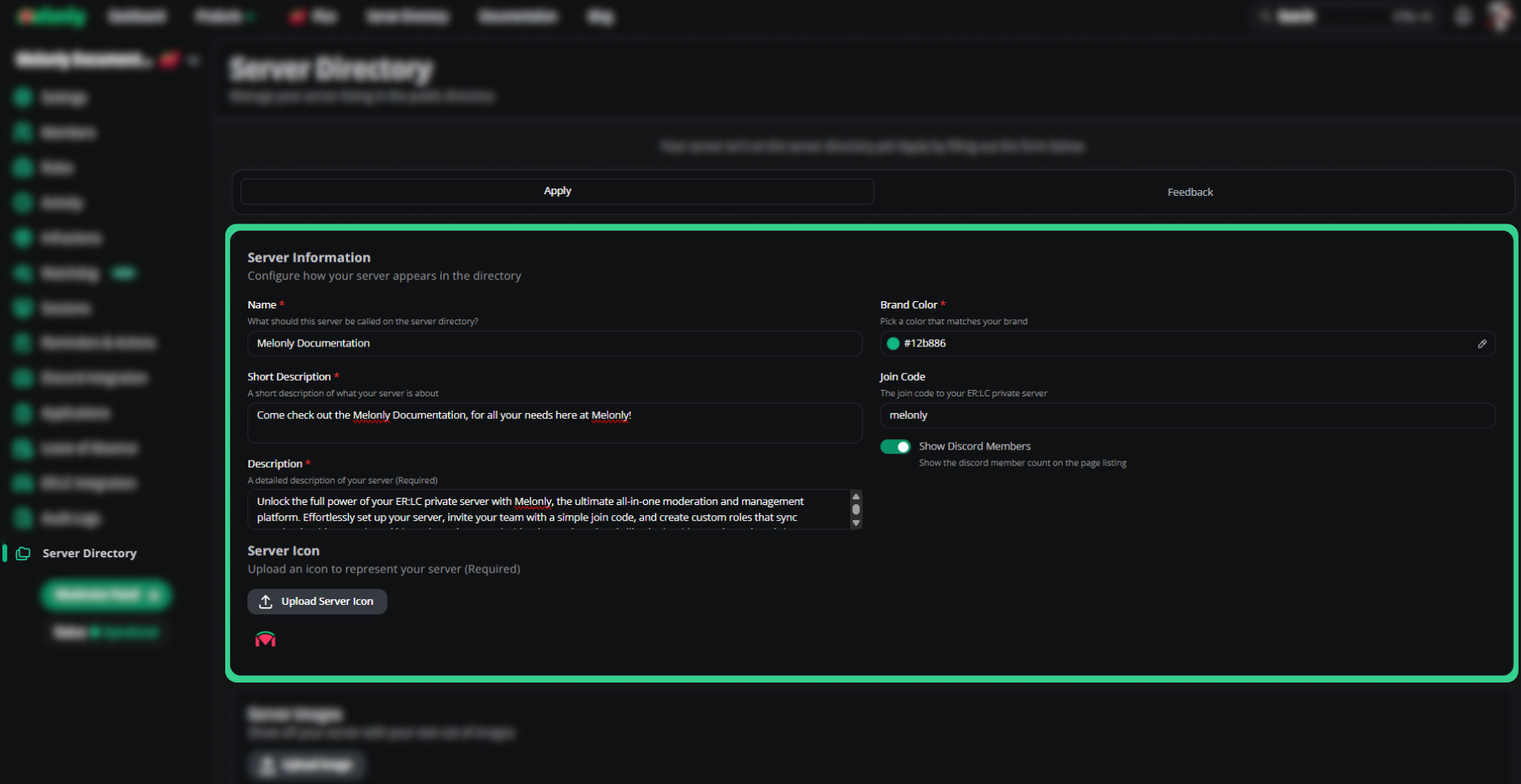 Upload banners and any in-game screenshots that showcase your server.
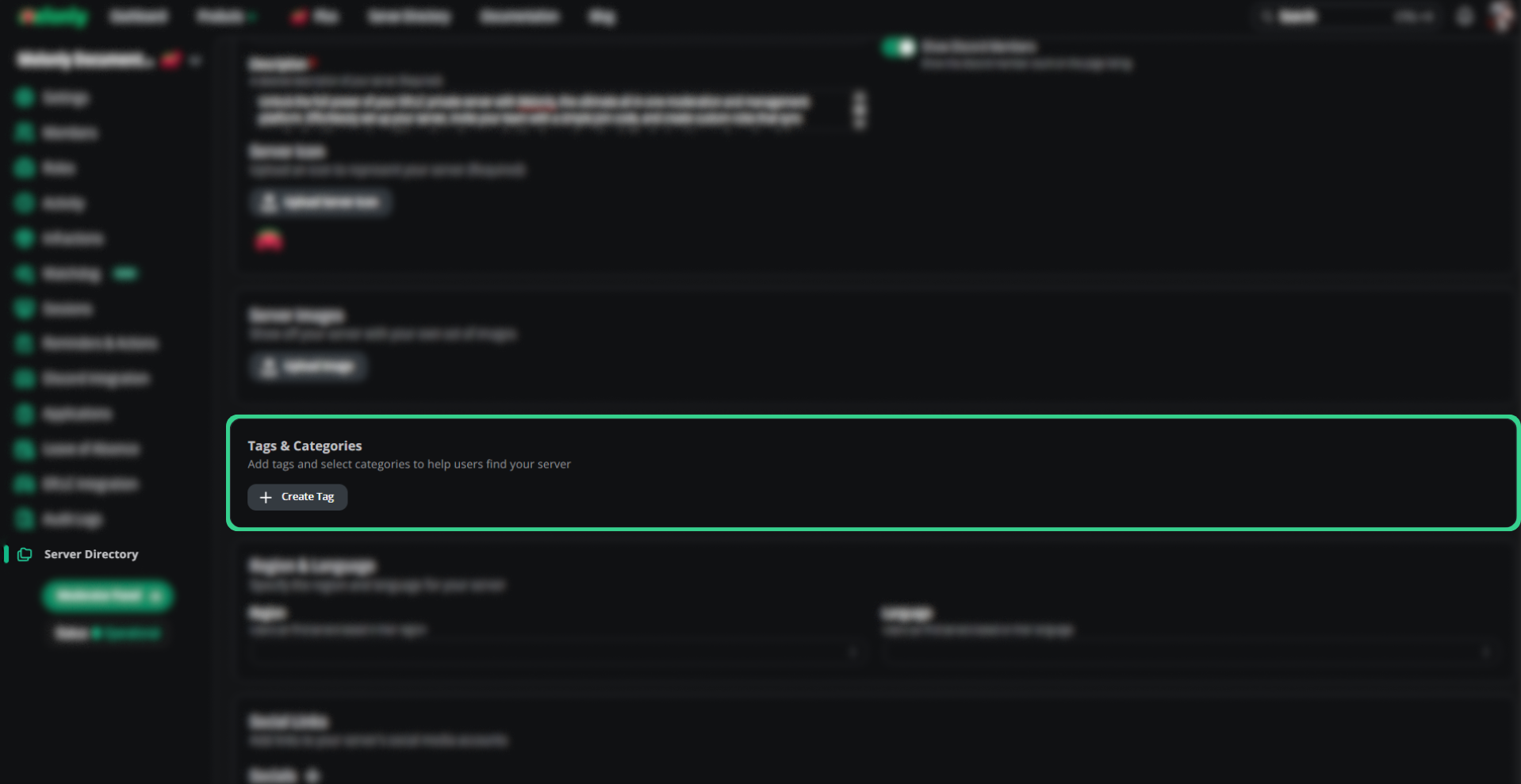
 Add accurate, searchable tags. Avoid joke or gibberish tags, since they'll be rejected.
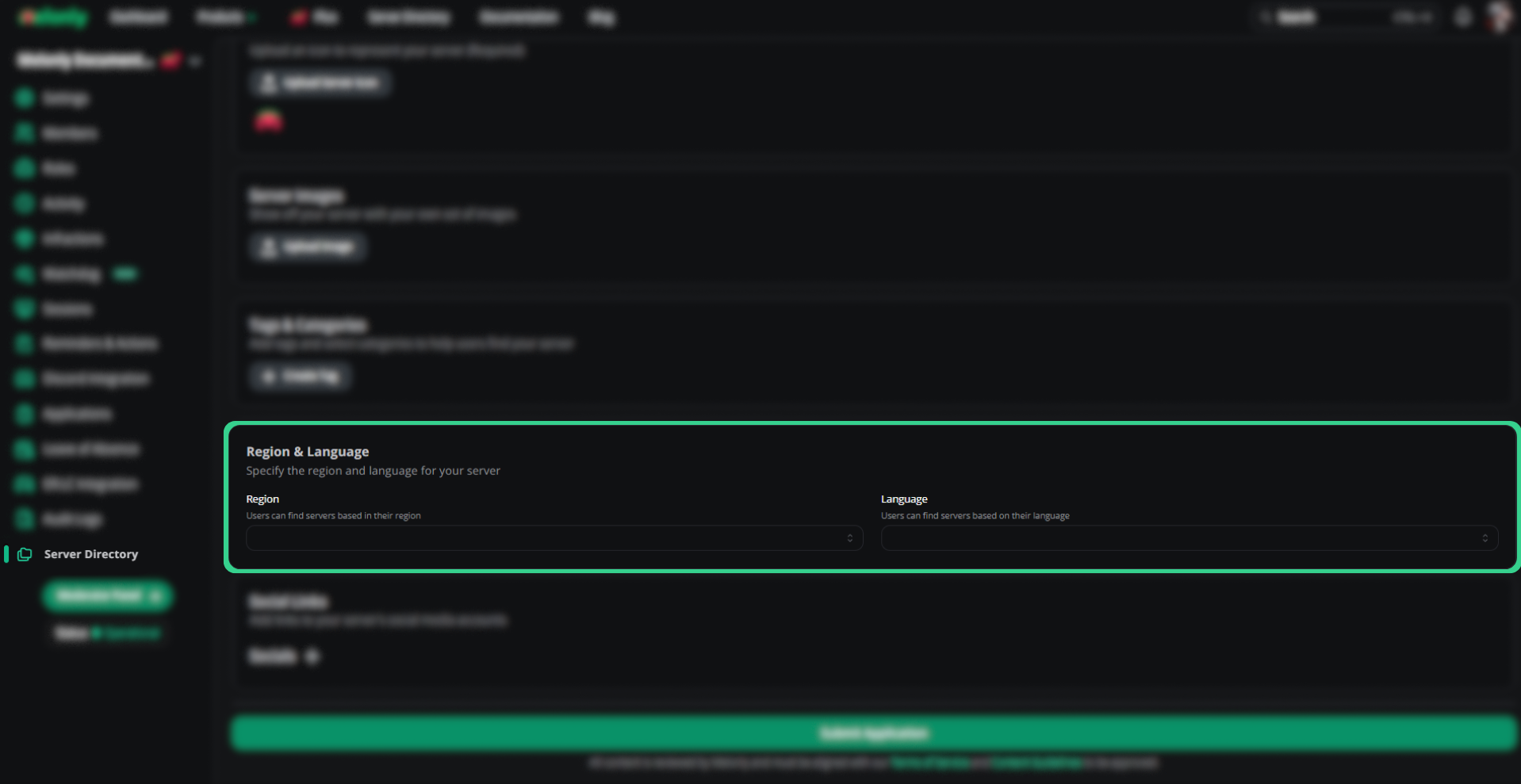
 Pick your server's region and primary spoken language.
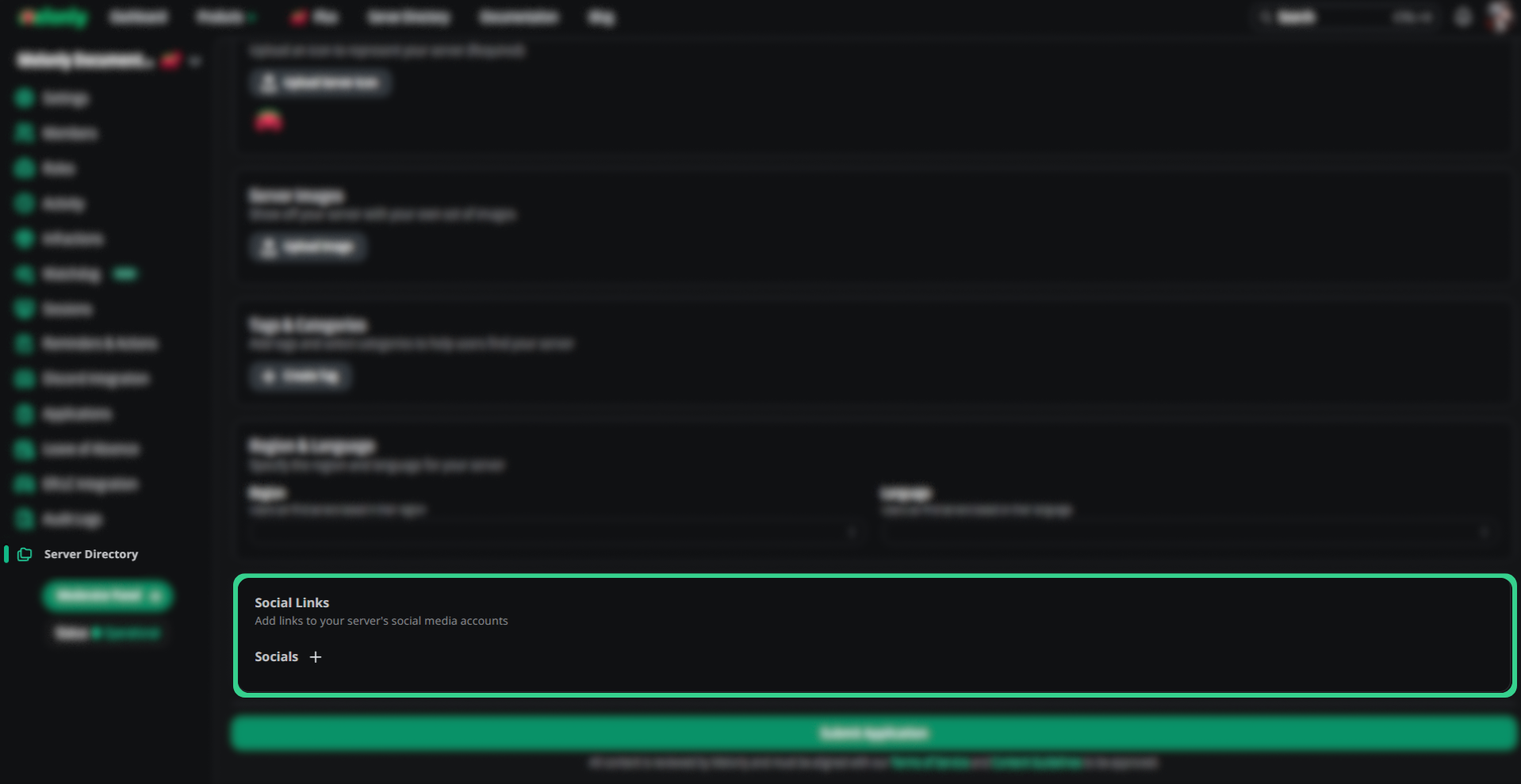
 Link YouTube, Discord, TikTok, X, Roblox, and your website. A Discord invite is required to submit.
 Optionally list the perks members get for voting. See [Voting perks](#voting-perks).
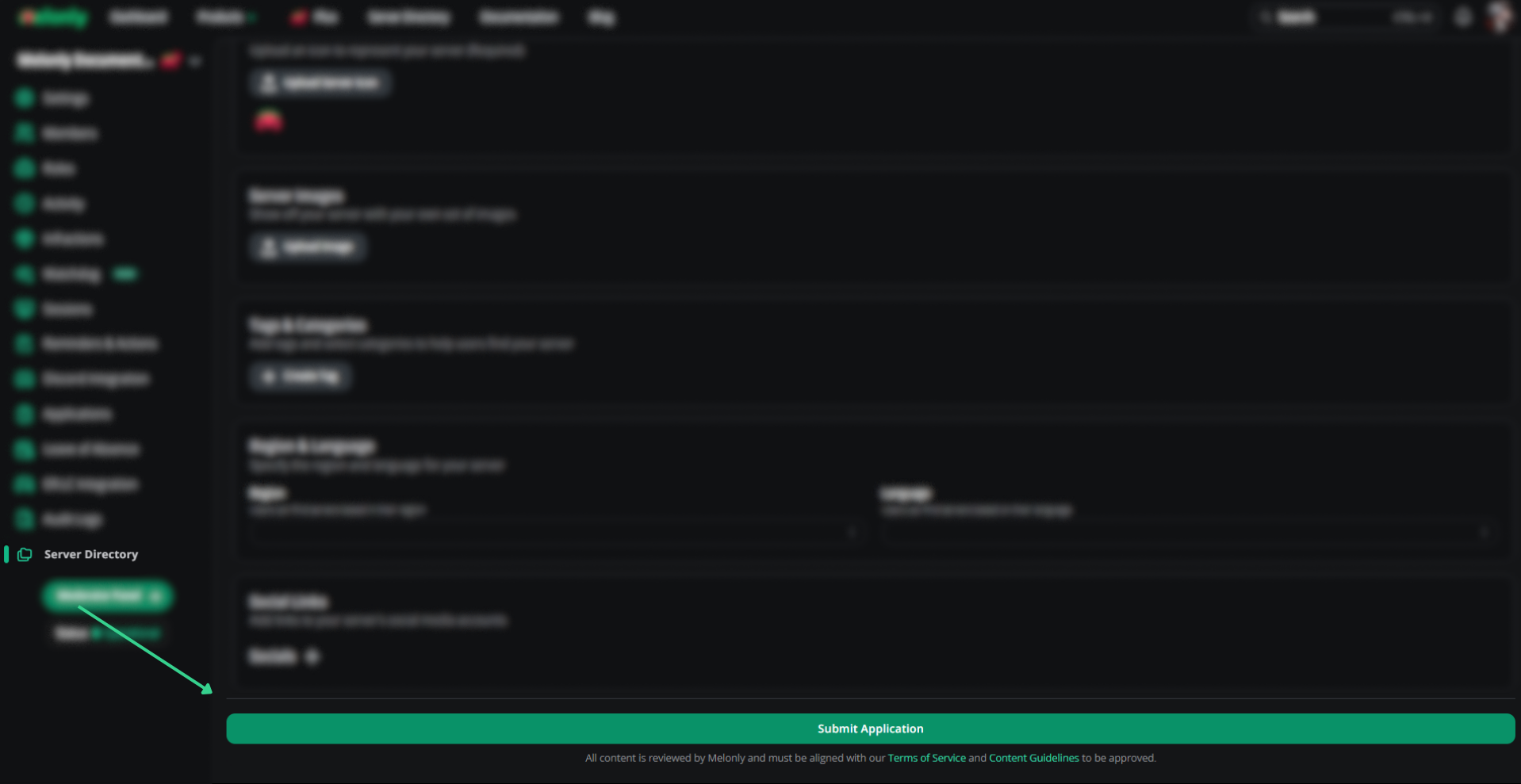
Click **Submit**. The Melonly team reviews every application.
Optionally list the perks members get for voting. See [Voting perks](#voting-perks).
Click **Submit**. The Melonly team reviews every application.
 ## Application sections
### Server information
| Field | Description |
| - | - |
| Name | Public server name |
| Short Description | One-line summary of your server's theme, gameplay, or niche. 6 words and 50 characters minimum, 200 characters maximum. |
| Description | Full description (must follow our guidelines). 25 words minimum, 5,000 characters maximum. |
| Brand Color | Background color for your directory page |
| Join Code | ER:LC or Maple County join code (not Discord) |
| Show Discord Members | Display Discord member count on the listing |
| Server Icon | Listing icon |
### Server images
In-game screenshots displayed on your directory page. Upload only media from your own ER:LC server (PNG or JPEG). Unrelated, copyrighted, or AI-generated stock images aren't allowed.
| Plan | Images |
| - | - |
| Free | 1 to 5 |
| [Melonly Plus](https://melonly.xyz/plus) | 1 to 10 |
### Tags and categories
Searchable tags. Use accurate descriptors only. Add between 1 and 5 tags, up to 20 characters each.
### Region and language
| Field | Description |
| - | - |
| Region | Part of the world your server is based in |
| Language | Primary server language (English-only, Spanish-only, etc.) |
### Social links
Links to your server's social accounts. A Discord invite is required for directory submissions. Make sure every link is valid and publicly accessible.
### Voting perks
List rewards members get for voting for your server, such as image permissions or access to restricted vehicles. Type a perk and click **Add perk**. You can add up to 5 perks, each up to 100 characters, and reorder or delete them from the menu next to each perk.
Perks are only shown on your directory page. Melonly doesn't hand them out. Grant them in your server based on the [Voter Role](/Dashboard/discordintegration/roles), which Melonly gives to members who vote.
## Feedback
Open the **Feedback** tab to see staff notes on past applications and improvement tips. Apply the suggestions we leave, as they directly affect approval and ranking.
## Manage your listing
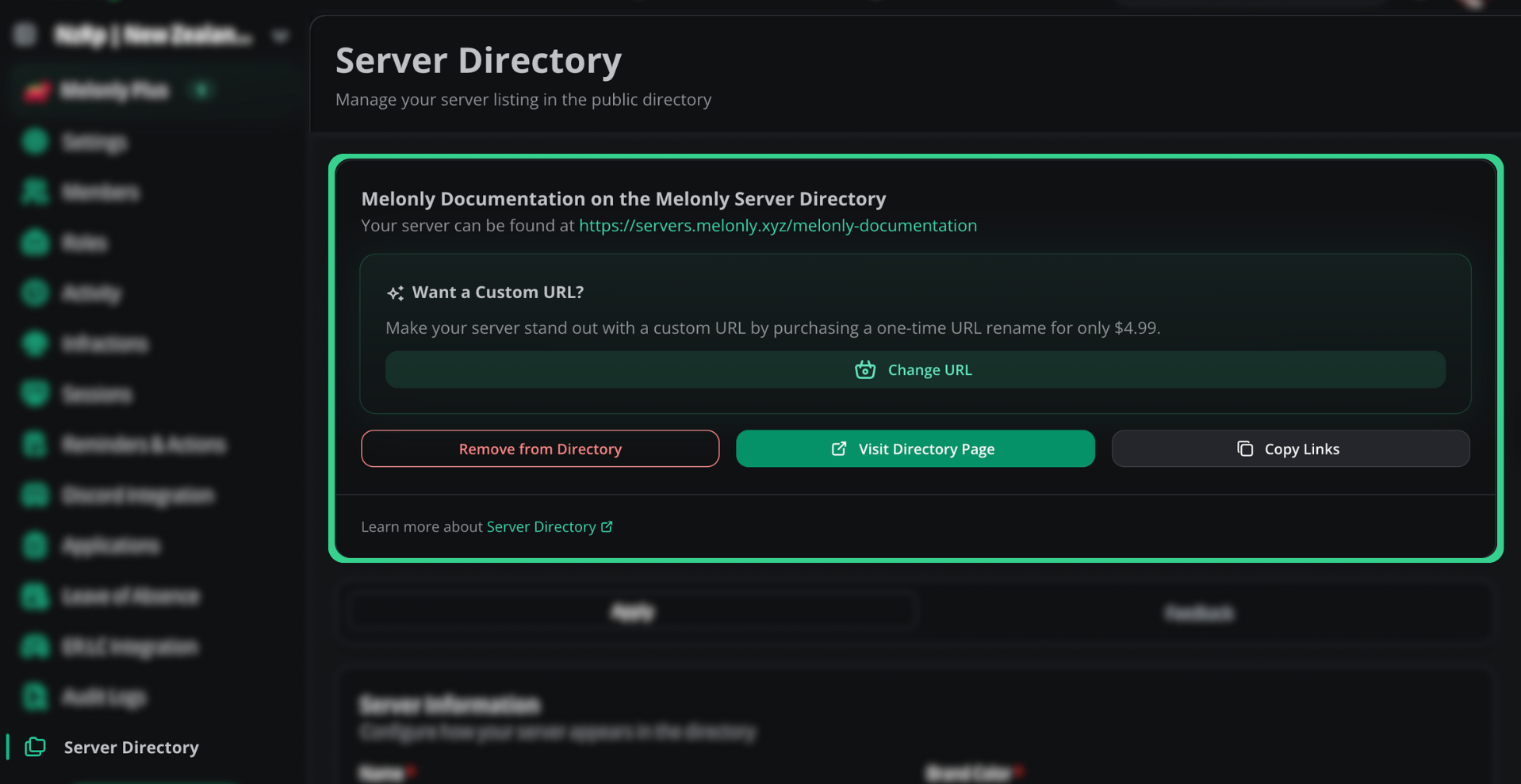
Once approved, the directory settings page gives you three options.
## Application sections
### Server information
| Field | Description |
| - | - |
| Name | Public server name |
| Short Description | One-line summary of your server's theme, gameplay, or niche. 6 words and 50 characters minimum, 200 characters maximum. |
| Description | Full description (must follow our guidelines). 25 words minimum, 5,000 characters maximum. |
| Brand Color | Background color for your directory page |
| Join Code | ER:LC or Maple County join code (not Discord) |
| Show Discord Members | Display Discord member count on the listing |
| Server Icon | Listing icon |
### Server images
In-game screenshots displayed on your directory page. Upload only media from your own ER:LC server (PNG or JPEG). Unrelated, copyrighted, or AI-generated stock images aren't allowed.
| Plan | Images |
| - | - |
| Free | 1 to 5 |
| [Melonly Plus](https://melonly.xyz/plus) | 1 to 10 |
### Tags and categories
Searchable tags. Use accurate descriptors only. Add between 1 and 5 tags, up to 20 characters each.
### Region and language
| Field | Description |
| - | - |
| Region | Part of the world your server is based in |
| Language | Primary server language (English-only, Spanish-only, etc.) |
### Social links
Links to your server's social accounts. A Discord invite is required for directory submissions. Make sure every link is valid and publicly accessible.
### Voting perks
List rewards members get for voting for your server, such as image permissions or access to restricted vehicles. Type a perk and click **Add perk**. You can add up to 5 perks, each up to 100 characters, and reorder or delete them from the menu next to each perk.
Perks are only shown on your directory page. Melonly doesn't hand them out. Grant them in your server based on the [Voter Role](/Dashboard/discordintegration/roles), which Melonly gives to members who vote.
## Feedback
Open the **Feedback** tab to see staff notes on past applications and improvement tips. Apply the suggestions we leave, as they directly affect approval and ranking.
## Manage your listing
Once approved, the directory settings page gives you three options.
 | Option | What it does |
| - | - |
| Remove from Directory | Delists your server and deletes votes and reviews. Can't be undone, so you'd need to reapply. |
| Visit Directory Page | Opens your live listing in a new tab |
| Copy Links | Copies the directory page link and the vote link |
## Custom URL
On the directory settings page, enter your new link under **Choose your custom URL**, then click **Get this URL** to purchase a one-time URL change for \$4.99. Once the purchase goes through, click **Activate custom URL** to apply it.
Still have questions? Join our [Discord server](https://melonly.xyz/discord) for support from the Melonly team.
This documentation is built and hosted on [Mintlify](https://mintlify.com), a developer documentation platform.
| Option | What it does |
| - | - |
| Remove from Directory | Delists your server and deletes votes and reviews. Can't be undone, so you'd need to reapply. |
| Visit Directory Page | Opens your live listing in a new tab |
| Copy Links | Copies the directory page link and the vote link |
## Custom URL
On the directory settings page, enter your new link under **Choose your custom URL**, then click **Get this URL** to purchase a one-time URL change for \$4.99. Once the purchase goes through, click **Activate custom URL** to apply it.
Still have questions? Join our [Discord server](https://melonly.xyz/discord) for support from the Melonly team.
This documentation is built and hosted on [Mintlify](https://mintlify.com), a developer documentation platform.