> ## Documentation Index
> Fetch the complete documentation index at: https://docs.melonly.com/llms.txt
> Use this file to discover all available pages before exploring further.
# General Settings
> Your server's name, icon, default roles, join code, experiments, data import, API tokens and danger zone.
## What is the General Page?
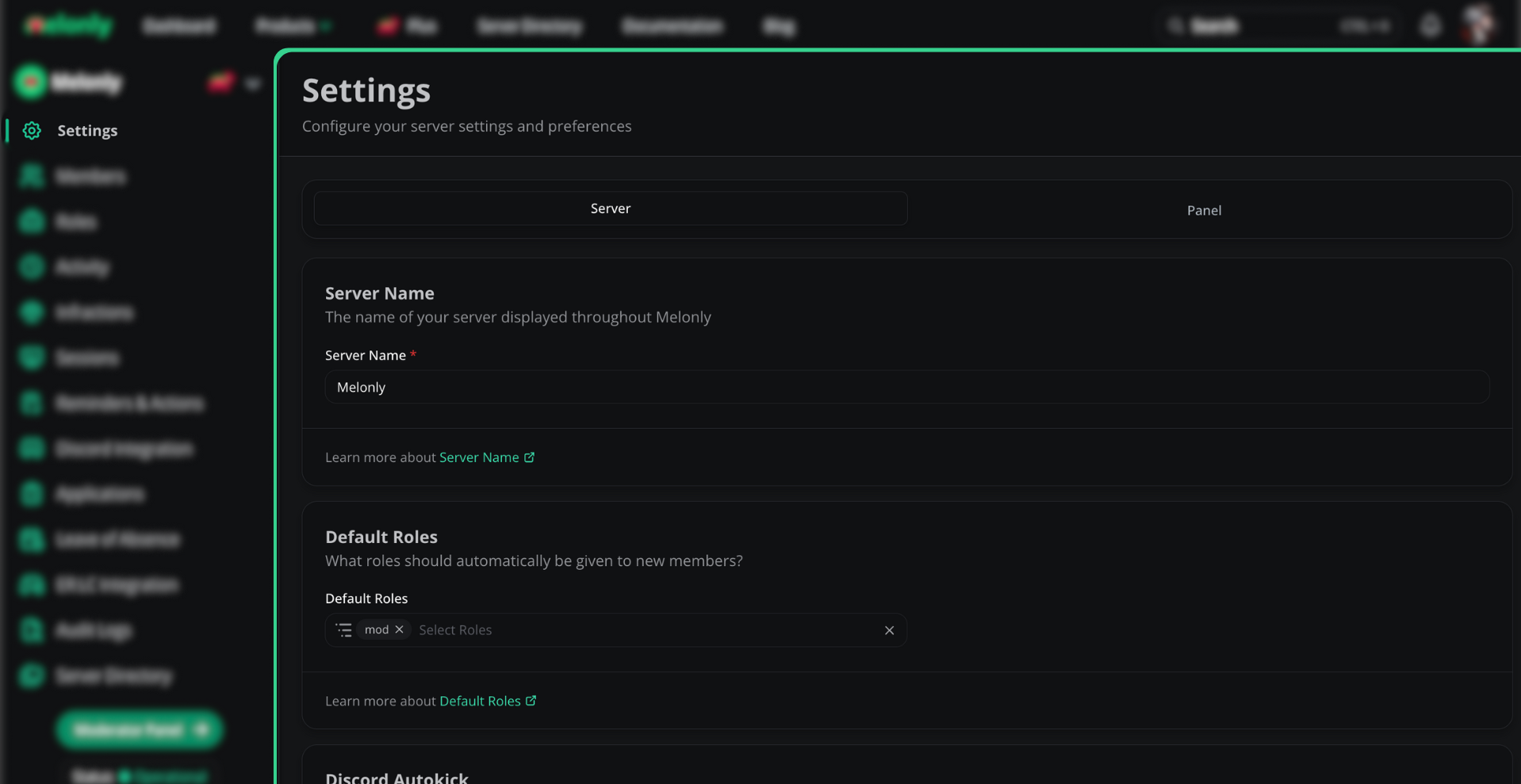
The **General** page under **Settings** holds your server-wide settings. Each card has its own **Save** button.
Only the Server Owner, members with Administrator, or [Plus](https://melonly.xyz/plus) servers' members with the Settings permission can edit these. Mod Panel options like presets and staff requests are on [Panel Settings](/Dashboard/panel).
 ***
## Server Name
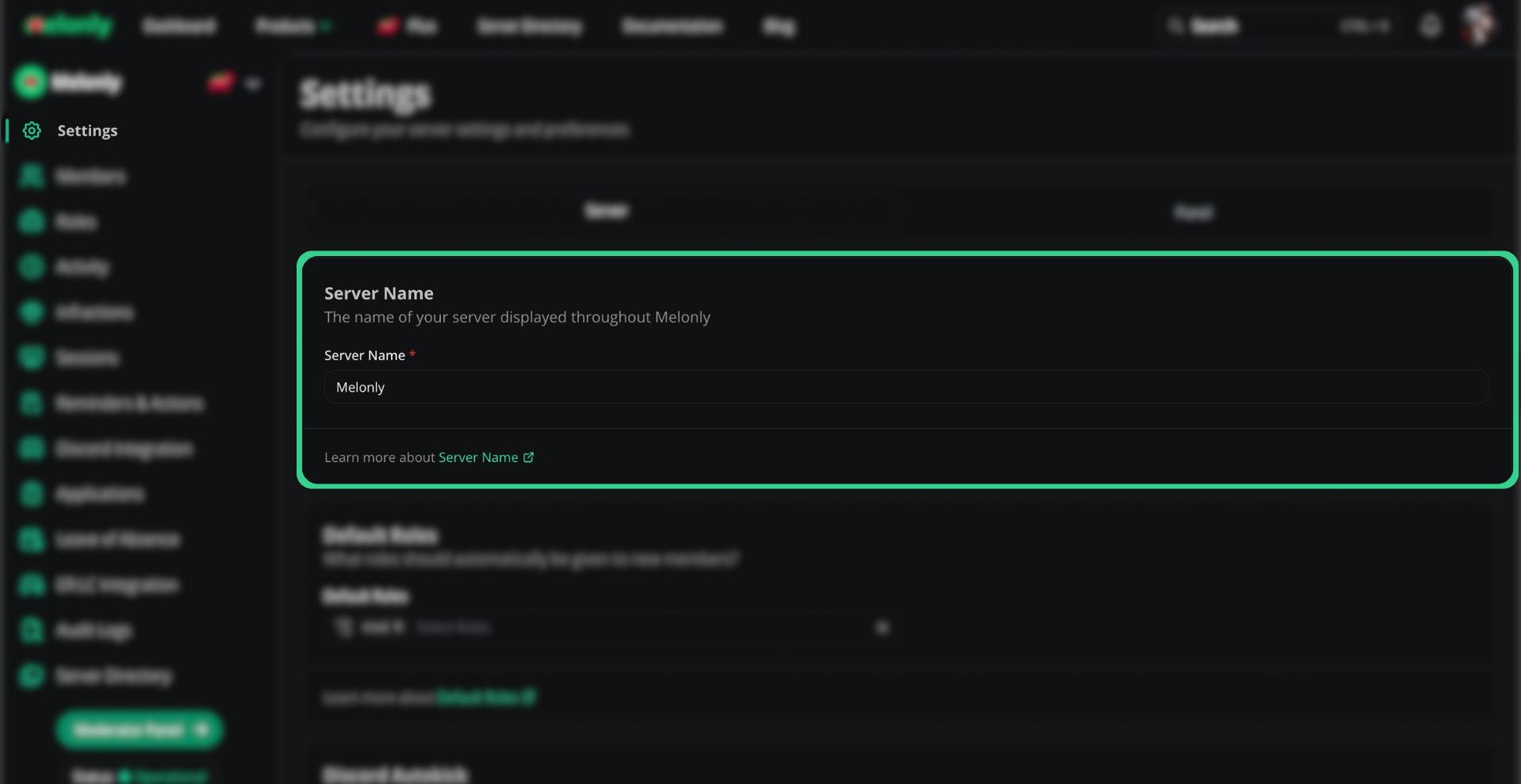
Change your dashboard's display name under **Server Name**. The usual naming guidelines apply.
***
## Server Name
Change your dashboard's display name under **Server Name**. The usual naming guidelines apply.
 ***
## Server Icon
Your icon is synced from your linked Discord server. Click **Sync from Discord** to pull the latest icon after you change it in Discord.
***
## Default Roles
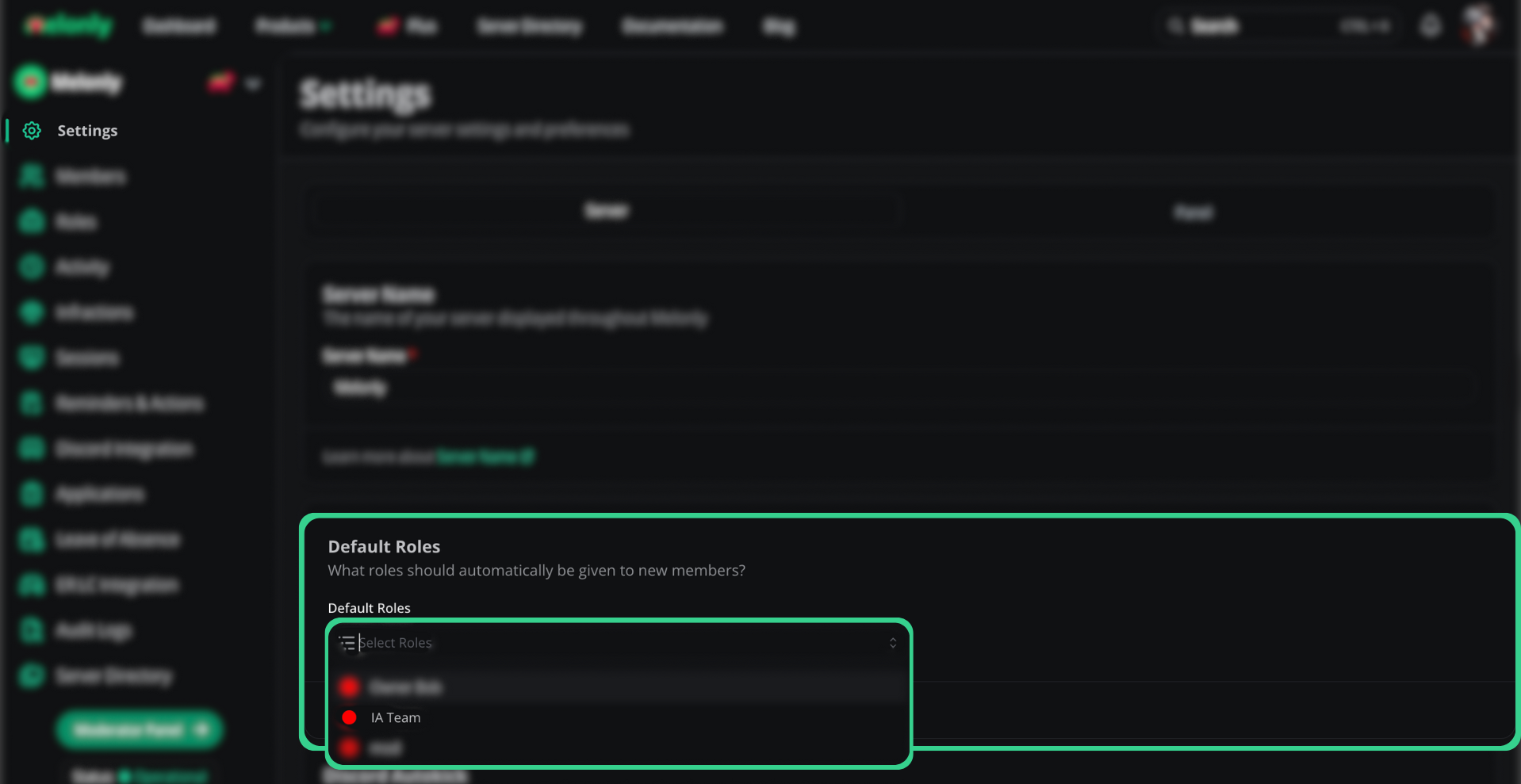
Default roles are given to every new member automatically, which speeds up onboarding. Add as many as you like, or none.
***
## Server Icon
Your icon is synced from your linked Discord server. Click **Sync from Discord** to pull the latest icon after you change it in Discord.
***
## Default Roles
Default roles are given to every new member automatically, which speeds up onboarding. Add as many as you like, or none.
 ***
## Discord Autokick
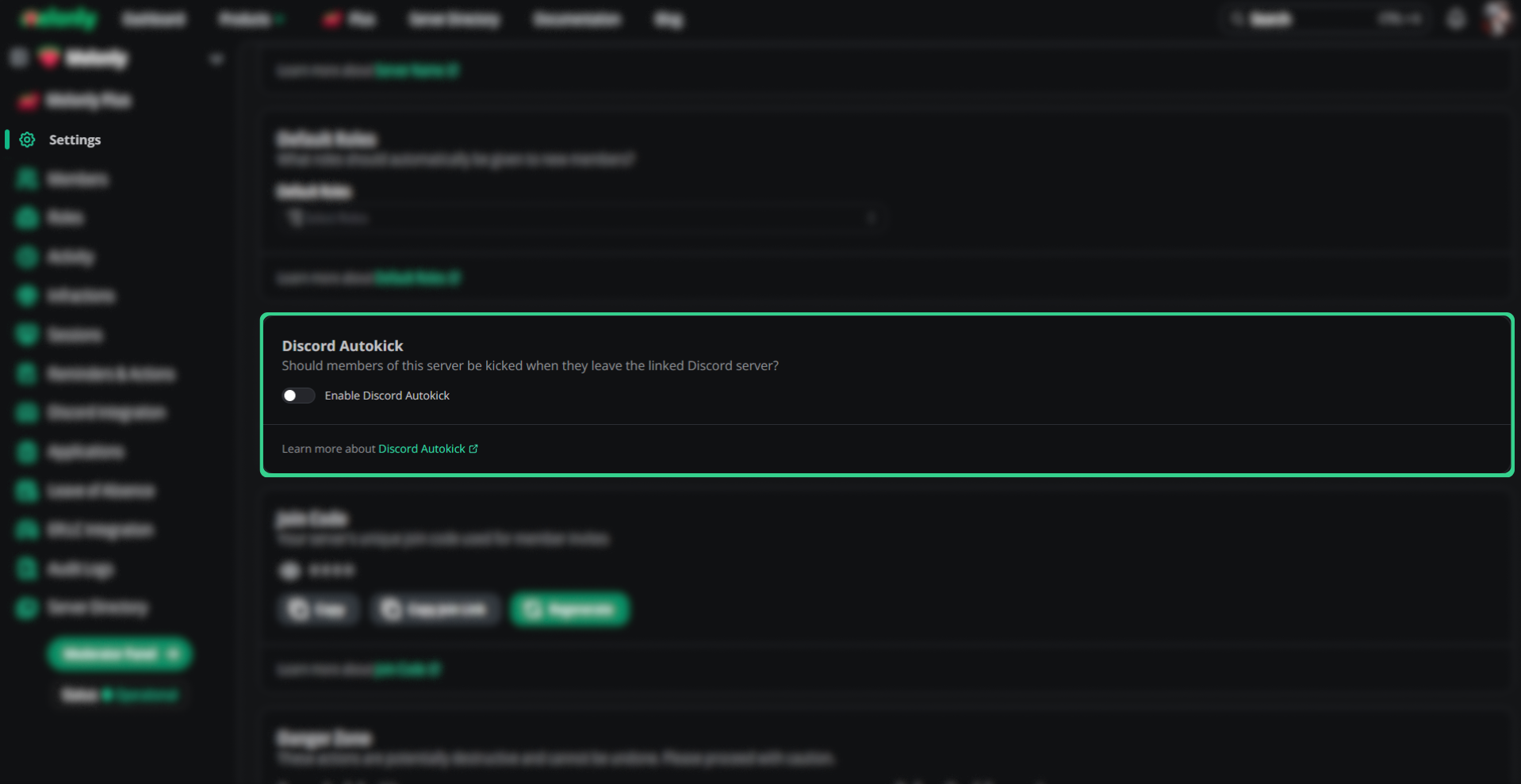
Removes members from your Melonly server when they leave your linked Discord server.
***
## Discord Autokick
Removes members from your Melonly server when they leave your linked Discord server.
 ***
## Remove Members with No Roles
Removes members who have no Melonly roles, so old accounts don't hang around.
***
## Remove Members with No Roles
Removes members who have no Melonly roles, so old accounts don't hang around.
 ***
## Join Code
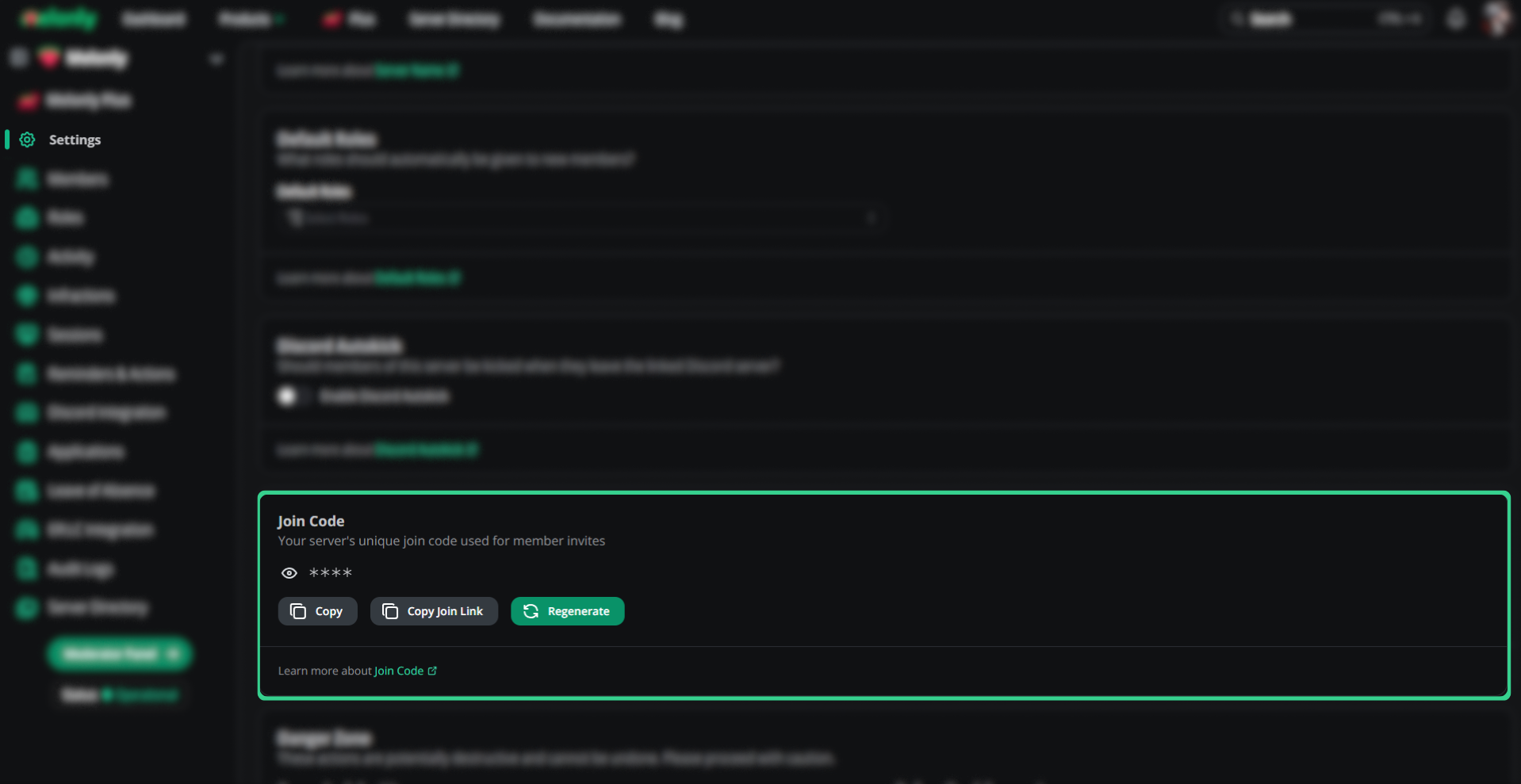
Your join code and join link let new staff request to join. You can't turn it off, only regenerate it. Click **Regenerate join code** to make a new one. The old code stops working and all pending requests are cleared. To review requests, see [Member Requests](/Dashboard/members/requests).
### Custom Join Code
With [Melonly Plus](https://melonly.xyz/plus), you can set a memorable code, like your server's name. Enter it under **Custom Join Code** and click **Set custom code**. Codes are 3 to 20 characters, using letters, numbers and hyphens, and each code can only belong to one server.
***
## Join Code
Your join code and join link let new staff request to join. You can't turn it off, only regenerate it. Click **Regenerate join code** to make a new one. The old code stops working and all pending requests are cleared. To review requests, see [Member Requests](/Dashboard/members/requests).
### Custom Join Code
With [Melonly Plus](https://melonly.xyz/plus), you can set a memorable code, like your server's name. Enter it under **Custom Join Code** and click **Set custom code**. Codes are 3 to 20 characters, using letters, numbers and hyphens, and each code can only belong to one server.
 ***
## Beta Features
The **Experiments** card lets you try upcoming features early. Turn on **Opt-in to experiment** to enable one for your server, and turn it off any time. Experiments with a Plus badge need [Melonly Plus](https://melonly.xyz/plus).
| Experiment | Description |
| - | - |
| Workflow Persistent Variables | Store variables that persist between runs of a workflow |
| CAD Template Edit Sync | Sync edits made to CAD templates onto records that already exist |
| Workflow Components + CAD Blocks | Adds Discord components (buttons, menus, modals) and CAD blocks to workflows |
Experiments can be unstable. Report problems with the **Provide feedback or report an issue** link on the experiment, or in our [Discord server](https://melonly.xyz/discord).
***
## Convert to a Department
Click **Convert now** on the **Convert To a Department** card to turn your server into a Department server. Your data, members and setup carry over. See [Converting a Server](/Department/converting#convert-a-server) for the full steps.
***
## Beta Features
The **Experiments** card lets you try upcoming features early. Turn on **Opt-in to experiment** to enable one for your server, and turn it off any time. Experiments with a Plus badge need [Melonly Plus](https://melonly.xyz/plus).
| Experiment | Description |
| - | - |
| Workflow Persistent Variables | Store variables that persist between runs of a workflow |
| CAD Template Edit Sync | Sync edits made to CAD templates onto records that already exist |
| Workflow Components + CAD Blocks | Adds Discord components (buttons, menus, modals) and CAD blocks to workflows |
Experiments can be unstable. Report problems with the **Provide feedback or report an issue** link on the experiment, or in our [Discord server](https://melonly.xyz/discord).
***
## Convert to a Department
Click **Convert now** on the **Convert To a Department** card to turn your server into a Department server. Your data, members and setup carry over. See [Converting a Server](/Department/converting#convert-a-server) for the full steps.
 ***
## Import Data
Move punishment logs and shifts from another bot into Melonly. Click **Import data** and follow the prompts.
Choose **ERM**, **Ducky** or **Trident**.
Invite the **Melonly Import Bot** to your Discord server. It needs to view and read message history in the channels you pick.
Pick **Punishment Logs**, **Shifts**, or both, then the Discord channel to import each one from.
Each import shows its status (In Queue, In Progress, Complete, Error or Cancelled) and how many logs and shifts came in. You can run one import at a time. Use the menu on an import to **Cancel import** while it runs, or **Delete imported data** once it's done. See the [switching guide](/Guides/Miscellaneous/switch#import-your-data) for more.
***
## Server API Tokens
Tokens let you use the [Melonly API](https://api.melonly.xyz/swagger) for this server.
Click **Create token**, enter a **Token Name**, and optionally set an **Expiration Date**.
Copy the token straight away. You won't be able to see it again.
Each token shows its status (Active, Inactive or Expired), expiry date and creation date. From its menu you can **Edit**, **Deactivate** (or **Activate**) or **Delete token**. Deleting can't be undone.
The card also shows your **Monthly API Requests** and when the count resets.
| Plan | Monthly API requests |
| - | - |
| Free | 100 |
| [Melonly Plus](https://melonly.xyz/plus) | Unlimited |
Treat API tokens like passwords. Anyone with a token can use the Melonly API as your server.
***
## Danger Zone
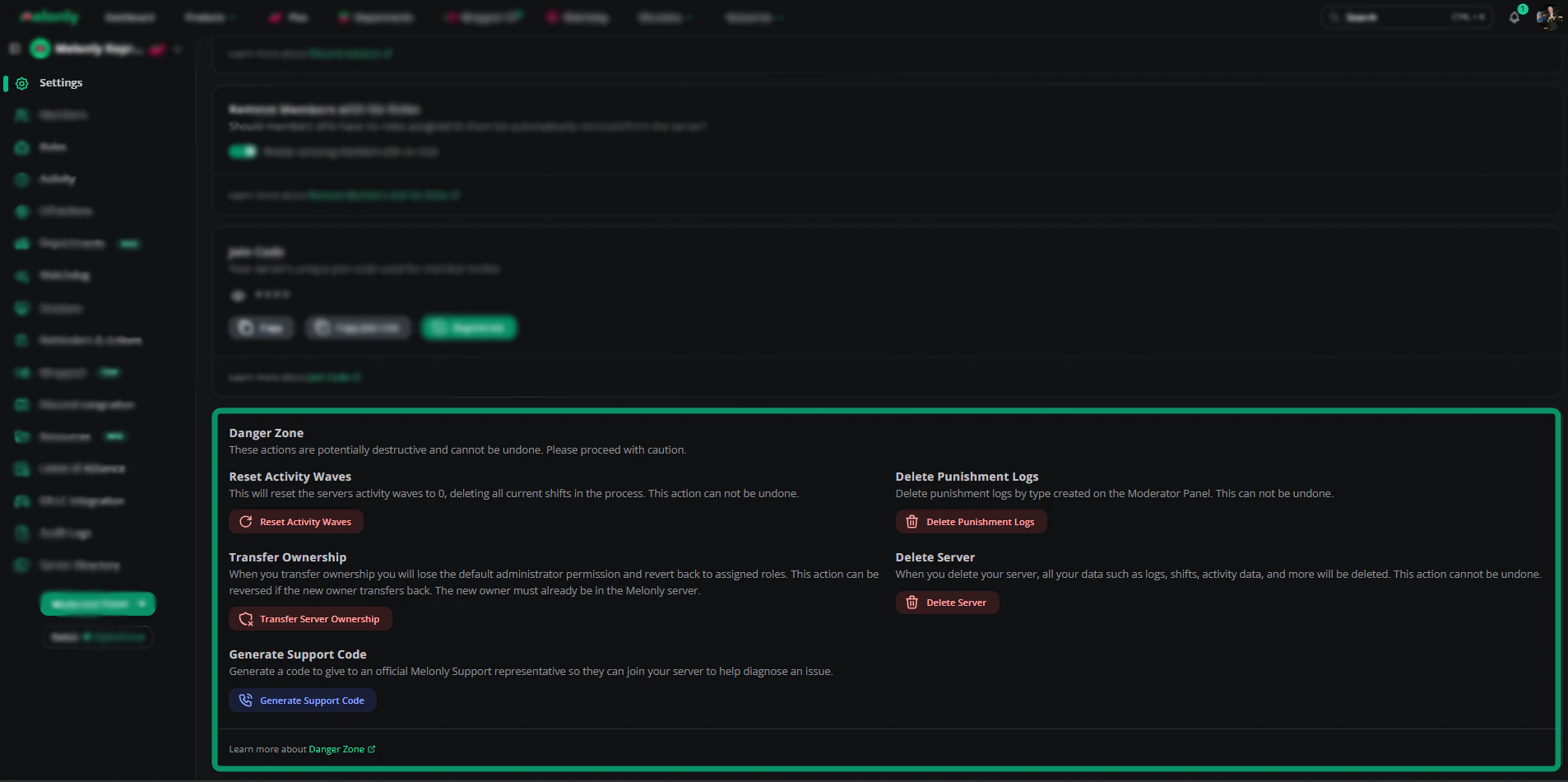
Everything here is permanent, so read carefully before clicking.
| Action | Effect |
| - | - |
| Reset Activity Waves | Resets activity waves to 0 and deletes all current shifts |
| Delete Punishment Logs | Deletes punishment logs by type, or all of them, from the Mod Panel |
| Transfer Ownership | Hands the server to another member, who must already be in it. You lose default Administrator and keep only your assigned roles. Only they can transfer it back |
| Delete Server | Deletes the server, including logs, shifts, applications, LOAs and activity data |
| Generate Support Code | Creates a code you give to official Melonly support so they can join your server and help. It expires after 24 hours |
Only the Server Owner can reset waves, delete logs, transfer ownership or delete the server.
***
## Import Data
Move punishment logs and shifts from another bot into Melonly. Click **Import data** and follow the prompts.
Choose **ERM**, **Ducky** or **Trident**.
Invite the **Melonly Import Bot** to your Discord server. It needs to view and read message history in the channels you pick.
Pick **Punishment Logs**, **Shifts**, or both, then the Discord channel to import each one from.
Each import shows its status (In Queue, In Progress, Complete, Error or Cancelled) and how many logs and shifts came in. You can run one import at a time. Use the menu on an import to **Cancel import** while it runs, or **Delete imported data** once it's done. See the [switching guide](/Guides/Miscellaneous/switch#import-your-data) for more.
***
## Server API Tokens
Tokens let you use the [Melonly API](https://api.melonly.xyz/swagger) for this server.
Click **Create token**, enter a **Token Name**, and optionally set an **Expiration Date**.
Copy the token straight away. You won't be able to see it again.
Each token shows its status (Active, Inactive or Expired), expiry date and creation date. From its menu you can **Edit**, **Deactivate** (or **Activate**) or **Delete token**. Deleting can't be undone.
The card also shows your **Monthly API Requests** and when the count resets.
| Plan | Monthly API requests |
| - | - |
| Free | 100 |
| [Melonly Plus](https://melonly.xyz/plus) | Unlimited |
Treat API tokens like passwords. Anyone with a token can use the Melonly API as your server.
***
## Danger Zone
Everything here is permanent, so read carefully before clicking.
| Action | Effect |
| - | - |
| Reset Activity Waves | Resets activity waves to 0 and deletes all current shifts |
| Delete Punishment Logs | Deletes punishment logs by type, or all of them, from the Mod Panel |
| Transfer Ownership | Hands the server to another member, who must already be in it. You lose default Administrator and keep only your assigned roles. Only they can transfer it back |
| Delete Server | Deletes the server, including logs, shifts, applications, LOAs and activity data |
| Generate Support Code | Creates a code you give to official Melonly support so they can join your server and help. It expires after 24 hours |
Only the Server Owner can reset waves, delete logs, transfer ownership or delete the server.
 ***
Still have questions? Join our Discord server for support from the Melonly Team.
This documentation is built and hosted on [Mintlify](https://mintlify.com), a developer documentation platform.
***
Still have questions? Join our Discord server for support from the Melonly Team.
This documentation is built and hosted on [Mintlify](https://mintlify.com), a developer documentation platform.