> ## Documentation Index
> Fetch the complete documentation index at: https://docs.melonly.com/llms.txt
> Use this file to discover all available pages before exploring further.
# Leave of Absence
> Request, review and configure leaves of absence in your department.
***
## What is Leave of Absence?
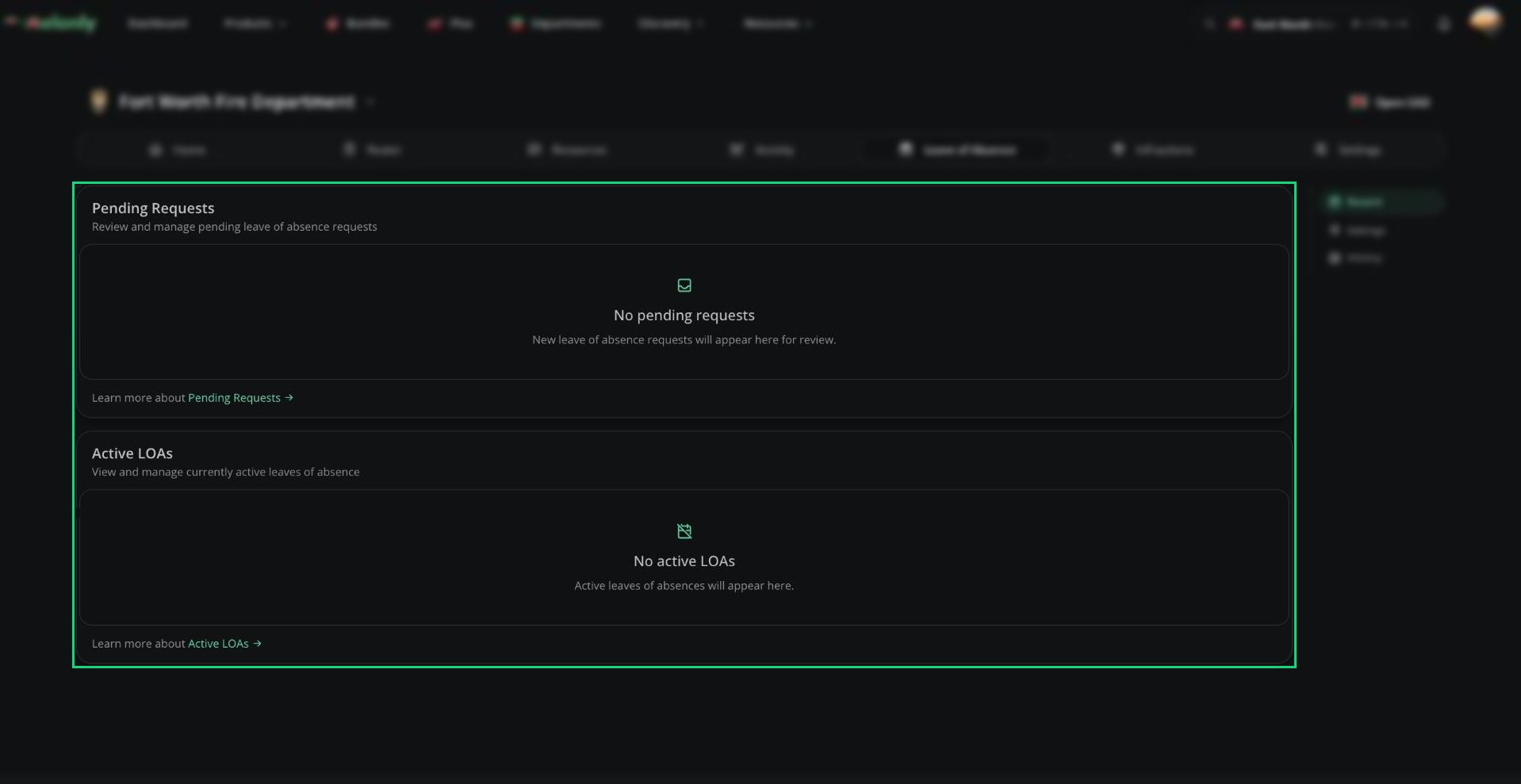
A leave of absence (LOA) lets a member step away for a while without being flagged as inactive. Members submit a request, a manager approves or denies it and approved LOAs end on their own when the end date passes.
Requires the Loa Manager permission. Department administrators always have access.
Department LOAs work like [server LOAs](/Dashboard/loa/home), except you can only review LOAs from members ranked below you, and the Discord role, nickname and channel come from the department's [Discord Integration](/Department/settings/discord).
 ***
## 🧭 Quick Navigation
Request leave, and approve, deny, extend or end LOAs.
Request rules, duration limits and DMs.
***
## Recent
Pending requests (including extensions) and members currently on leave or about to start. [Details](/Department/loa/requests#recent).
***
## History
Every past and current LOA in the department, filterable by member. [Details](/Department/loa/requests#history).
***
## Settings
Choose what members must fill in, how long an LOA can be and which DMs go out. [Details](/Department/loa/settings).
### General
The request link and required fields, plus whether members on LOA can start shifts. [Details](/Department/loa/settings#general).
### Duration
Submission cooldown and the shortest and longest LOA a member can request. [Details](/Department/loa/settings#duration).
***
Still have questions? Join our Discord server for support from the Melonly Team.
This documentation is built and hosted on [Mintlify](https://mintlify.com), a developer documentation platform.
***
## 🧭 Quick Navigation
Request leave, and approve, deny, extend or end LOAs.
Request rules, duration limits and DMs.
***
## Recent
Pending requests (including extensions) and members currently on leave or about to start. [Details](/Department/loa/requests#recent).
***
## History
Every past and current LOA in the department, filterable by member. [Details](/Department/loa/requests#history).
***
## Settings
Choose what members must fill in, how long an LOA can be and which DMs go out. [Details](/Department/loa/settings).
### General
The request link and required fields, plus whether members on LOA can start shifts. [Details](/Department/loa/settings#general).
### Duration
Submission cooldown and the shortest and longest LOA a member can request. [Details](/Department/loa/settings#duration).
***
Still have questions? Join our Discord server for support from the Melonly Team.
This documentation is built and hosted on [Mintlify](https://mintlify.com), a developer documentation platform.