> ## Documentation Index
> Fetch the complete documentation index at: https://docs.melonly.com/llms.txt
> Use this file to discover all available pages before exploring further.
# Install Melonly
> Add Melonly to your home screen or desktop so it opens like an app, without the browser bar.
***
## Why Install Melonly?
You can install the Melonly website as an app on your phone, tablet or computer. It gets its own icon and opens in its own window without the browser's address bar, which gives you more room. Nothing is downloaded from an app store, and it's always the latest version of the site.
On a phone or tablet, the CAD asks you to install Melonly before it opens, because the CAD needs the extra space. You can tap **Continue in browser** to skip it.
On a computer, the [desktop app](/Guides/desktop) gives you more, such as global keybinds.
***
## On iPhone and iPad
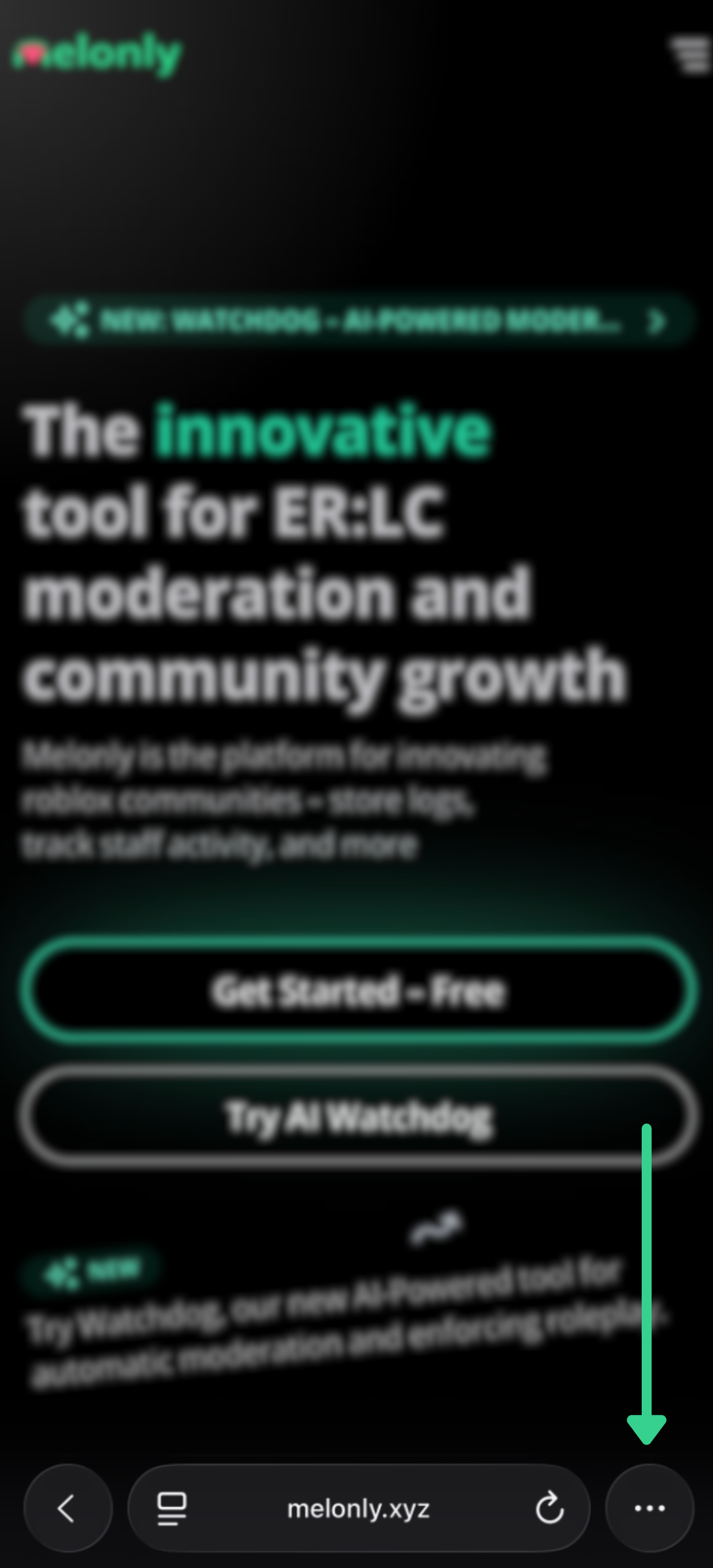
Go to [melonly.xyz](https://melonly.xyz) in Safari.
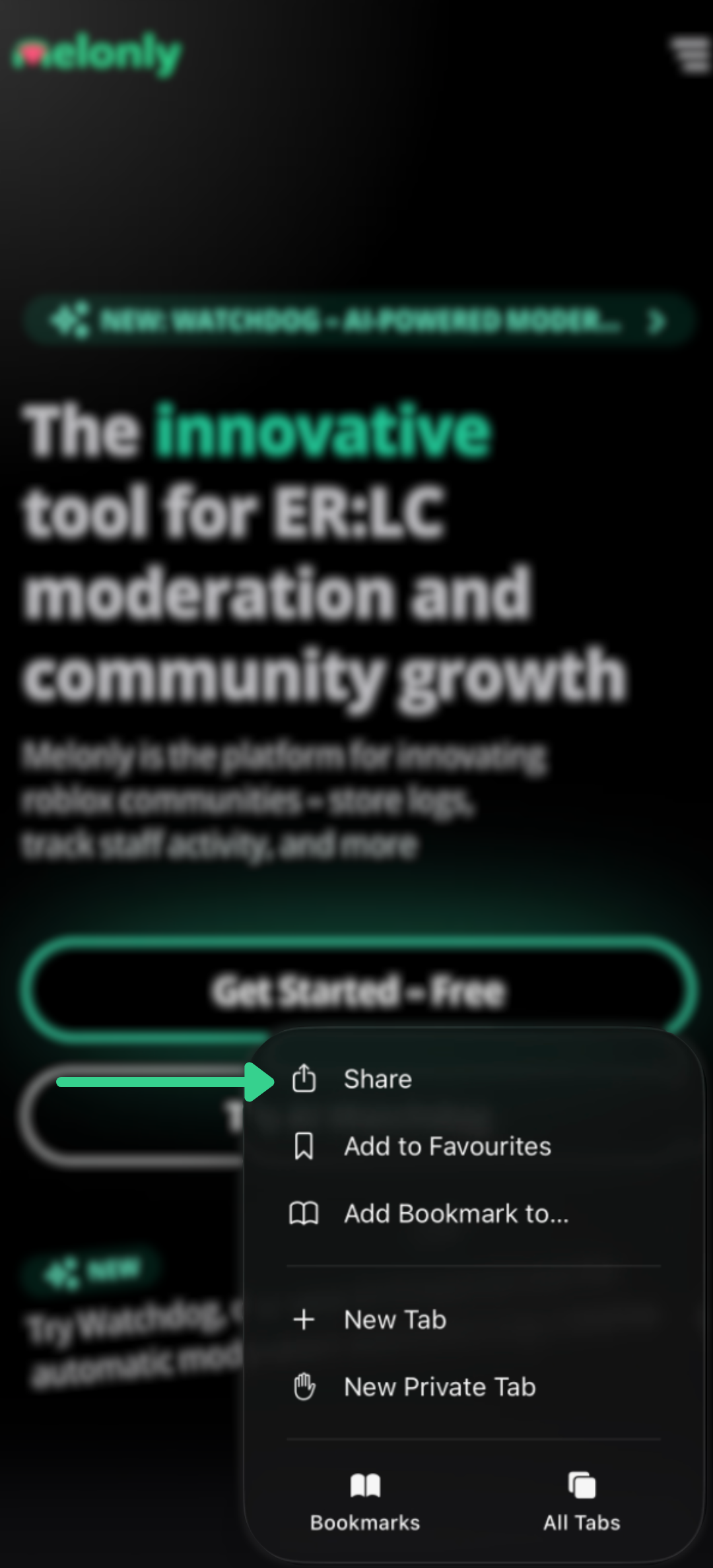
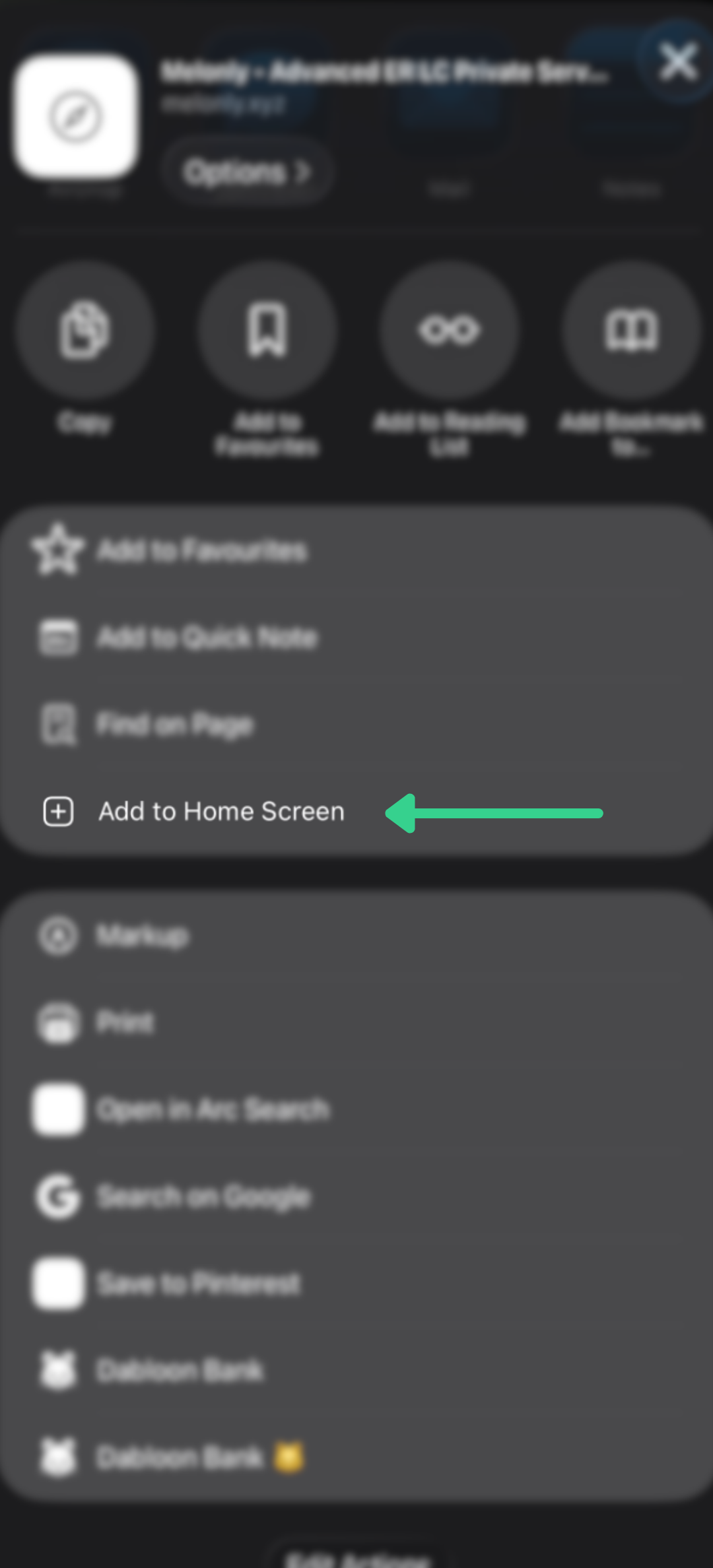
Tap the Share button, choose **Add to Home Screen**, then tap **Add**.
 ***
## On Android
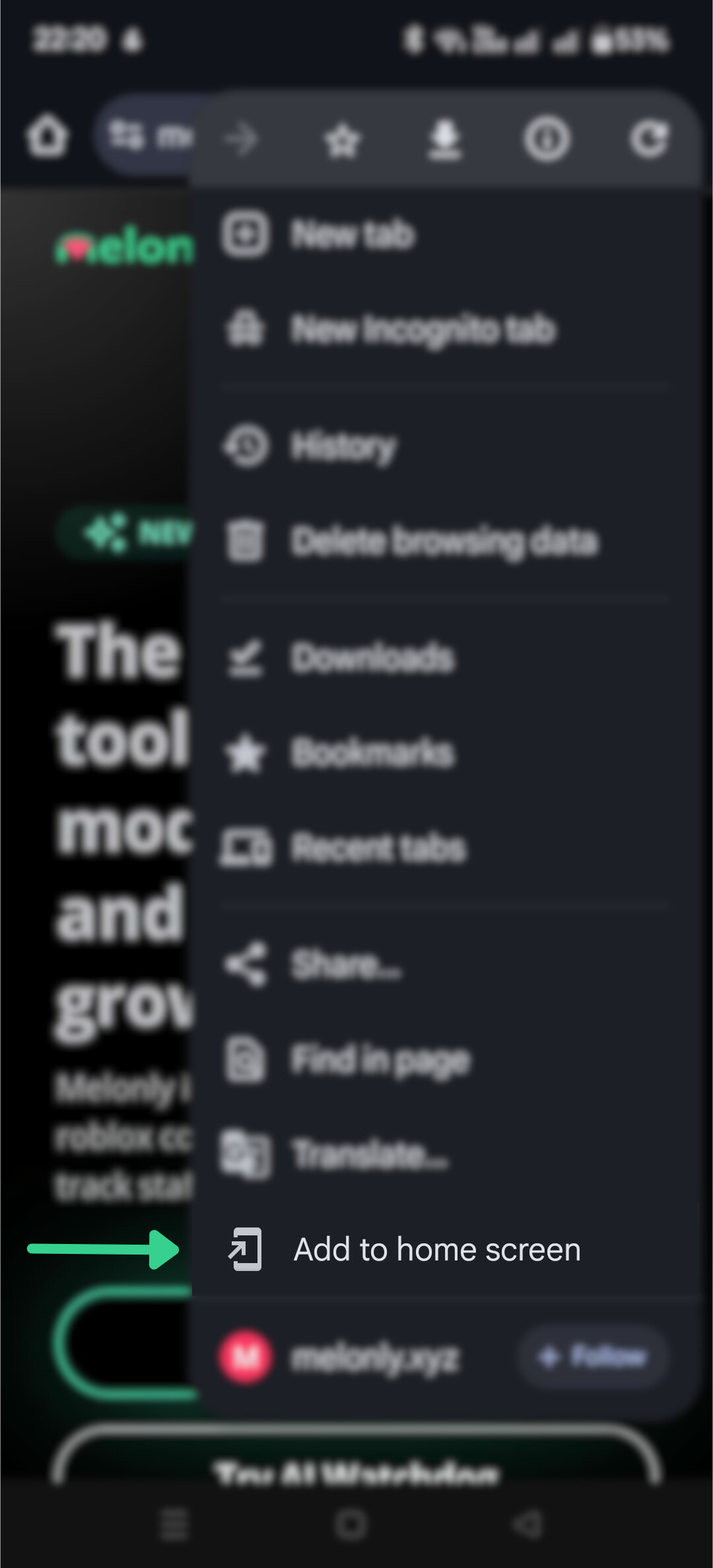
Go to [melonly.xyz](https://melonly.xyz) in Chrome.
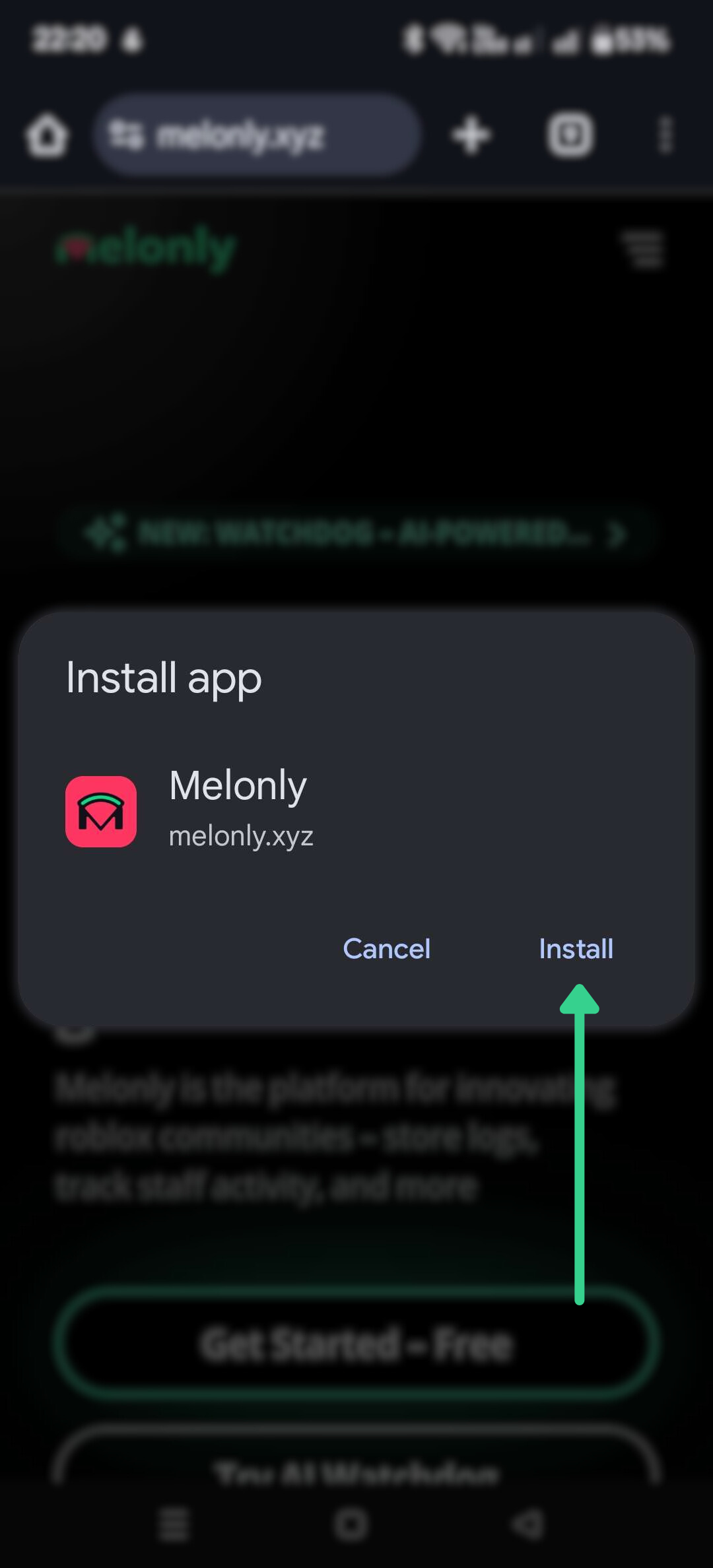
Tap **Add to Home screen** and follow the prompts. If you don't see it, it's in the Chrome menu.
***
## On Android
Go to [melonly.xyz](https://melonly.xyz) in Chrome.
Tap **Add to Home screen** and follow the prompts. If you don't see it, it's in the Chrome menu.
 ***
## On a Computer
Go to [melonly.xyz](https://melonly.xyz) in Chrome, Edge or another Chromium browser.
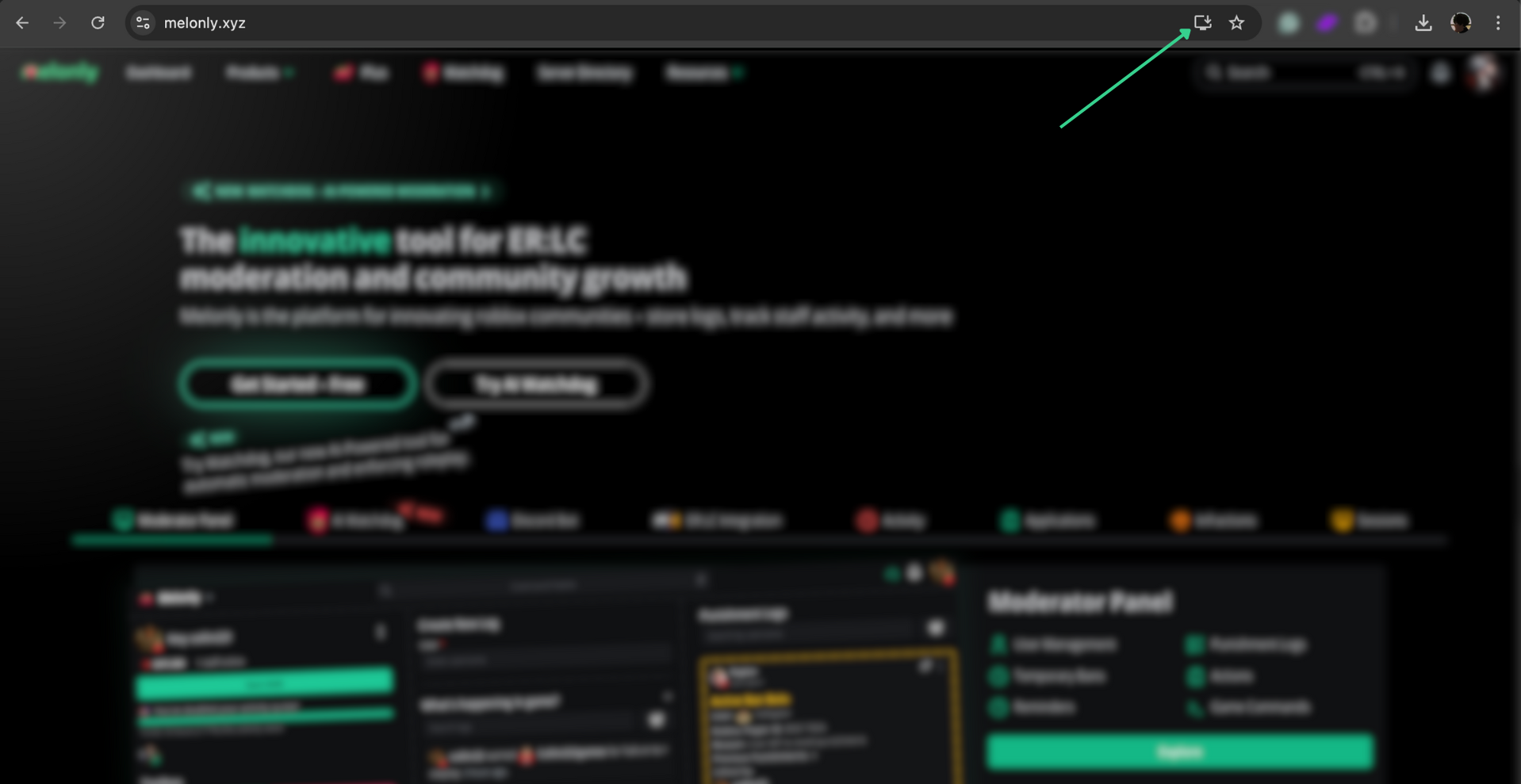
Click the install icon on the right of the address bar, then click **Install**.
***
## On a Computer
Go to [melonly.xyz](https://melonly.xyz) in Chrome, Edge or another Chromium browser.
Click the install icon on the right of the address bar, then click **Install**.
 Melonly is now in your apps list and can be pinned like any other app.
***
Still have questions? Join our Discord server for support from the Melonly Team.
This documentation is built and hosted on [Mintlify](https://mintlify.com), a developer documentation platform.
Melonly is now in your apps list and can be pinned like any other app.
***
Still have questions? Join our Discord server for support from the Melonly Team.
This documentation is built and hosted on [Mintlify](https://mintlify.com), a developer documentation platform.