
What is Radio Setup?
The Radio tab of the CAD admin panel controls the channels people see in the CAD radio window: which channels exist, who can use them, how they’re grouped and how voices sound. For how units use the radio, see Radio.Requires the CAD Admin permission. See Permissions.
🧭 Quick Navigation
Radio FX
Make channels sound like a real radio and fine-tune the effect.
Dispatch AI
An AI dispatcher that answers on one of your channels.
Channels
Open Radio → Channels to manage your channels. They’re listed under their group, with ungrouped channels last.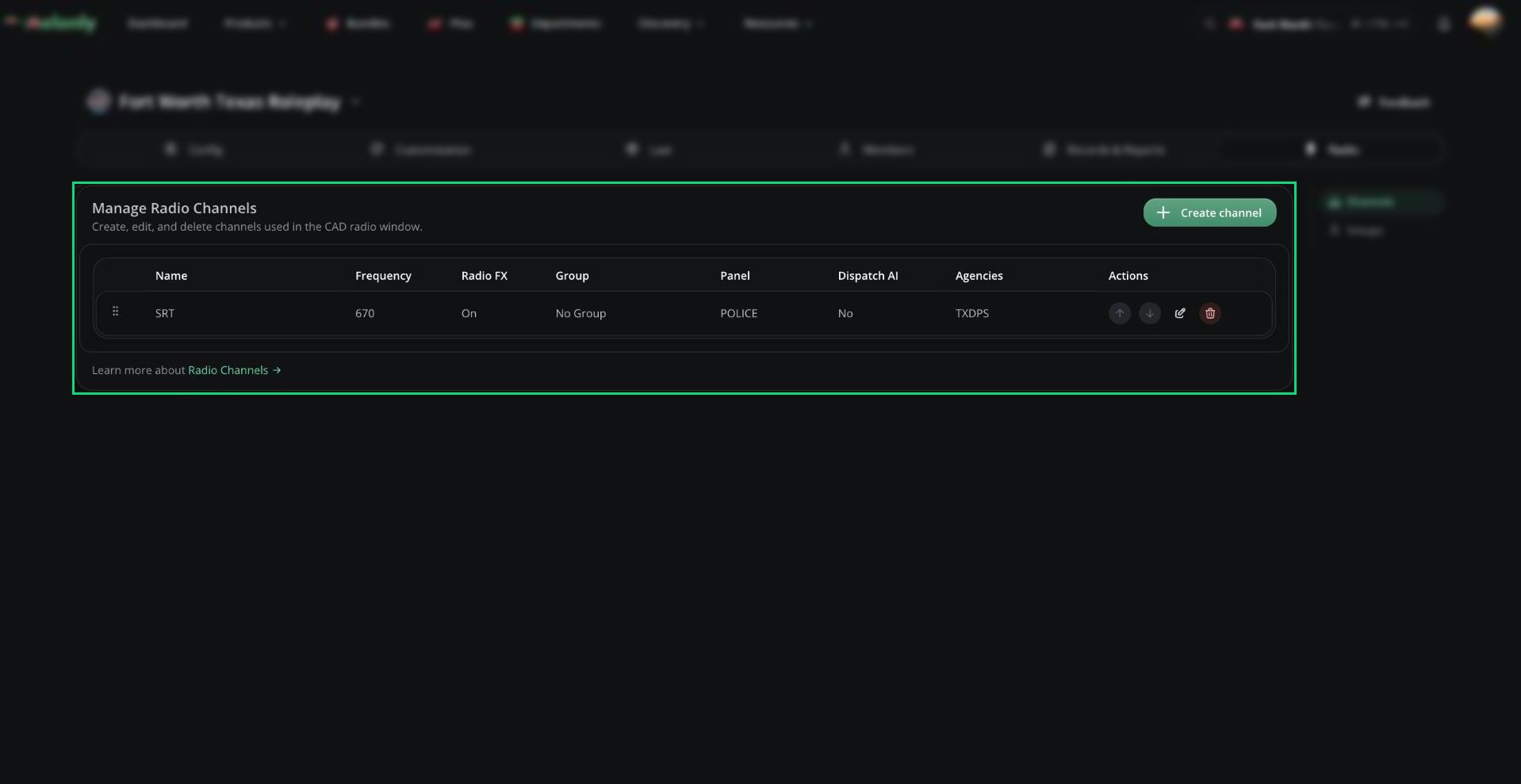
Radio Channels
Groups
Groups organize channels in the radio window, like categories in Discord. Open Radio → Groups.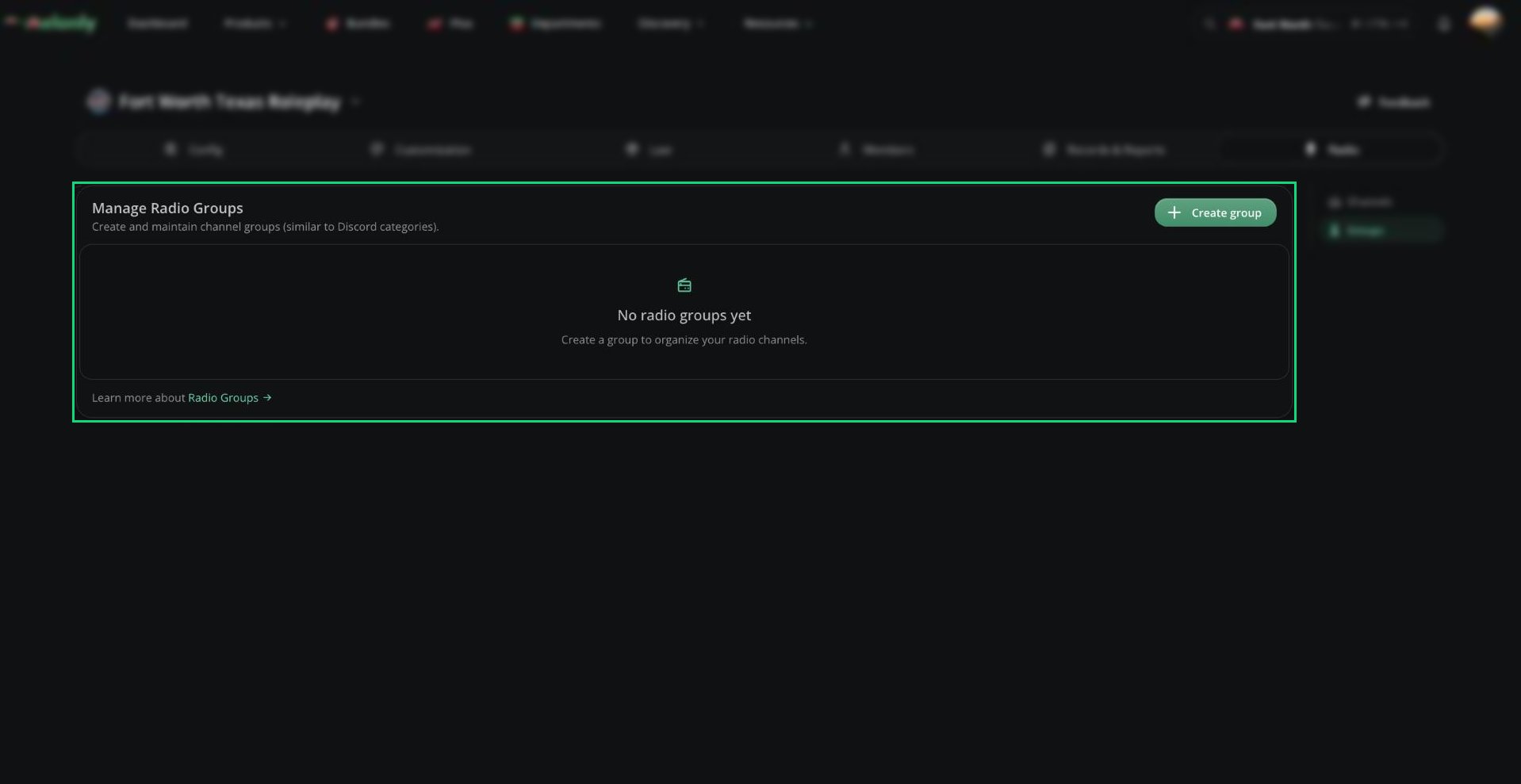
Radio Groups
- Click Create group, enter a name (1 to 64 characters) and optionally pick channels to move into it.
- Drag groups to reorder them. The top group shows first.
- Click Edit to rename a group, or Delete to remove it.
Need help?
Still have questions? Join our Discord server for support from the Melonly Team.