
What are LOA Settings?
LOA settings control how leave of absence requests work in your server. You can require certain details, set duration limits and customize the messages Melonly sends.General Settings
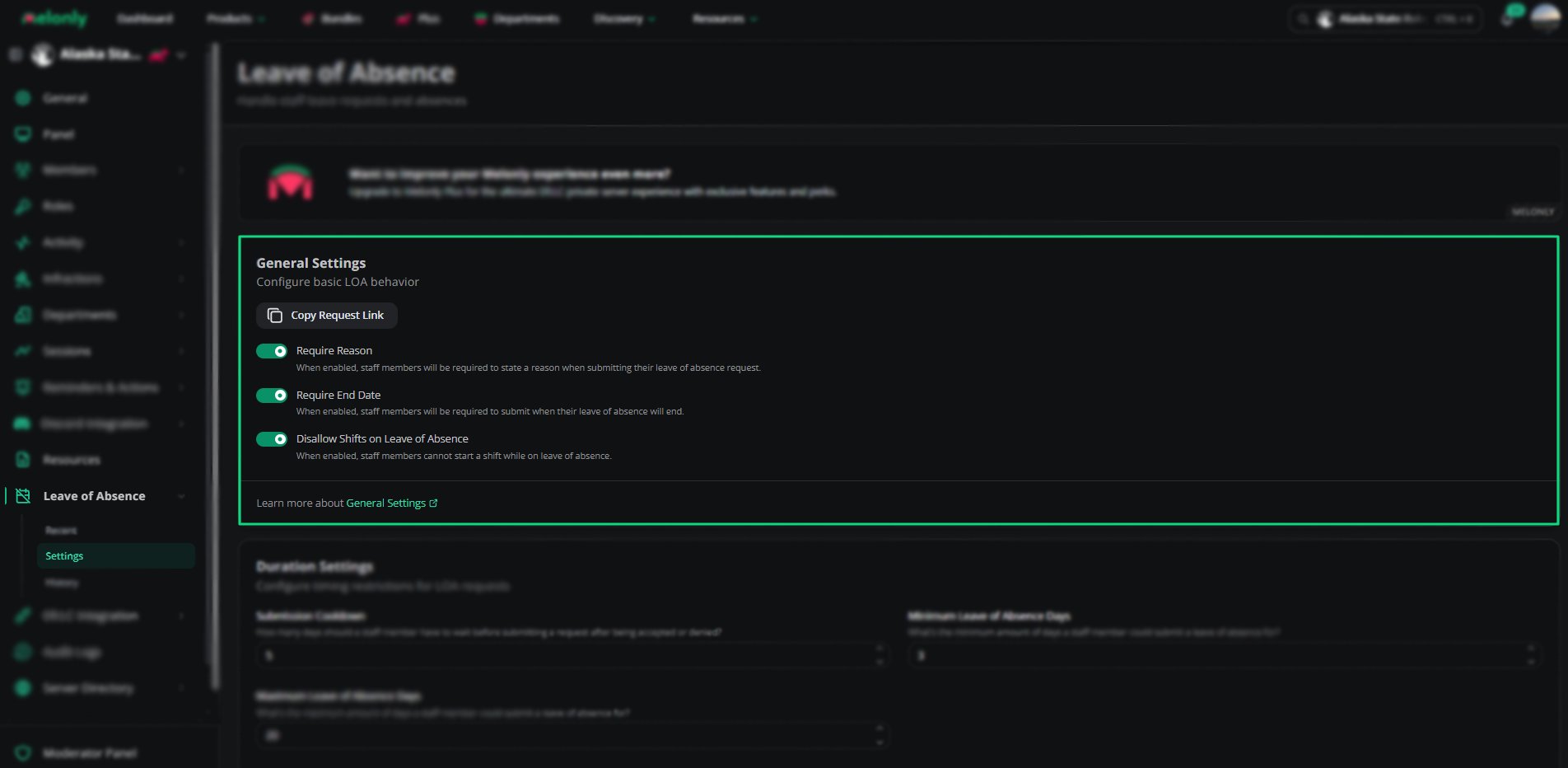
General Settings
Click Copy Request Link to copy the link staff use to request an LOA.
Duration Settings
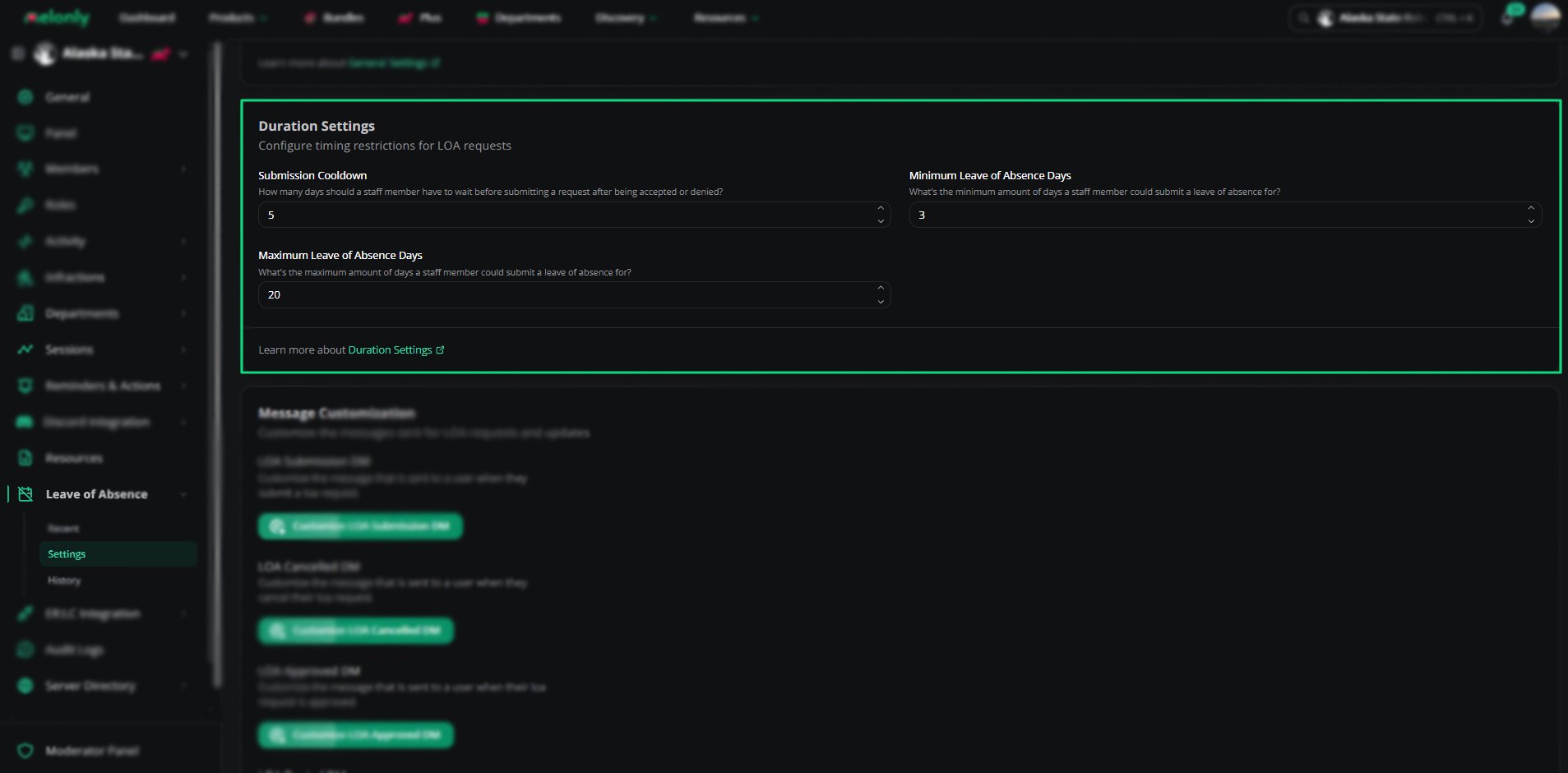
Duration Settings
Leave a field empty, or set it to 0, to remove that limit.
The On LOA role and LOA channel are set on the Discord Integration page.
Message Customization
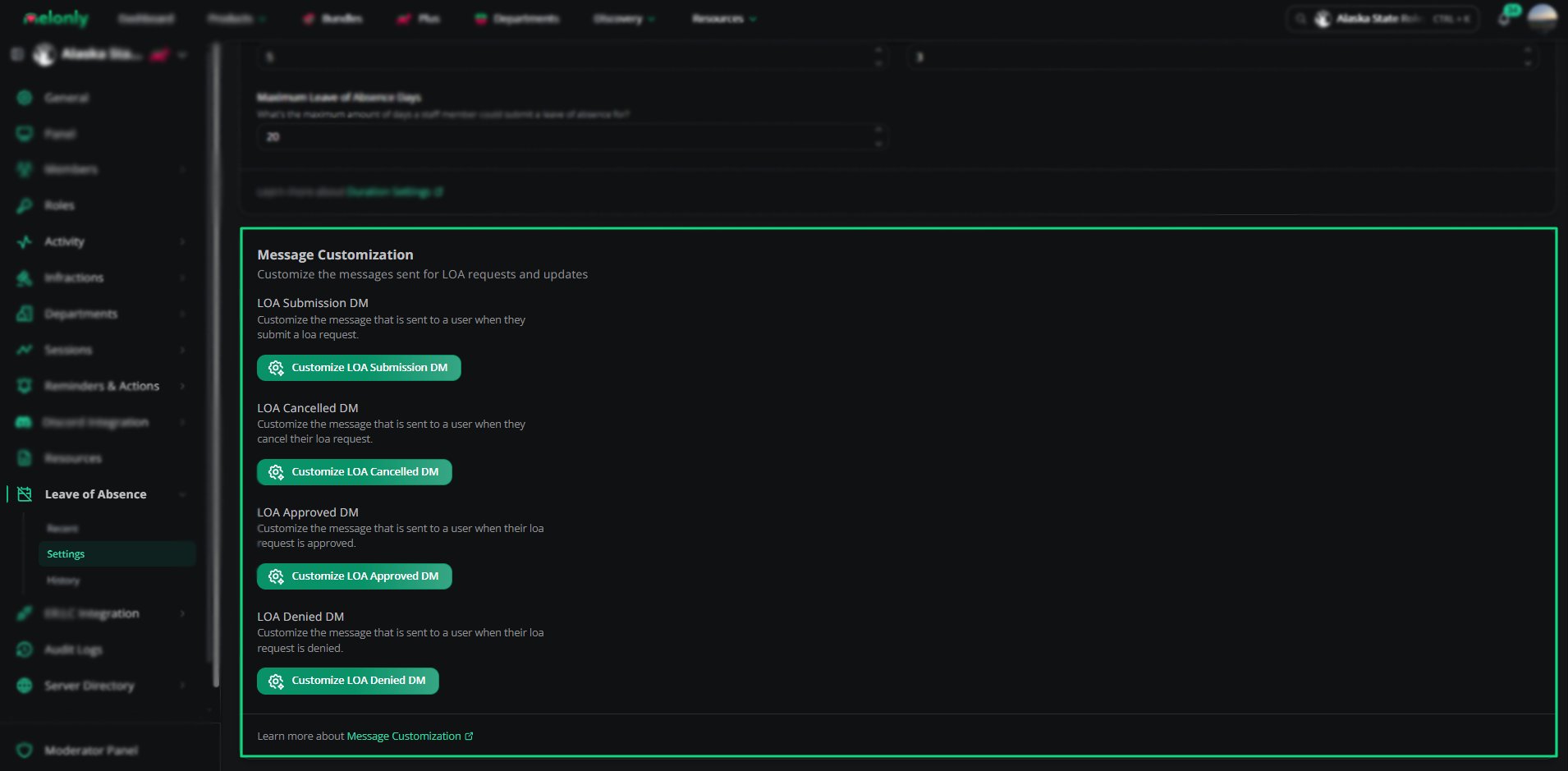
Message Customization
LOA Submission Mention Role
Choose the roles Melonly mentions when someone requests an LOA. This needs a linked Discord server.Custom DMs
Customize the DMs Melonly sends to staff during the LOA process. Custom DMs need Melonly Plus.
Each message supports variables.
Variables
Variables
Need help?
Still have questions? Join our Discord server for support from the Melonly Team.