
Overview
Persistent variables allow workflows to store data that remains available across multiple runs and workflows. Once defined, these variables can be accessed and modified by any workflow connected to the same environment.Variable Types
There are three persistent variable types available:- String Variable - Stores text values that persist across workflows and runs.
- Number Variable - Stores numeric values for calculations or counters.
- Boolean Variable - Stores true/false values for logical conditions.
- Name - The identifier for the variable.
- Expiration - Defines how long the variable remains active.
- Default Value - The initial value assigned when the variable is created.
- Scopes - Determines which player, user, or object the variable applies to.
balance scoped to a player ensures each player has their own balance record that persists across sessions.
Persistent Variable blocks can be found under the Utilities section of the workflow editor.
Managing Variables
All persistent variables can be viewed and managed from the Variables tab in your workflow editor.This interface displays each variable’s name, value, scope, expiration, and last updated time. Example:
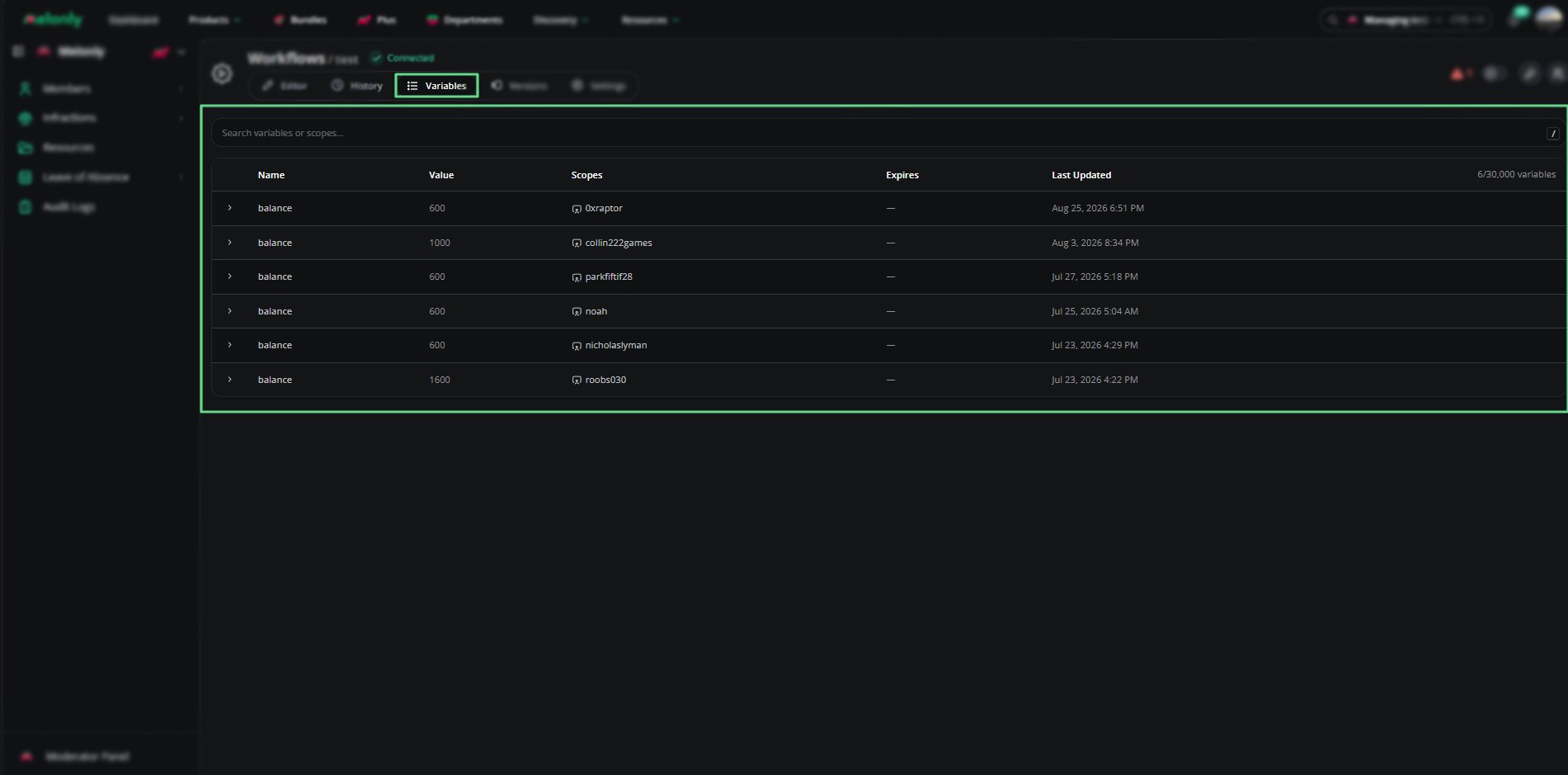
Variables Tab - Overview
Using Persistent Variables in Workflows
Persistent variables can be connected to workflow blocks using the Scopes field.Drag and drop an output variable from another block to define which entity the variable belongs to. This allows workflows to:
- Track player balances or points.
- Store long-term configuration values.
- Maintain session data between runs.
Example Package: Economy System
The Economy System package demonstrates how persistent variables can power a complete in-game economy.It includes 11 workflows that automate balance tracking, daily rewards, and transaction management.
You can find it under Templates & Packages → Economy System.
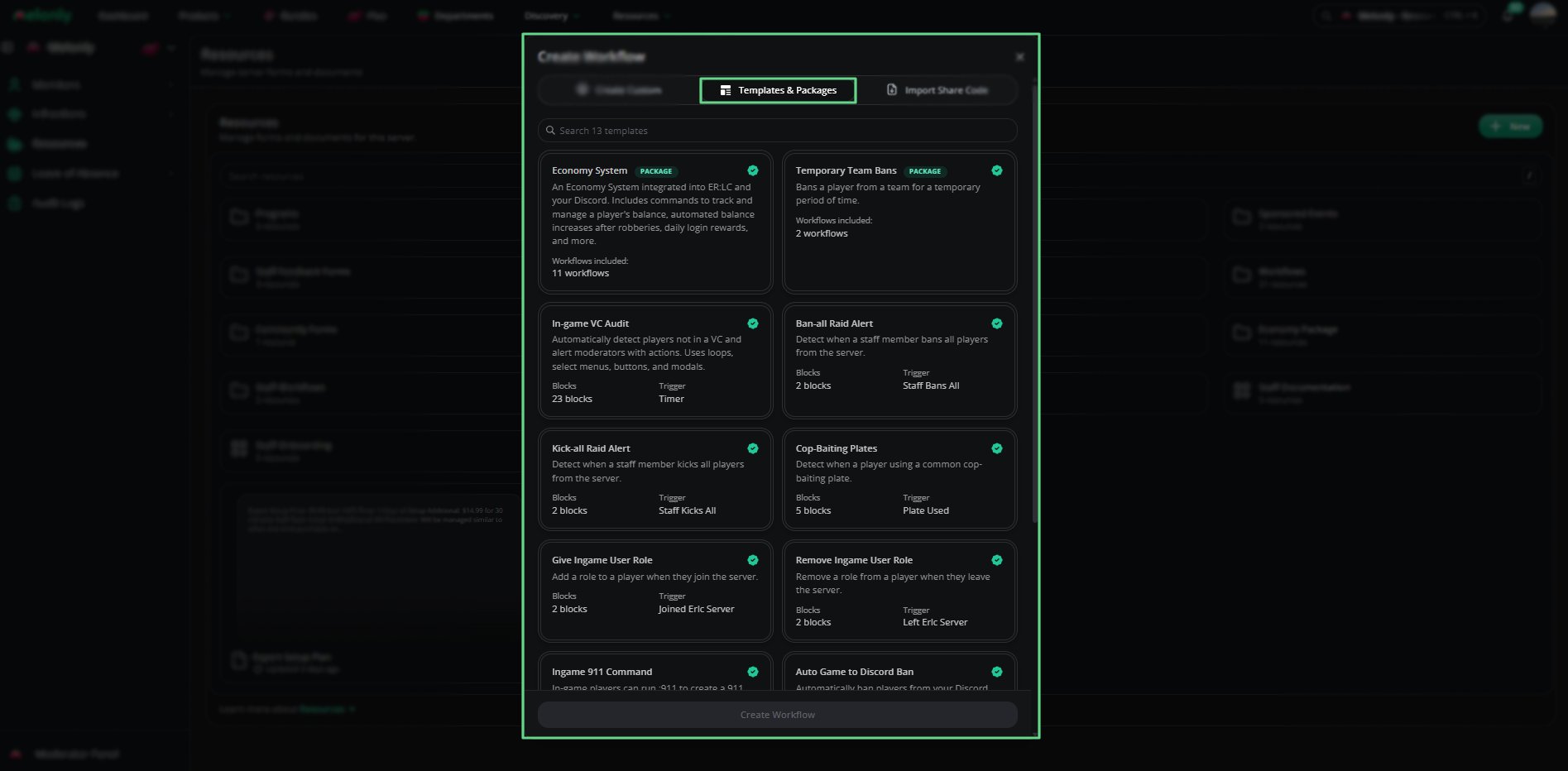
Templates - Overview
Need help?
Still have questions? Join our Discord server for support.