
What are Roles?
The Roles section allows you to automate role assignment based on member activity or actions. These roles help your staff quickly identify member status. You can enable or disable each role type depending on how your server operates.Available Roles
The role pinged when an LOA is submitted is set with LOA Submission Mention Role in LOA Settings, not on this page.
Discord Role Protection
The Restrict Discord role selection toggle limits role assignment to roles below a person’s highest Discord role. Administrators and server owners are exempt. Role requirements and mentions can still use any role. Only administrators and the server owner can change this setting.Required Discord Permissions
For Melonly to manage roles correctly, the Melonly Bot must have the proper Discord permissions and role hierarchy.
If these requirements are not met, Melonly will not be able to update member roles.
How Roles Work
When a member performs an action such as starting a shift, going on break, or submitting an LOA, Melonly automatically updates their roles in Discord. This ensures your staff always know who is active, or unavailable.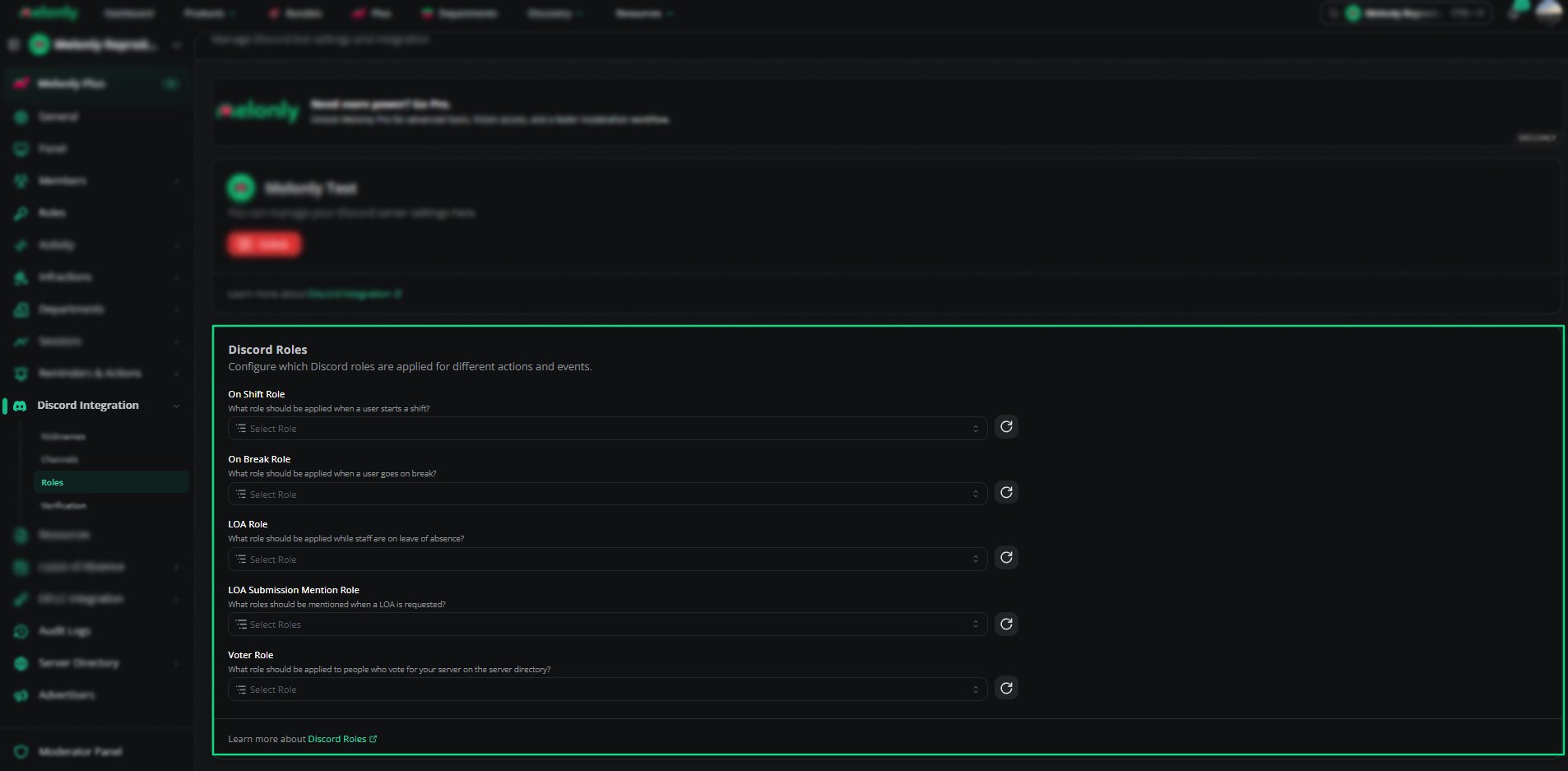
Role Configuration
Need help?
Still have questions? Join our Discord server for support from the Melonly Team.