
What is the Members Page?
The Members page lets you look up a staff member’s disciplinary record: their points, warnings, strikes, suspensions and terminations. You can also punish members from here, and every action is saved to their record.How the Members Page Works
Search for a member with the filter bar, then pick them to open their full record, including their infraction level and past actions. From their record you can issue an infraction, suspend them or terminate them. Each action needs a reason and can include points.Member Tools
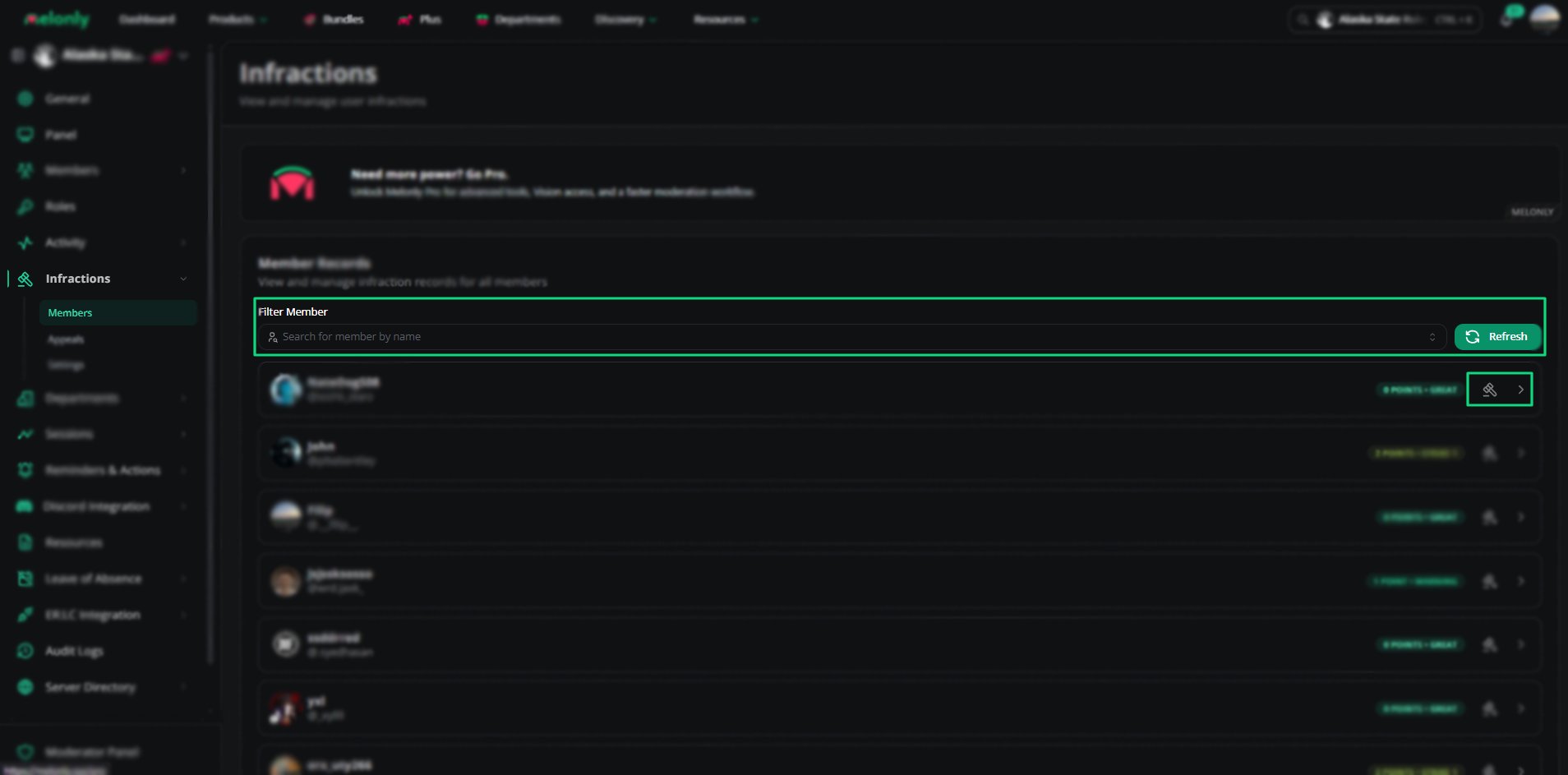
Member Tools
Member Records
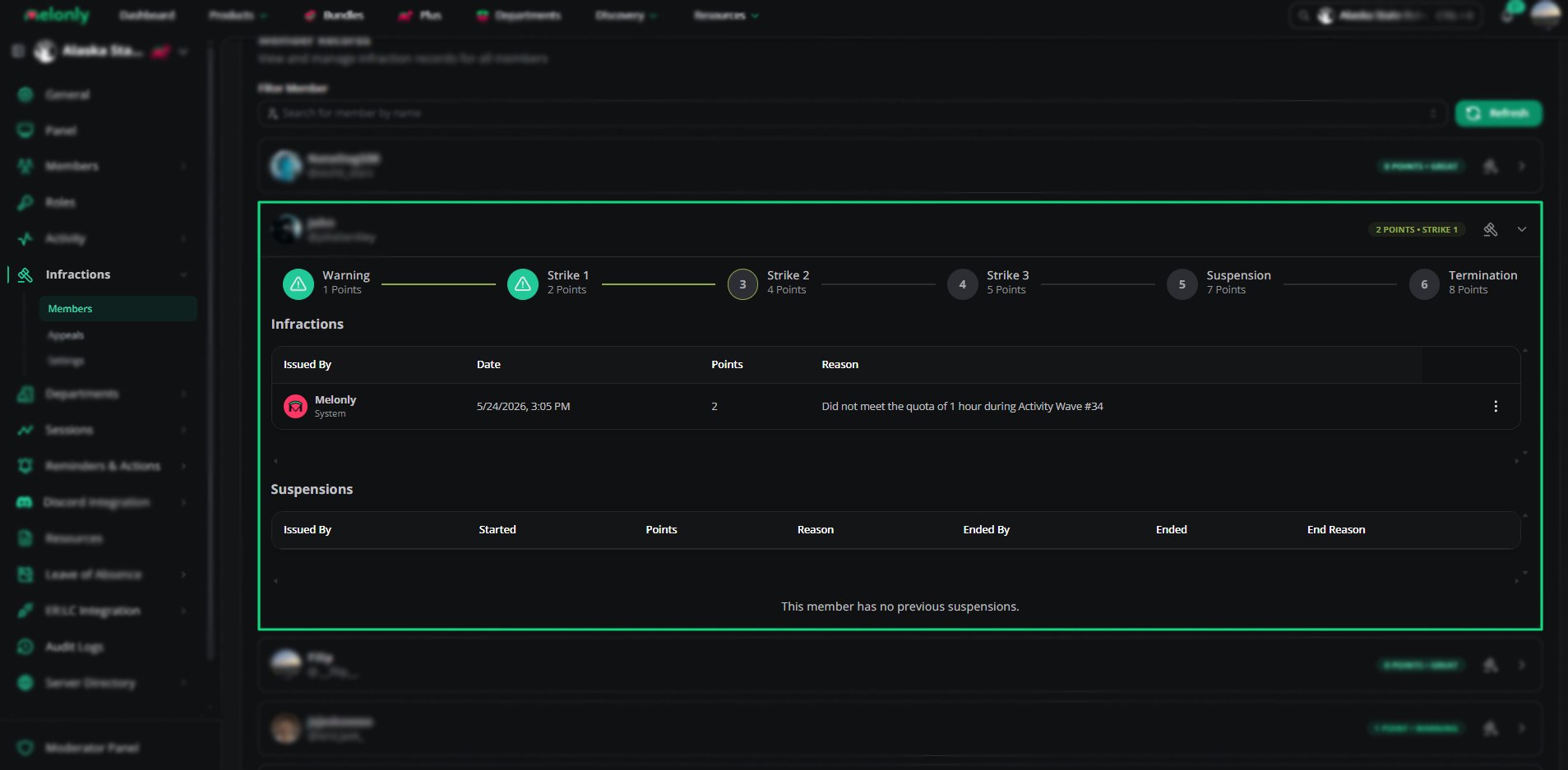
Member Records
- Current points
- Infraction level
- Past infractions
- Past suspensions
- Termination history
Punishment Actions
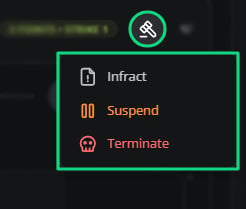
Punishment Actions
How to Use It
1
Search for a Member
Use the filter bar to find the member you want to review or punish.
2
Open Their Record
Pick the member to see their full disciplinary history and infraction level.
3
Issue a Punishment
Choose Infract, Suspend or Terminate and fill in the form.
Example Use Cases
- Reviewing a member’s disciplinary history
- Issuing warnings or strikes
- Suspending members for repeated offenses
- Terminating members for serious misconduct
Need help?
Still have questions? Join our Discord server for support from the Melonly Team.