
What are Infraction Settings?
The Settings tab controls how infractions, appeals, quotas, Discord roles and automatic punishments work in your server. It’s also where you write appeal questions and staff guidelines. Who can open these settings depends on their Melonly role. See Permissions.Infraction Settings
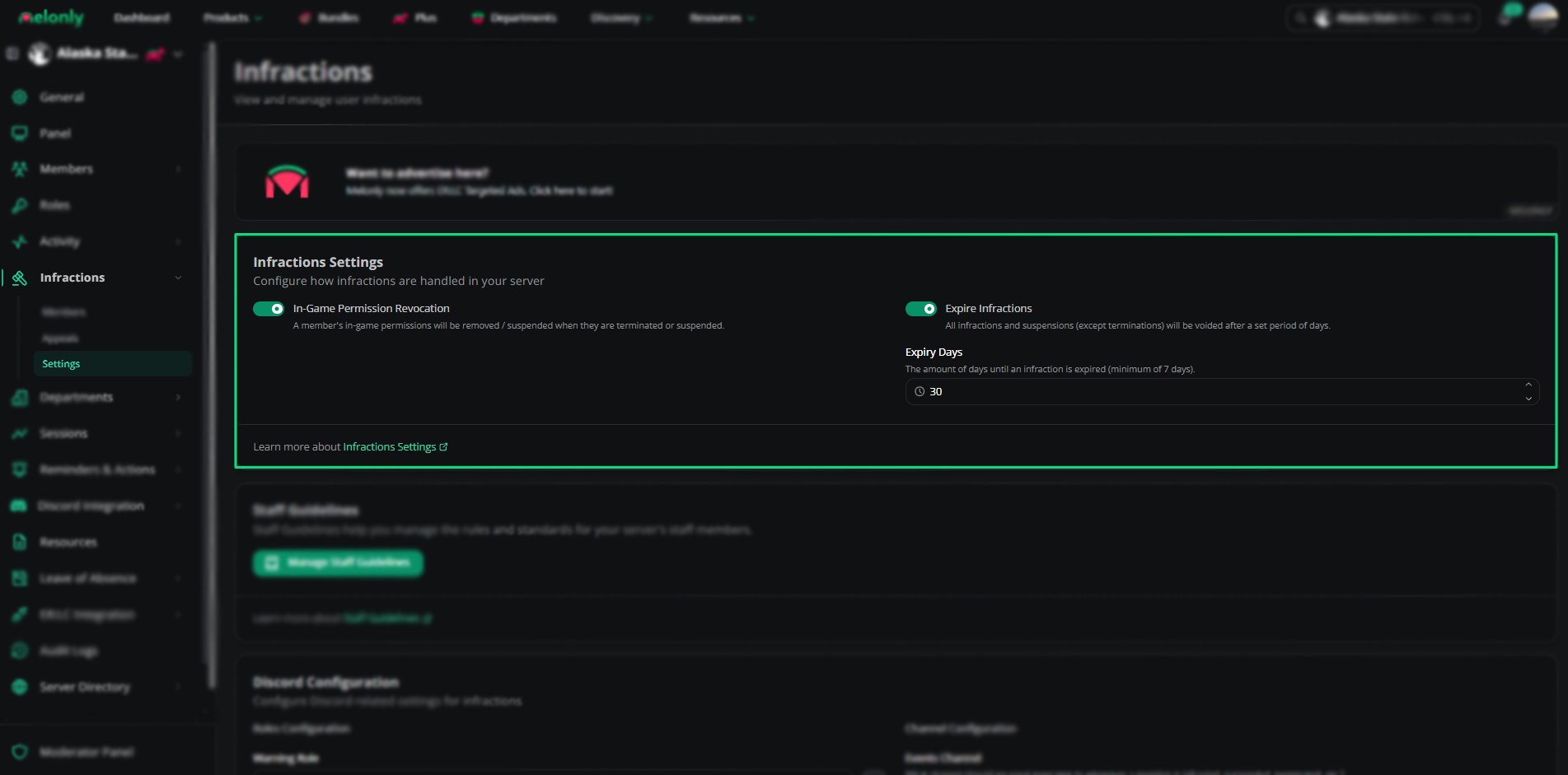
Infraction Settings
Staff Guidelines
Staff guidelines set out what counts as an infraction. Each guideline has a name, a short description, a full description and a point value (0 by default).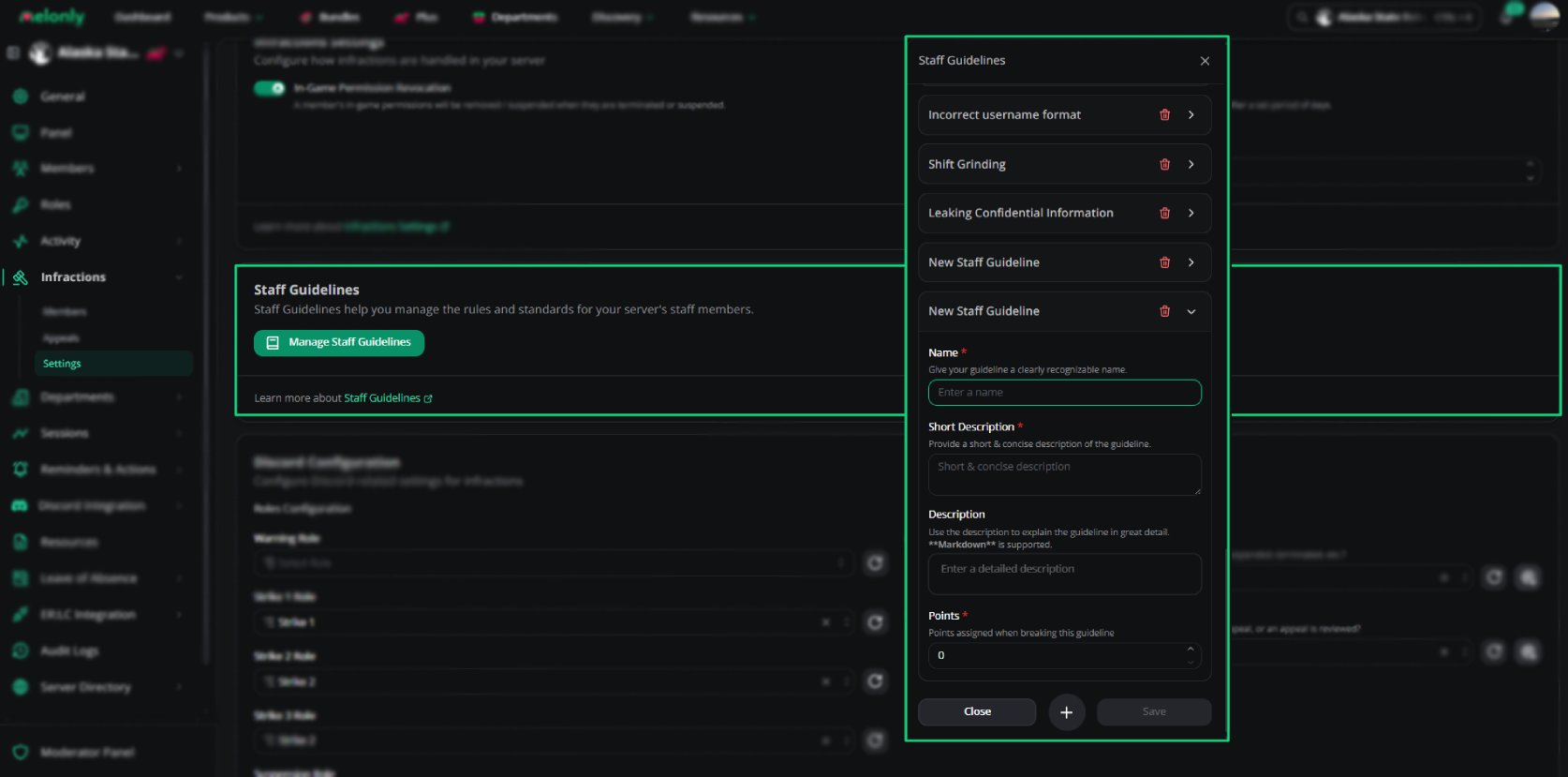
Staff Guidelines
1
Open the Settings Tab
Go to the Infractions page and open the Settings tab.
2
Click Manage Staff Guidelines
Create or edit the guidelines that define punishable behavior.
Discord Configuration
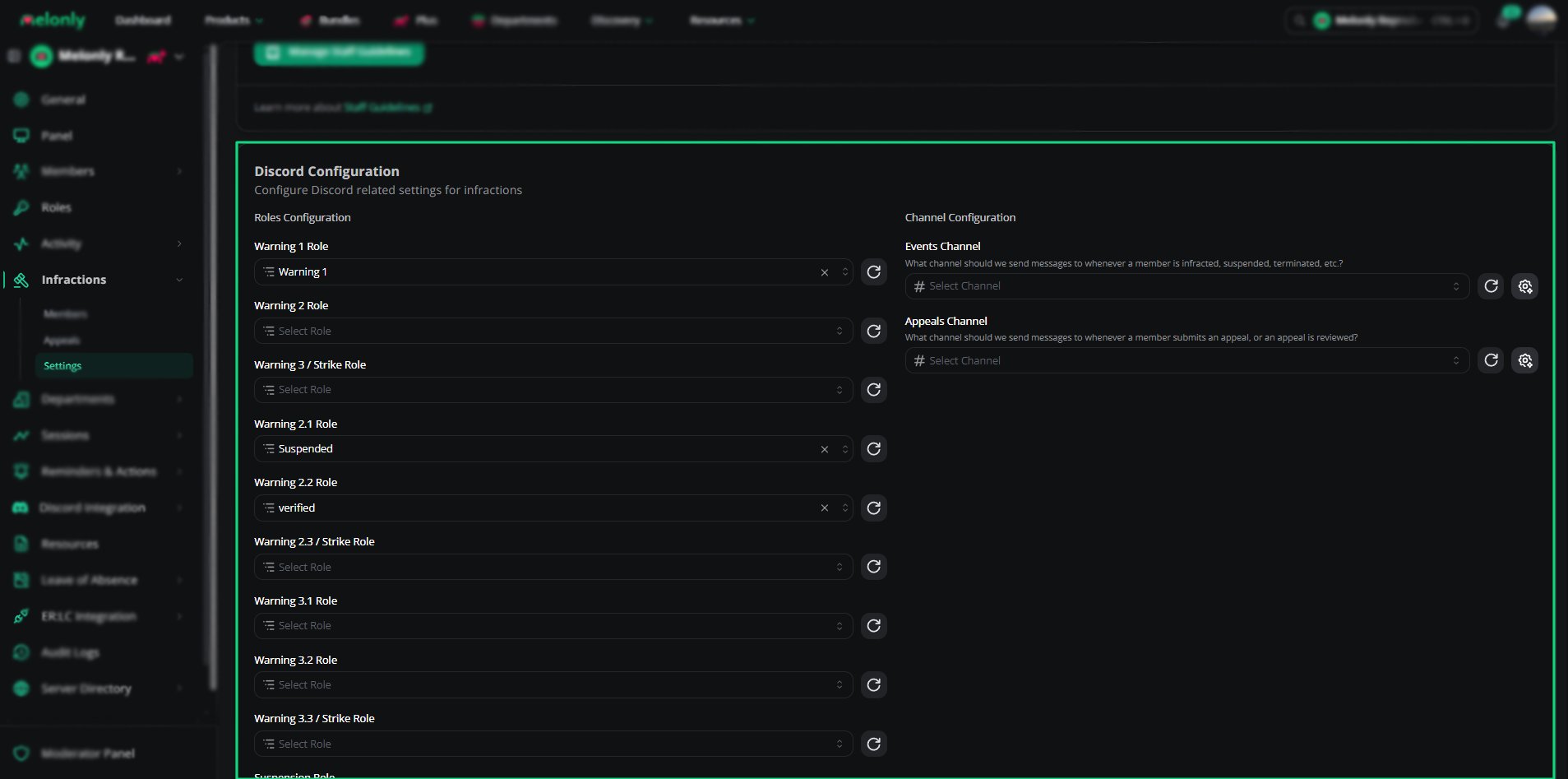
Discord Configuration
If you haven’t set any roles, click Create roles for me and pick a role. Melonly creates the point roles underneath it.
Melonly’s bot role must be above every step role and the suspension role, and it needs permission to send messages in the events channel.
Quota Settings
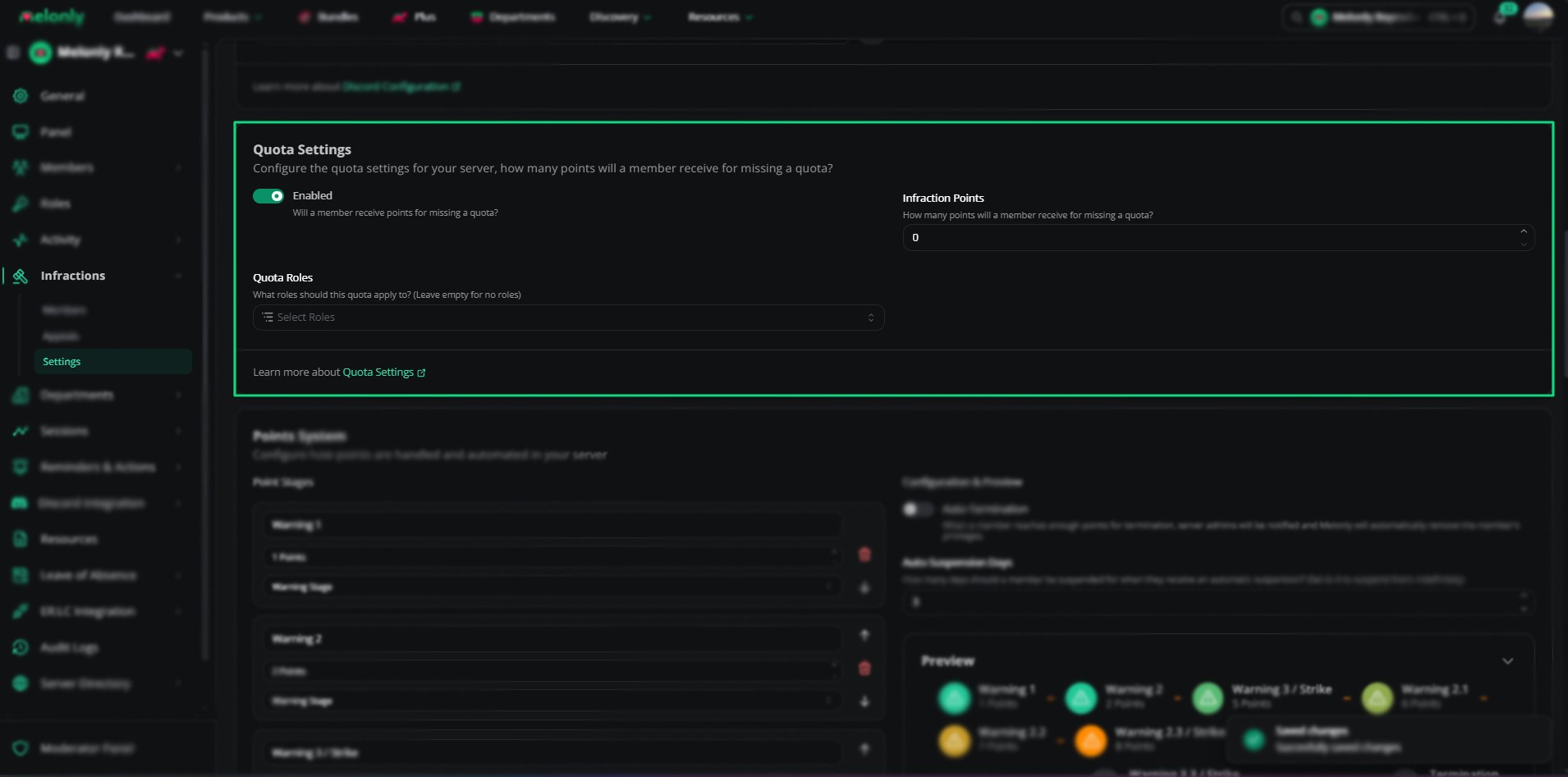
Quota Settings
Scheduled Wave Ends
When a scheduled activity wave ends, Melonly issues quota infractions automatically. These options, shown once quota penalties are enabled, choose who is left out.Points System
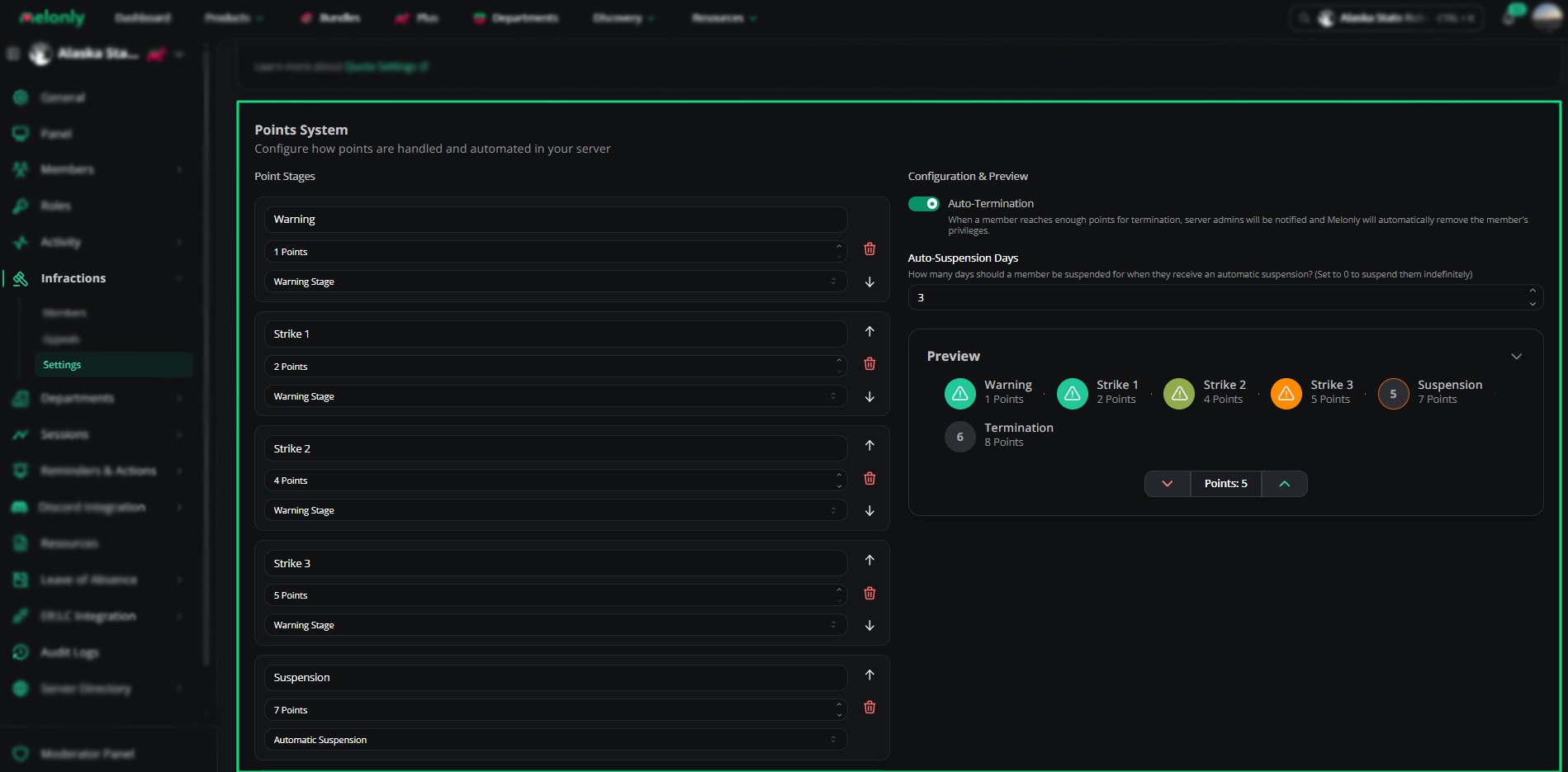
Points System
When you change point stages, members who now qualify for a suspension or termination aren’t affected until their next infraction.
Message Customization
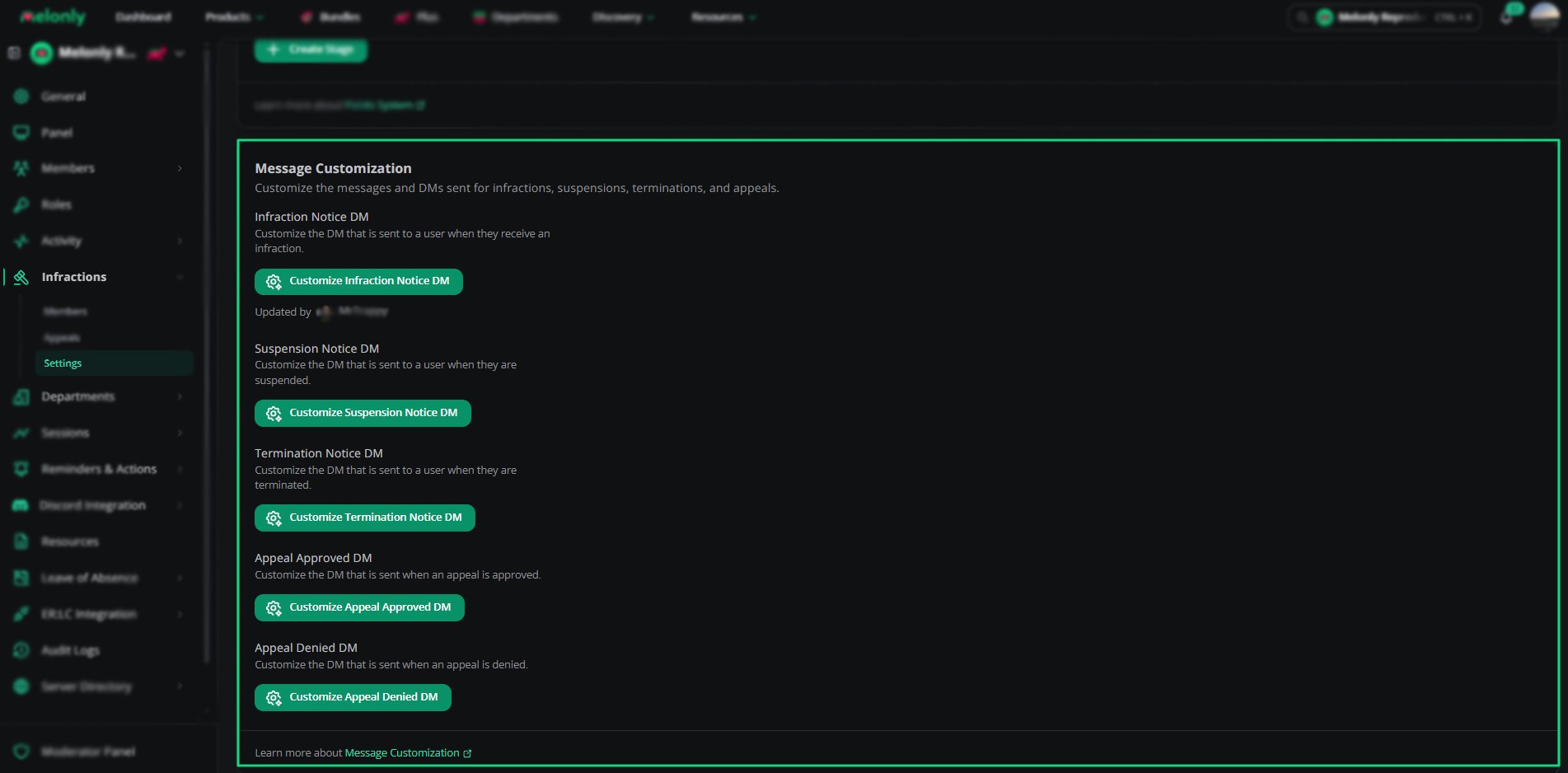
Message Customization
Appeals
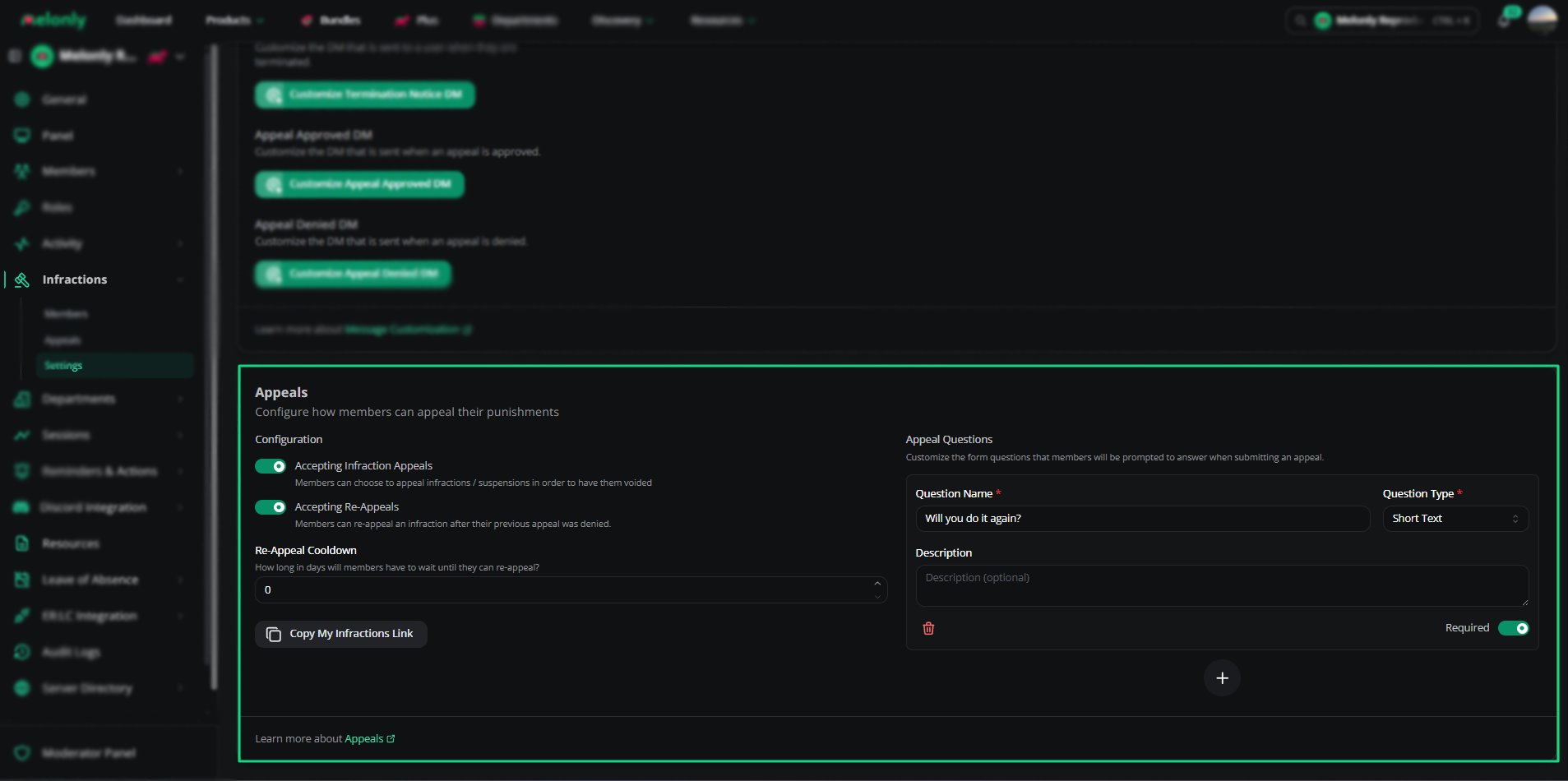
Appeals Settings
Appeal Questions
Appeal questions are what members answer when they appeal. They appear on every appeal form.
Click Create a new appeal question to add one. New questions are required by default. Use the arrows to reorder them.
Permissions
These permissions are set on Melonly roles, under the Infractions page permission. See Roles.Need help?
Still have questions? Join our Discord server for support from the Melonly Team.