
What are Logging Settings?
Logging Settings record moderation actions from your ER:LC server in Melonly. You can auto-log every kick and ban, and let staff log punishments in game with:log. These logs show up in the Mod Panel.
Requires a Webhook Channel in Webhook Configuration. Staff need a Roblox account linked to Melonly so Melonly knows who ran the action.
Configuration Options
Find Logging Settings on the ER:LC Integration → Webhooks page.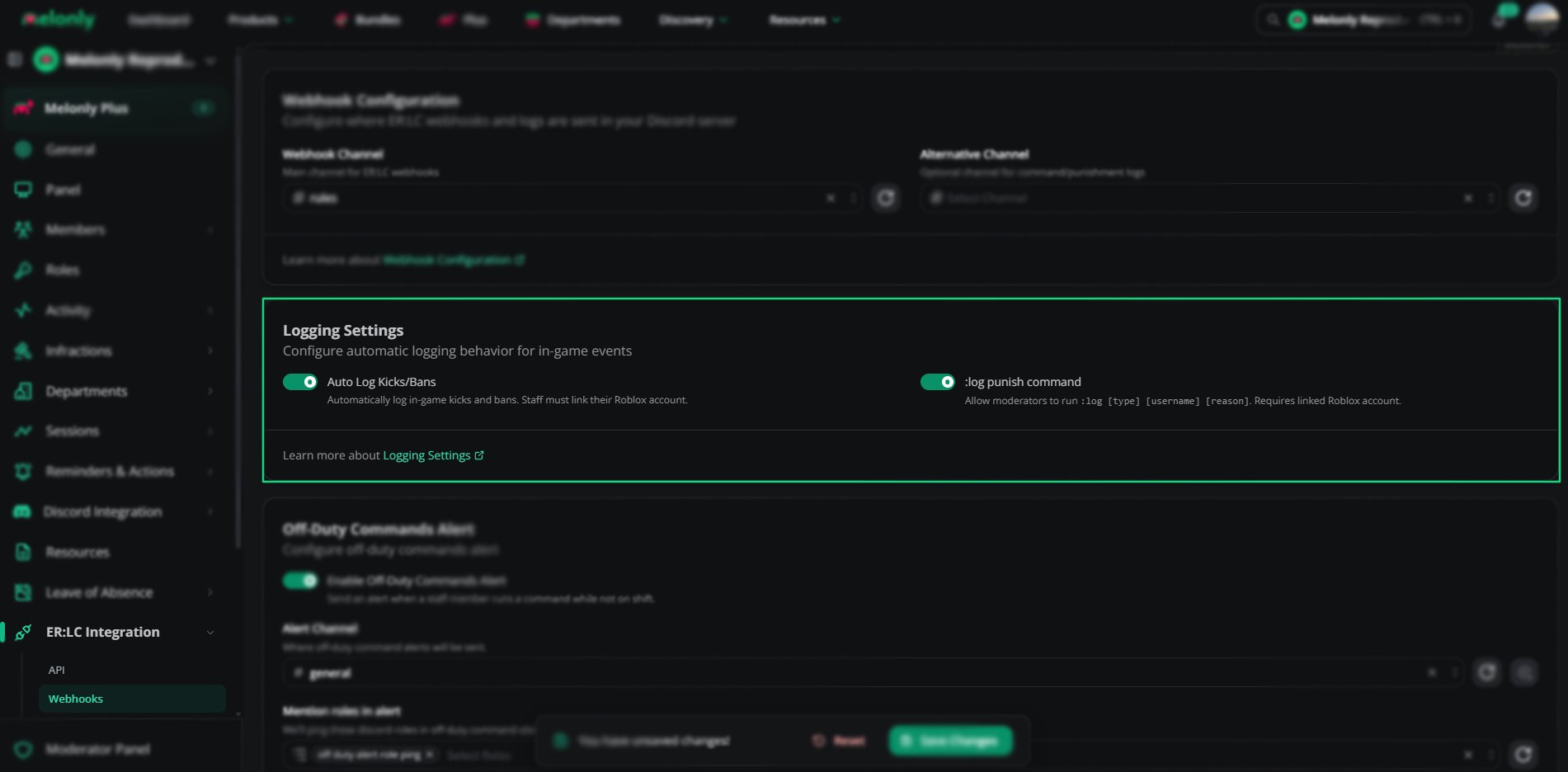
Logging settings
Auto Log Kicks and Bans
Every kick and ban is recorded, even if staff forget to log it. Add a reason later by editing the log in the Mod Panel.:log Punish Command
The:log command lets staff log punishments from in game without opening the dashboard. It works with your custom log types too, once you’ve set them up on the dashboard.
:log Command Reference
:log vehicle
Run:log vehicle with a username, plate or vehicle name. Melonly finds the closest matching vehicle in the server and sends you an in-game PM saying who is driving it.
:log chasing
Run:log chasing during a pursuit. Melonly watches where you and every other player move over the next few seconds and finds the player who stays close to you while heading the same way. You get an in-game PM like It appears you are chasing ROBLOXUSER.
- Players on your own team are never picked.
- The PM arrives within about 10 seconds, so keep driving after you run it.
- If nobody fits, you get Could not determine who you are chasing. instead of a guess.
:log vc
Moves people between Discord voice channels using the abbreviations from Voice Channel Configurations.:log vc s1 moves you, and :log vc [username] s1 moves another player. You must already be in a voice channel.
:log vehicle and :log chasing need your ER:LC server linked with an API key so Melonly can read players and vehicles.Example Use Cases
- Record every kick and ban automatically
- Let staff log punishments quickly in game
- Keep a complete moderation history
- Use custom log types for your own workflows
Need help?
Still have questions? Join our Discord server for support from the Melonly Team.