
What is the Map Editor?
The map editor is where you draw custom areas on the ER:LC map. The same editor is used for every location feature in Melonly.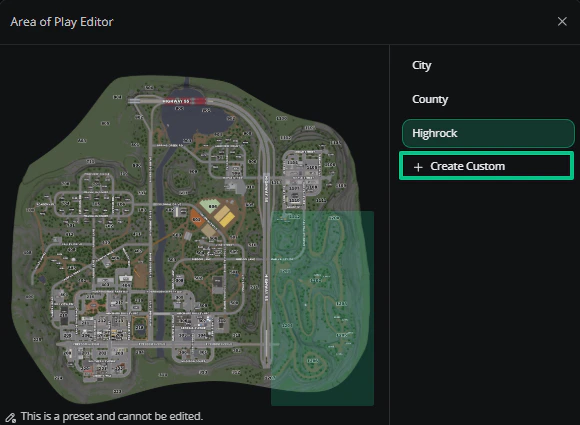
Area of Play Editor
Creating an Area
The list on the right shows your areas. Presets, like City or Police, can be viewed but not edited.1
Create a custom area
Click Create Custom. A new area is added with one shape on the map.
2
Shape it
Drag the shape to move it, and drag its corner points to resize or reshape it.
3
Add more shapes if needed
Use Add Rectangle or Add Polygon to add another shape to the same area. An area can be made of several shapes.
4
Save
Close the editor, then save the settings page it was opened from.
Editing Shapes
Click a shape to select it, then:Managing Areas
Select an area in the list to see its buttons.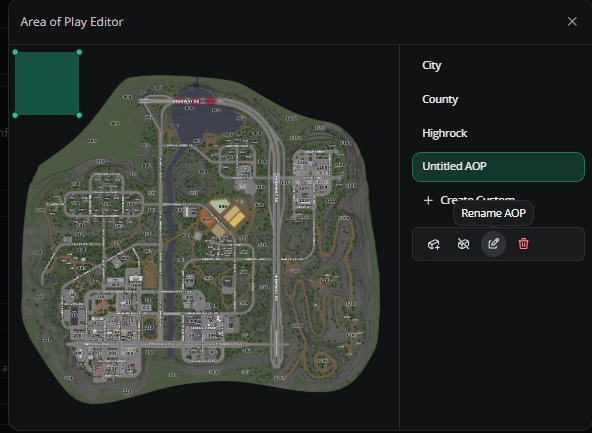
Area buttons
Need help?
Still have questions? Join our Discord server for support from the Melonly Team.