
What is Melonly?
Melonly is where ER:LC communities run their servers. Staff use it to moderate, log shifts and request leave. Players use it to verify, apply to communities and check their own records. All you need to start is a Discord account. You must be at least 13 to use Melonly.Sign In
Melonly uses your Discord account to sign in, so there’s no separate password.1
Open the Sign In Page
Go to melonly.com/login.
2
Continue With Discord
Click Continue with Discord and approve the request in Discord. The first time you do this, Melonly creates your account.
3
Land on Your Dashboard
You’re taken to your Dashboard, your home base in Melonly.
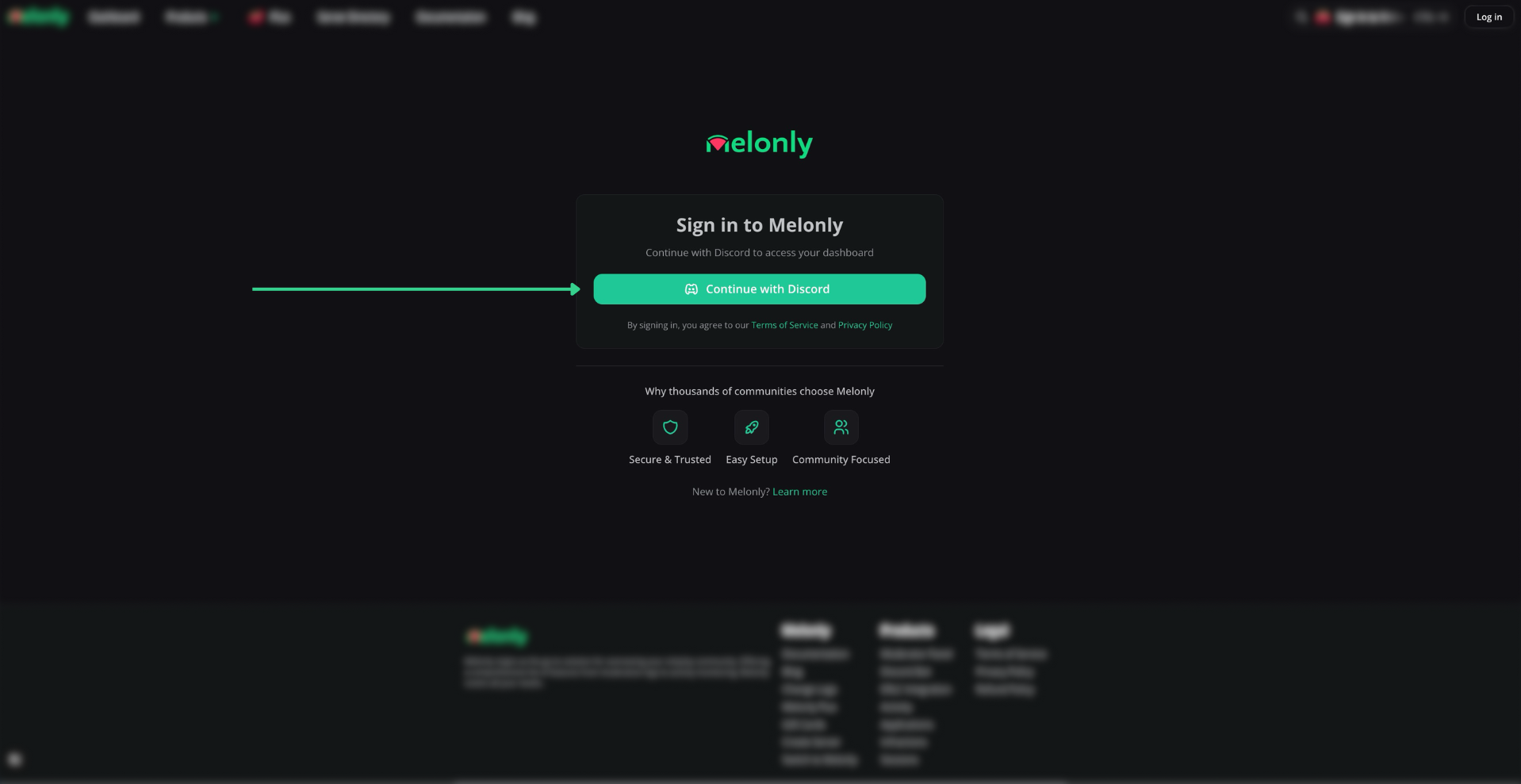
Signing In
Link Your Roblox Account
Linking Roblox lets servers verify you, and turns on features such as automated shift tracking.1
Open Your Profile Menu
Click your profile picture in the top right corner.
2
Start Linking
Click Link Roblox account. This option only shows until your account is linked.
3
Approve in Roblox
Sign in to Roblox and approve the request. You’re brought back to your account settings.
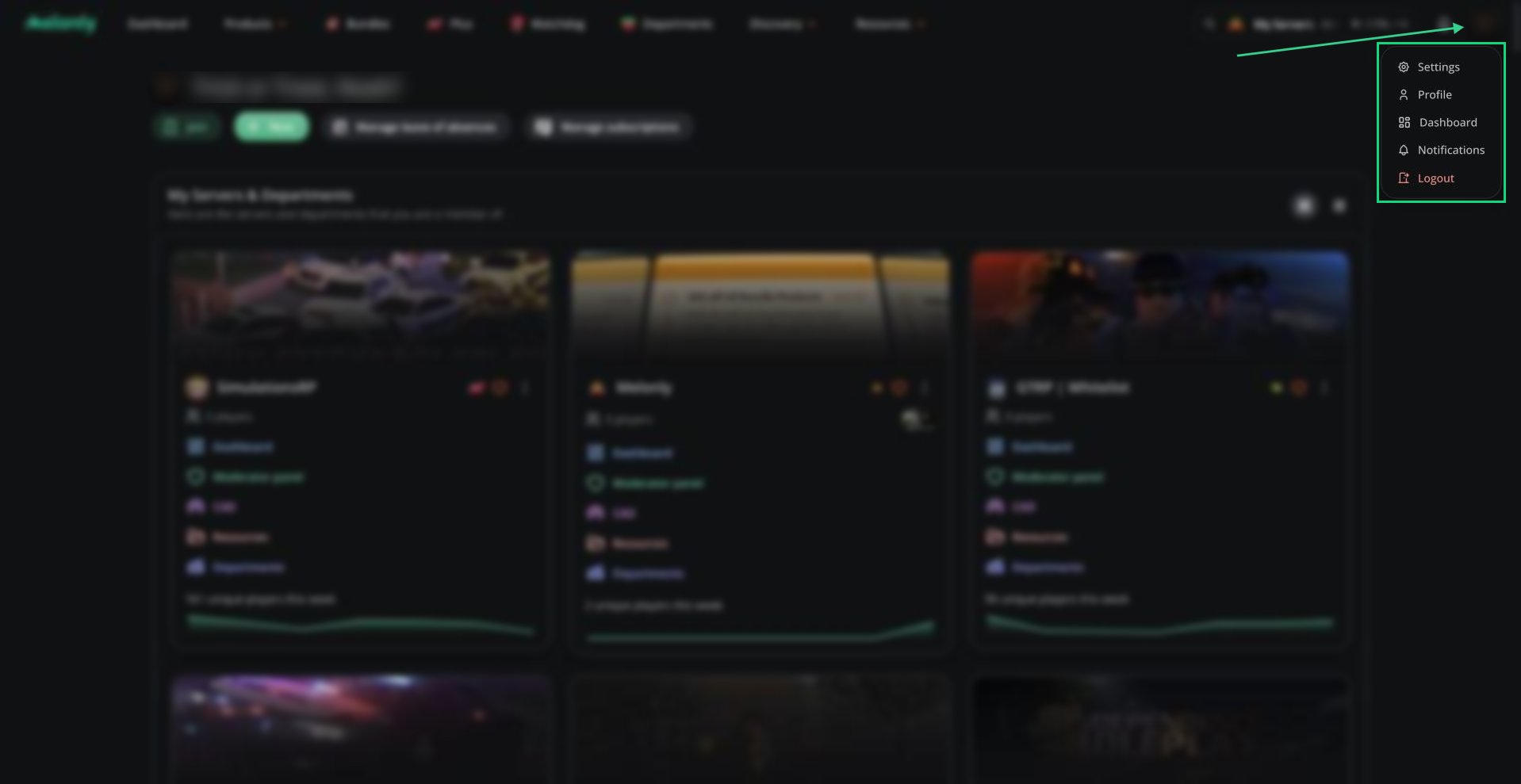
Profile Menu
Join or Verify With a Server
Joining and verifying are different things, and many people only need one of them.Find Your Way Around
Everything personal to you lives in your account area, across all your servers:
Where to Go Next
Your Dashboard
Open your servers and departments, and everything inside them.
Your Account
Manage your settings, notifications, leave and records.
Forms
Apply to a community and track your responses.
Mod Panel
On staff? Learn the tool you’ll use every shift.
Melonly Plus
See what Plus unlocks for a server.
Melonly Desktop
Run Melonly as its own app on your computer.
Need help?
Still have questions? Join our Discord server for support from the Melonly Team.