
Where to Follow Melonly
Get Updates in Your DMs
Melonly can send you a Discord DM whenever there’s a new product update or blog post. The quickest way is to click the button at the top of the page. You’ll be asked to sign in first if you aren’t already.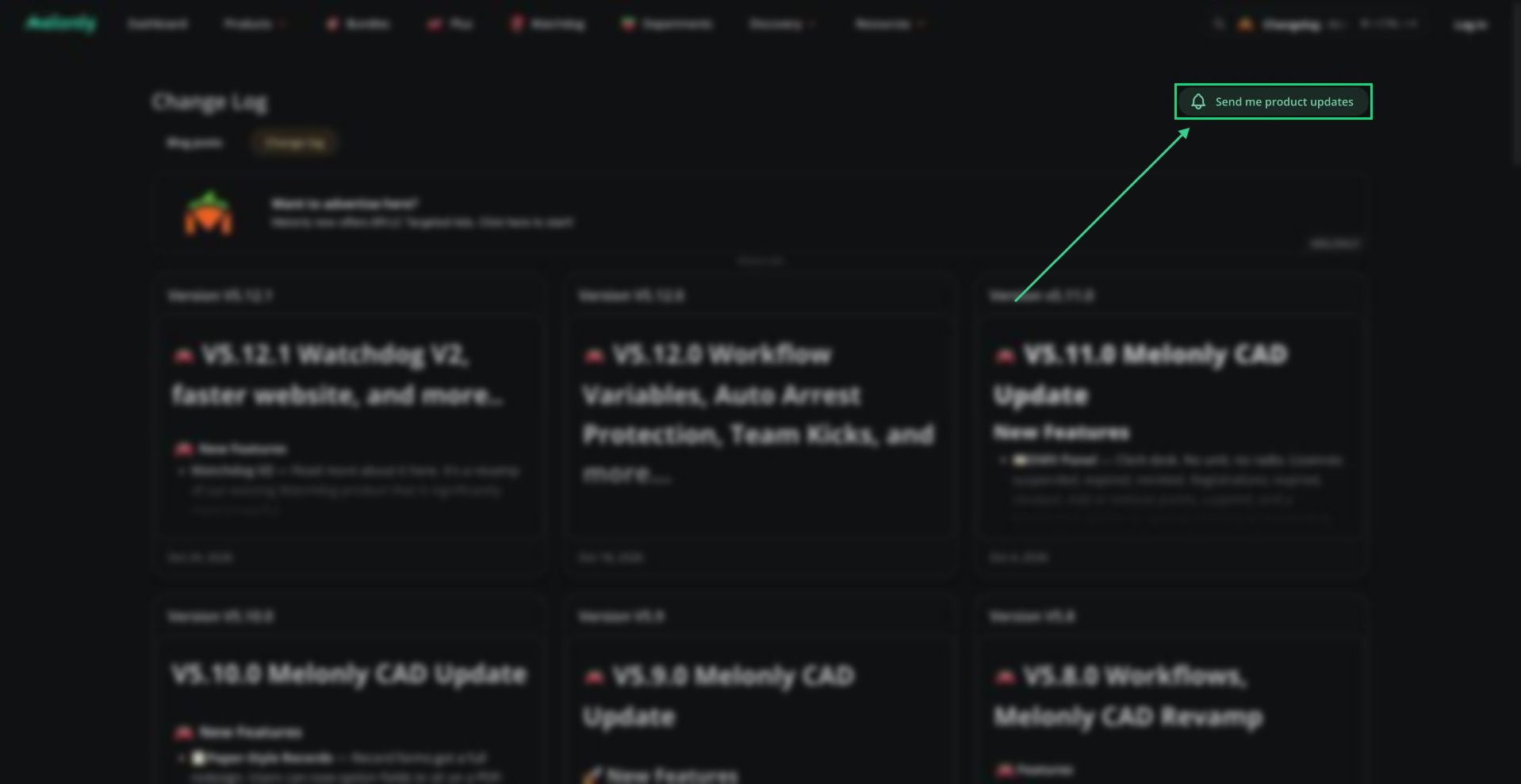
Send Me Product Updates
Notification Settings
You can turn these on or off under Platform Notifications on your Notifications page.
See Notifications for your other DM settings.
Need help?
Still have questions? Join our Discord server for support from the Melonly Team.