
What are Departments Plans?
Departments give your community its own rosters, shouts, permissions and Melonly CAD. You buy a plan and activate it on your parent server, which gives that server department slots. Each active department uses one slot. This page covers the plans at a glance. For how slots and failed payments work, see Plans & Billing in the Departments tab.Plans
Every plan includes Melonly CAD, custom rosters, shouts, permissions and Discord role syncing. Departments has no free plan or trial.
Prices are in US dollars and don’t include tax. Departments are also included in every bundle.
Getting Departments
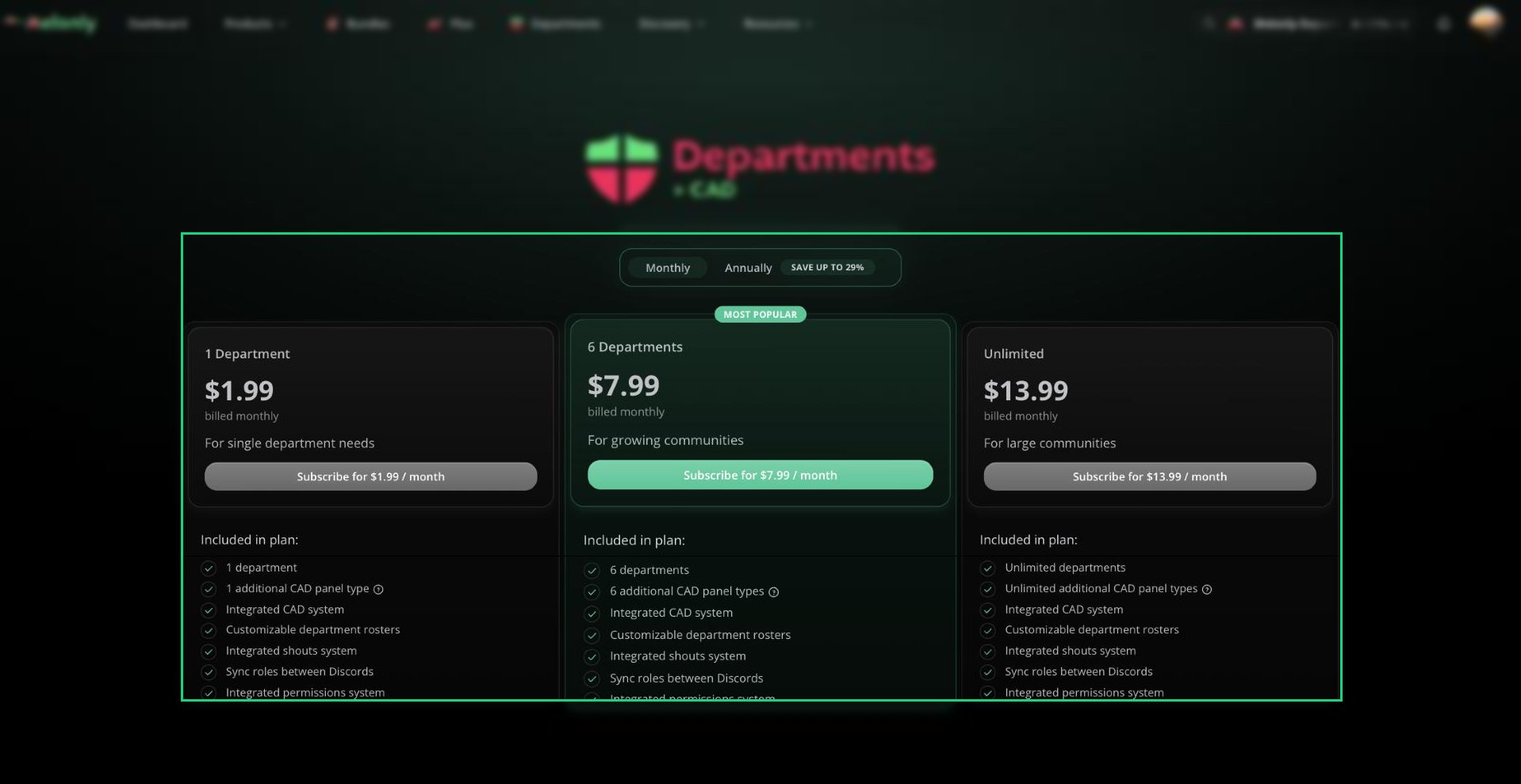
Department Plans
1
Pick a Plan
Go to melonly.com/product/departments and choose a plan and how often to pay.
2
Check Out
Pay through Stripe.
3
Activate It
Activate the plan on your parent server. See Activating a Subscription.
4
Set Up Your Departments
Follow Getting Started in the Departments tab.
Need help?
Still have questions? Join our Discord server for support from the Melonly Team.