
What are Automated Messages?
Automated Messages send announcements, hints and PMs in ER:LC on a schedule, and run checks like:membercheck and :vehiclecheck. They’re powered by Melonly Reminders, so you set them up on the Reminders page, not the ER:LC Integration page.
Reminders only run while at least one staff member is on duty.
Reminder Types
Each reminder can run once or repeat on a schedule.
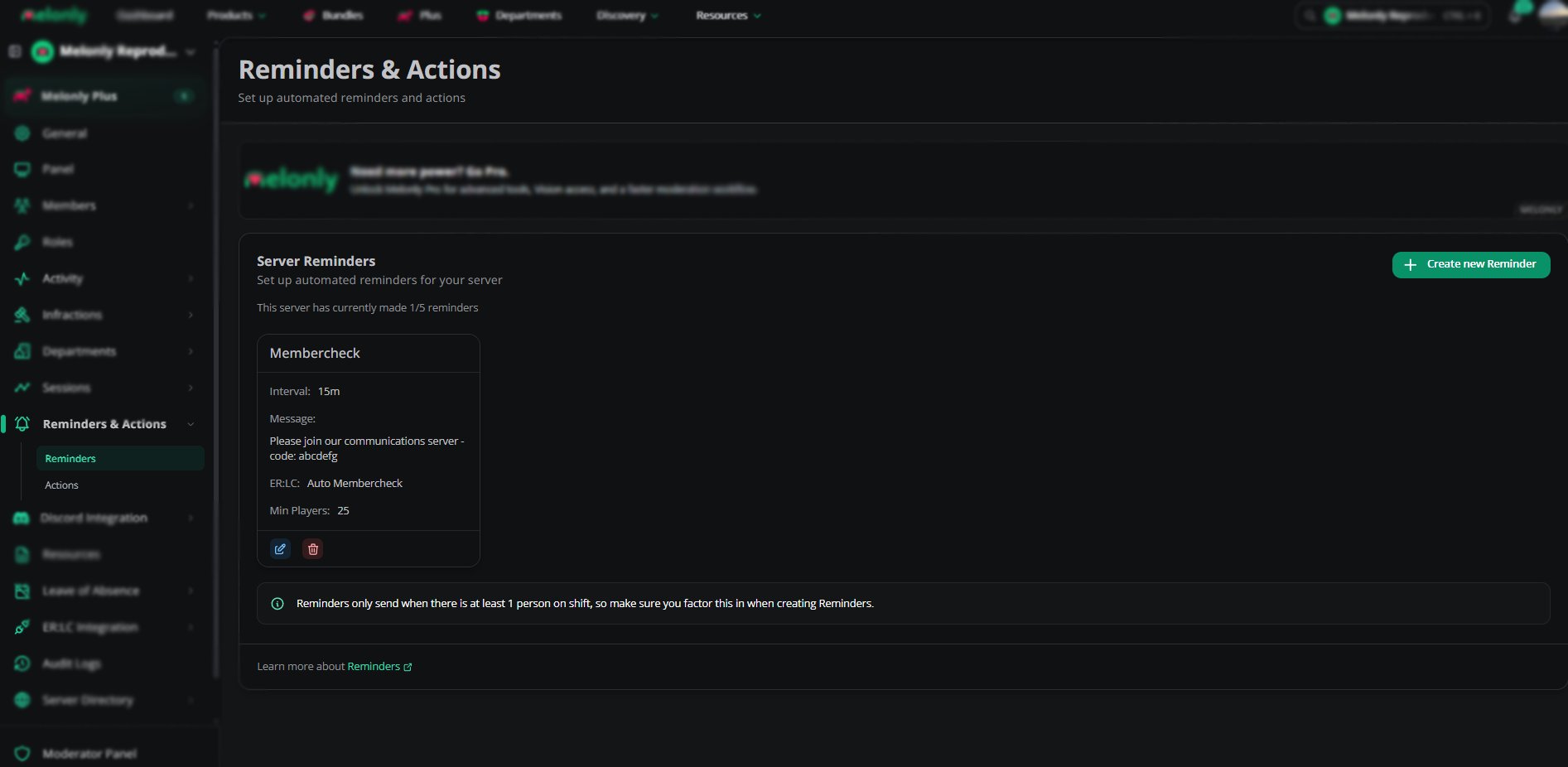
Automated Messages
Creating an Automated Message
1
Open the Reminders Page
Go to Reminders and Actions on your dashboard.
2
Create a New Reminder
Choose the type of message or check you want to automate.
3
Set When It Runs
Pick a timer, an interval or a condition.
4
Save the Reminder
The reminder now runs on your schedule.
Example Use Cases
- Run
:membercheckevery 5 minutes and kick non-members - Run
:vehiclecheckevery 3 minutes to enforce vehicle restrictions - Send a hint every 10 minutes reminding players to follow the rules
- Send an announcement every hour during an event
- Remind players to join your Discord server
Need help?
Still have questions? Join our Discord server for support from the Melonly Team.