
What is VC Server Status?
VC Server Status renames Discord voice channels to show live ER:LC server data, such as the player count or queue size. The names update on their own, with no staff input needed.Requires Melonly Plus.
How to Use VC Server Status
Find VC Server Status on the ER:LC Integration → API page, below Vehicle Restrictions.Configuration Options
If you just created or renamed a voice channel, click the refresh icon to reload the channel list.
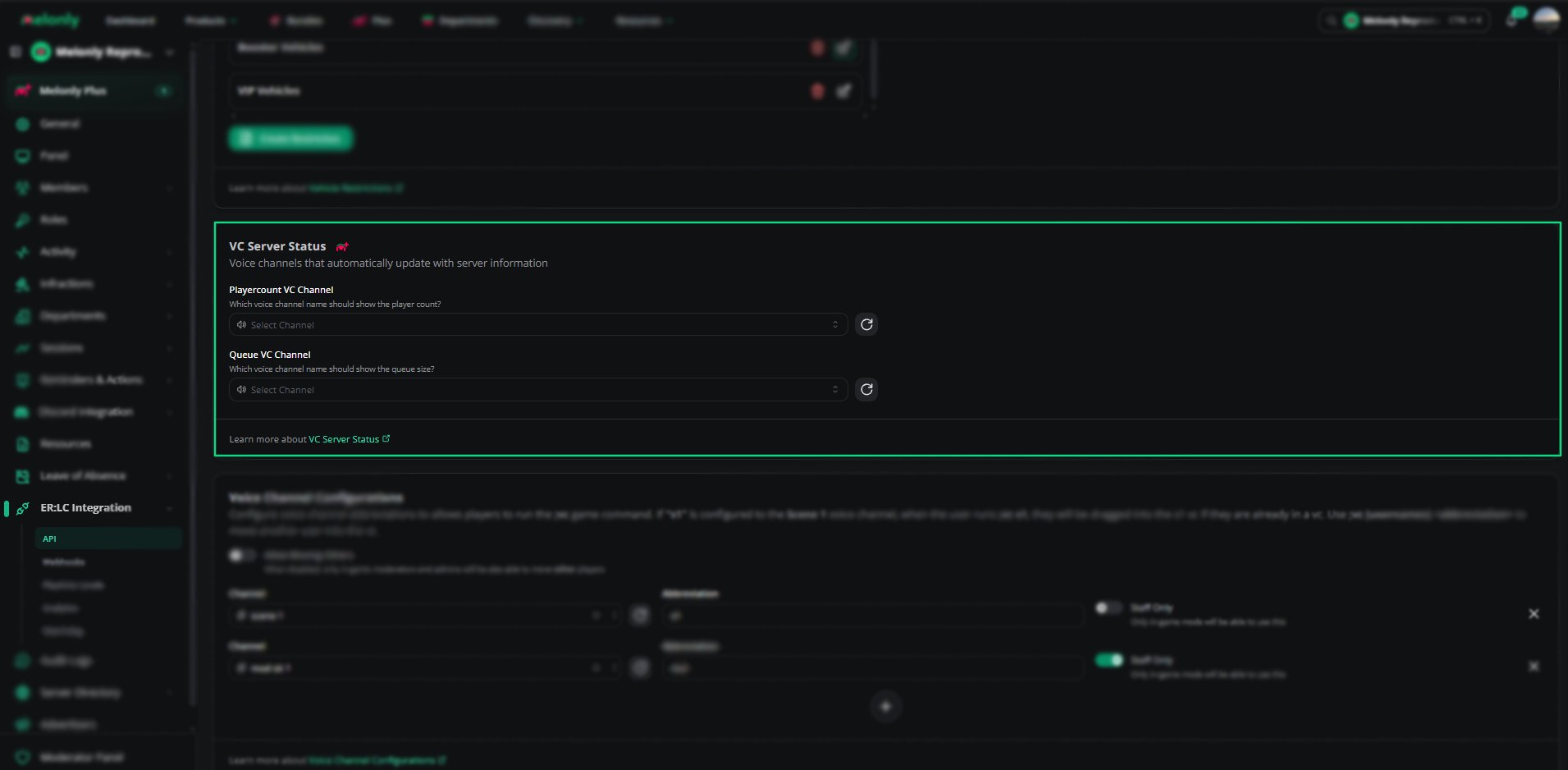
VC Server Status
Example Use Cases
- Show the live player count during sessions
- Show the queue size when your server is busy
- Let your community see server activity at a glance
Need help?
Still have questions? Join our Discord server for support from the Melonly Team.