
What is Weather and Time Sync?
Weather and Time Sync matches your ER:LC server’s weather and time to a real-world city. You can sync the weather, the time or both.Requires Melonly Plus. Turn off the in-game weather cycle in your ER:LC server settings first.
How to Use Weather and Time Sync
Find Weather & Time Sync on the ER:LC Integration → API page, below Automated Messages.Configuration Options
Melonly updates your server every 5 minutes while at least one player is in game.
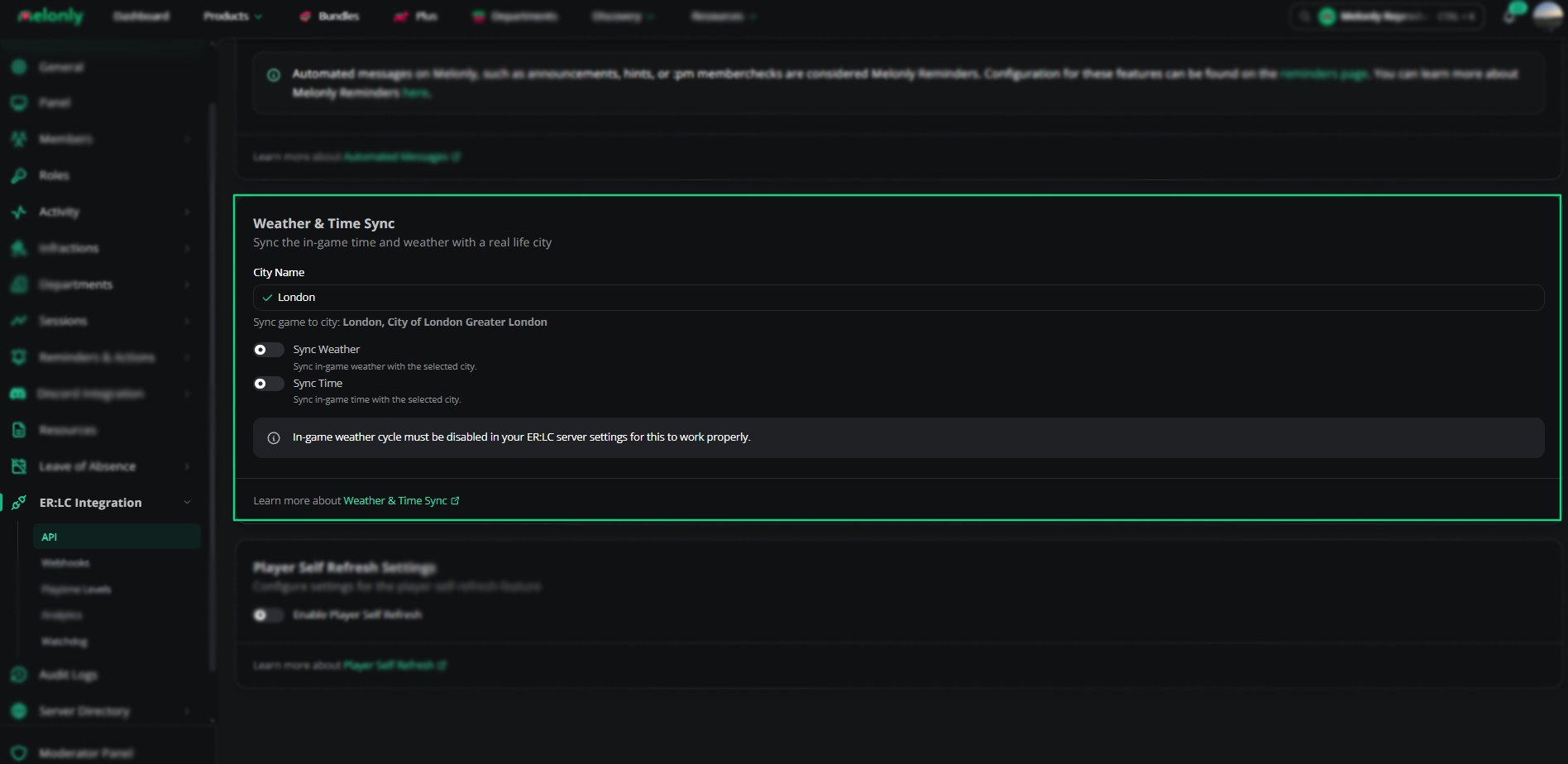
Weather and Time Sync
Example Use Cases
- Match your game to your community’s real-world region
- Keep day and night realistic for your players
Need help?
Still have questions? Join our Discord server for support from the Melonly Team.