
What is Player Self Refresh?
Player Self Refresh lets players refresh their ER:LC character without asking staff. They run/erlc refreshme in your Discord server to fix their avatar or a bug.
Players need a Roblox account linked to Melonly. A 2 minute cooldown also applies across all servers.
How to Use Player Self Refresh
Find Player Self Refresh Settings on the ER:LC Integration → API page, below Weather & Time Sync.Configuration Options
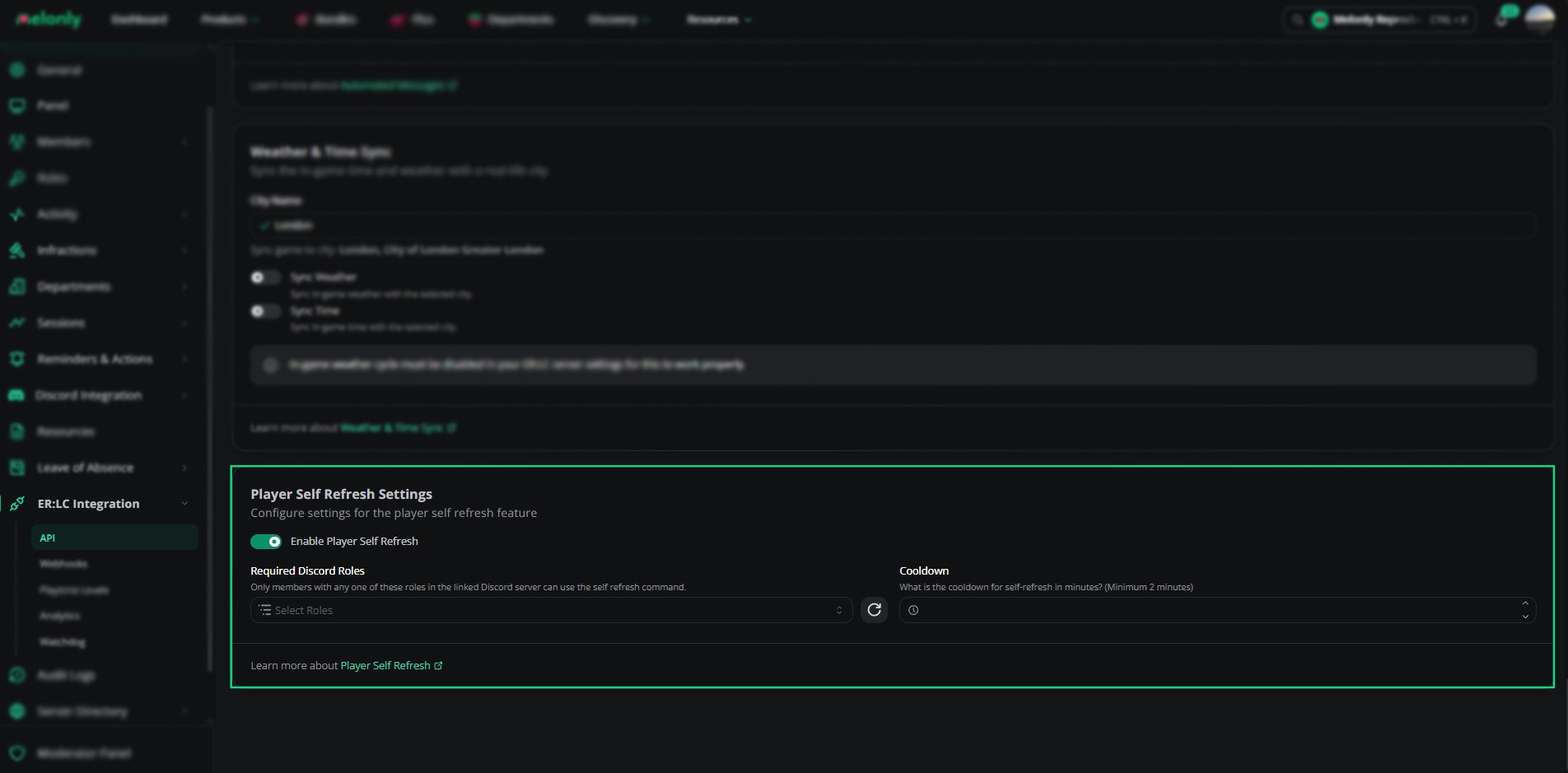
Player Self Refresh settings
How the /erlc refreshme Command Works
When a player runs/erlc refreshme, Melonly checks that they’re in game, have a required role and aren’t on cooldown. Then it refreshes them in game.
Example Use Cases
- Let players refresh to update their avatar
- Cut down on refresh requests to staff
Need help?
Still have questions? Join our Discord server for support from the Melonly Team.