
What are Event Logs?
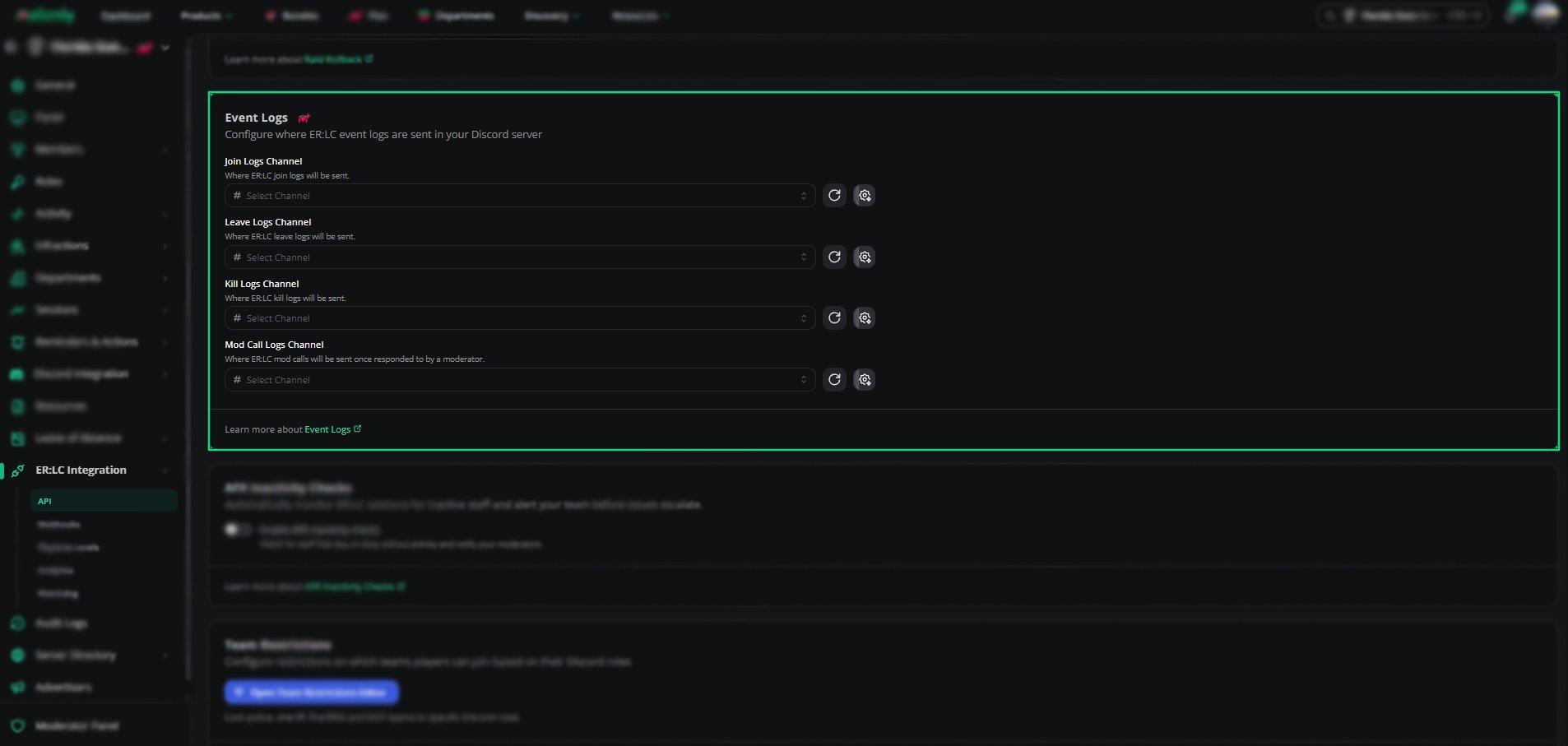
Event logs forward in-game events from your ER:LC private server, such as kills and mod calls, to Discord channels you choose. Your staff can follow activity as it happens, and the same logs also show in the Mod Panel.Requires Melonly Plus.
Configuring Your Logs
Find Event Logs on the ER:LC Integration → API page, below Raid Rollback. Pick a separate channel for each log type.
Melonly needs the View Channel and Send Messages permissions in each channel.
Custom Messages
Click Customize Discord Message next to a channel to change the message Melonly sends for that log.
The time variables are
{time}, {timet}, {timeT}, {timed}, {timeD}, {timef}, {timeF} and {timeR}. The editor lists every variable with an example.
Need help?
Still have questions? Join our Discord server for support from the Melonly Team.