
What are Priority Requests?
Priority Requests let players ask for a priority scene during ER:LC sessions. Staff approve or deny each request, and Melonly handles the cooldowns, limits and notifications.How to Use Priority Requests
Find Priority Request Settings on the ER:LC Integration → API page, below Team Jurisdictions. Turn on the module, set the options below, then click Copy Link to Priority Request Page and share the link in your Discord server.Configuration Options
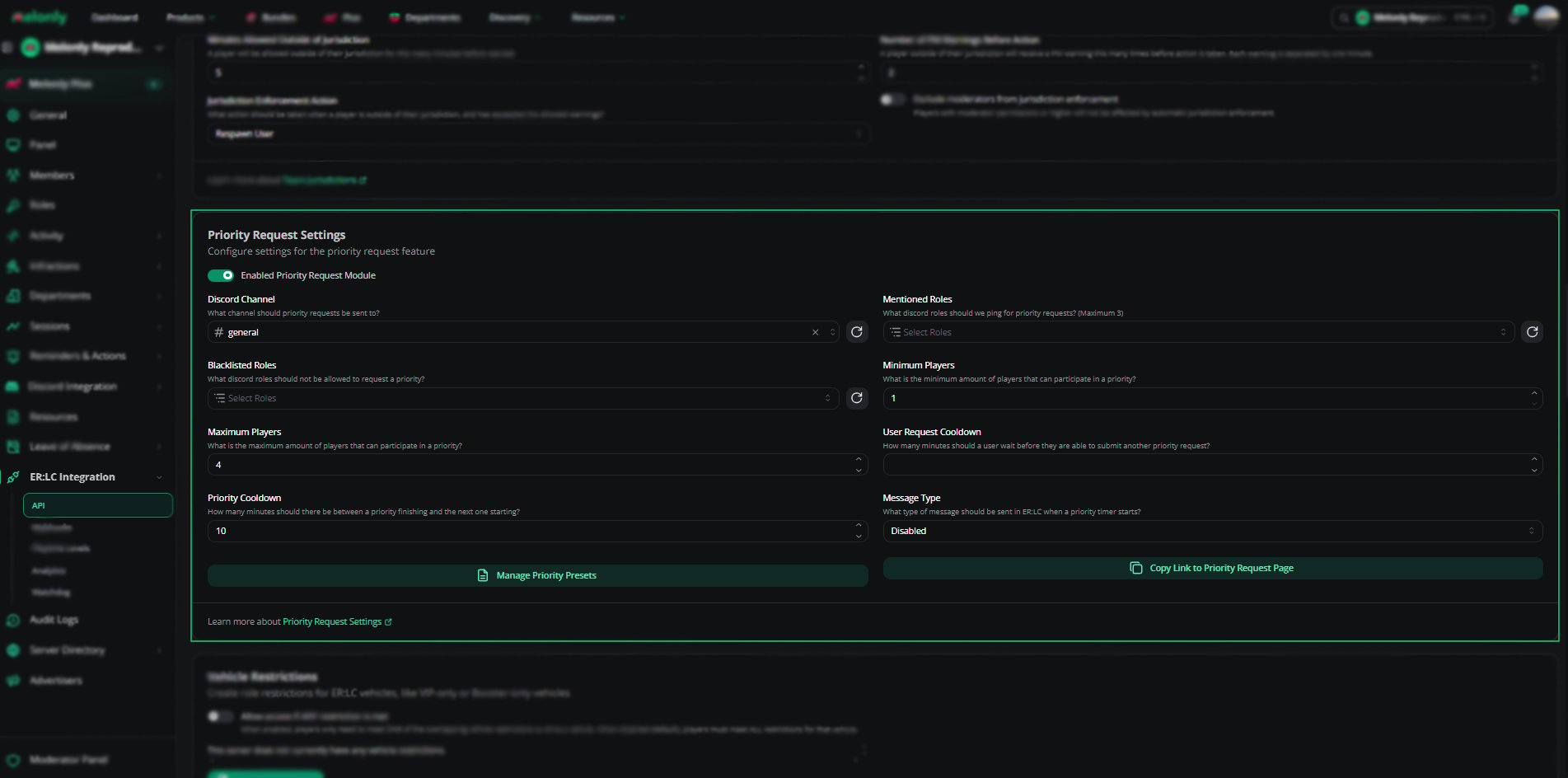
Configuration
Priority Presets
Presets are ready-made scene types players can pick instead of typing out their request.1
Open the Preset Editor
Click Manage priority presets to open the Edit Priority Request Presets editor.
2
Create a Preset
Enter a name (up to 100 characters) and a description (up to 2000 characters), such as Hostage Scene or Bank Robbery.
3
Save the Preset
Click Save. Players can now pick it when they submit a request.
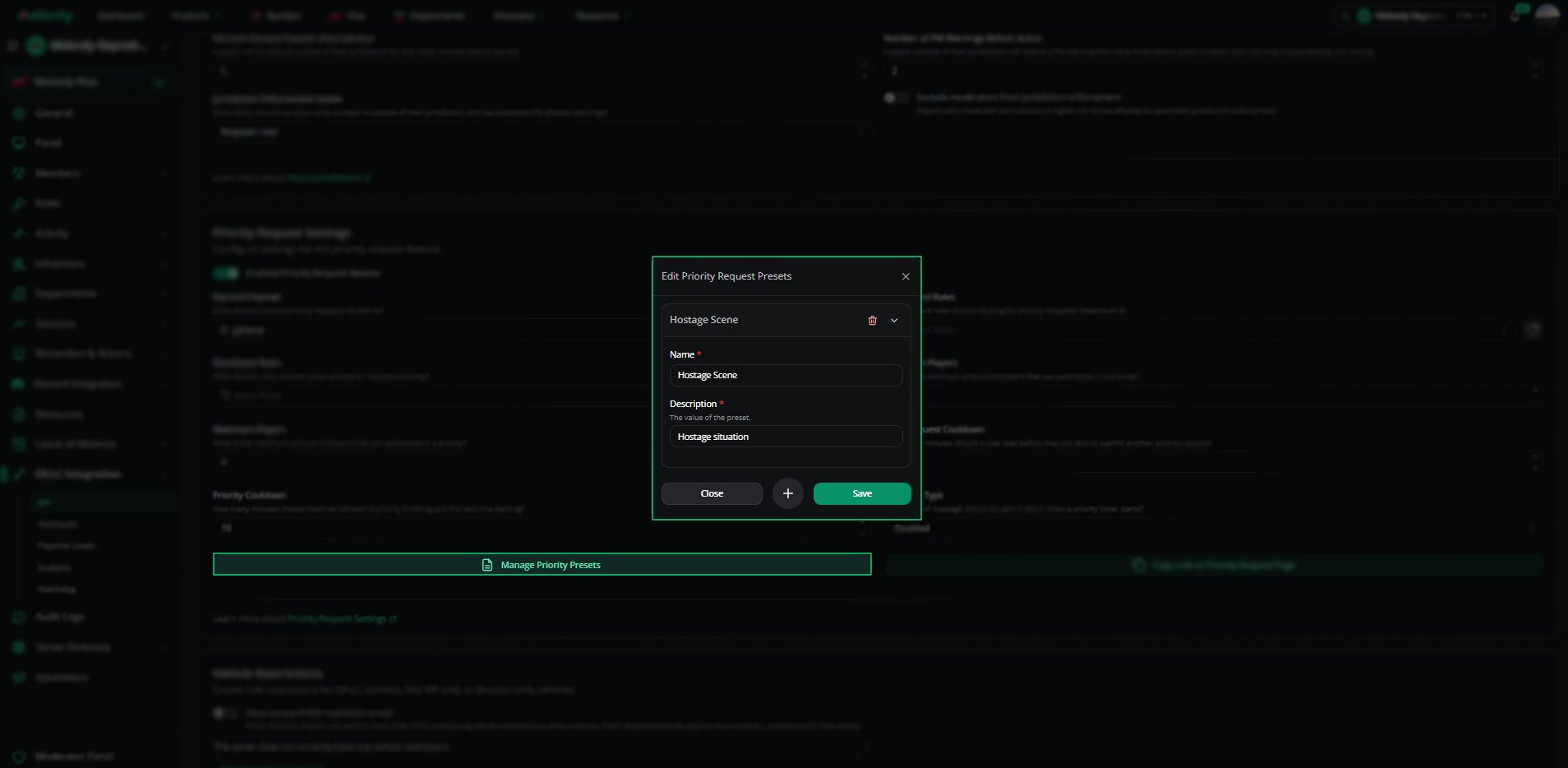
Priority presets
Managing Priority Requests
Staff review requests in the Mod Panel under Toolbox → Priority Requests.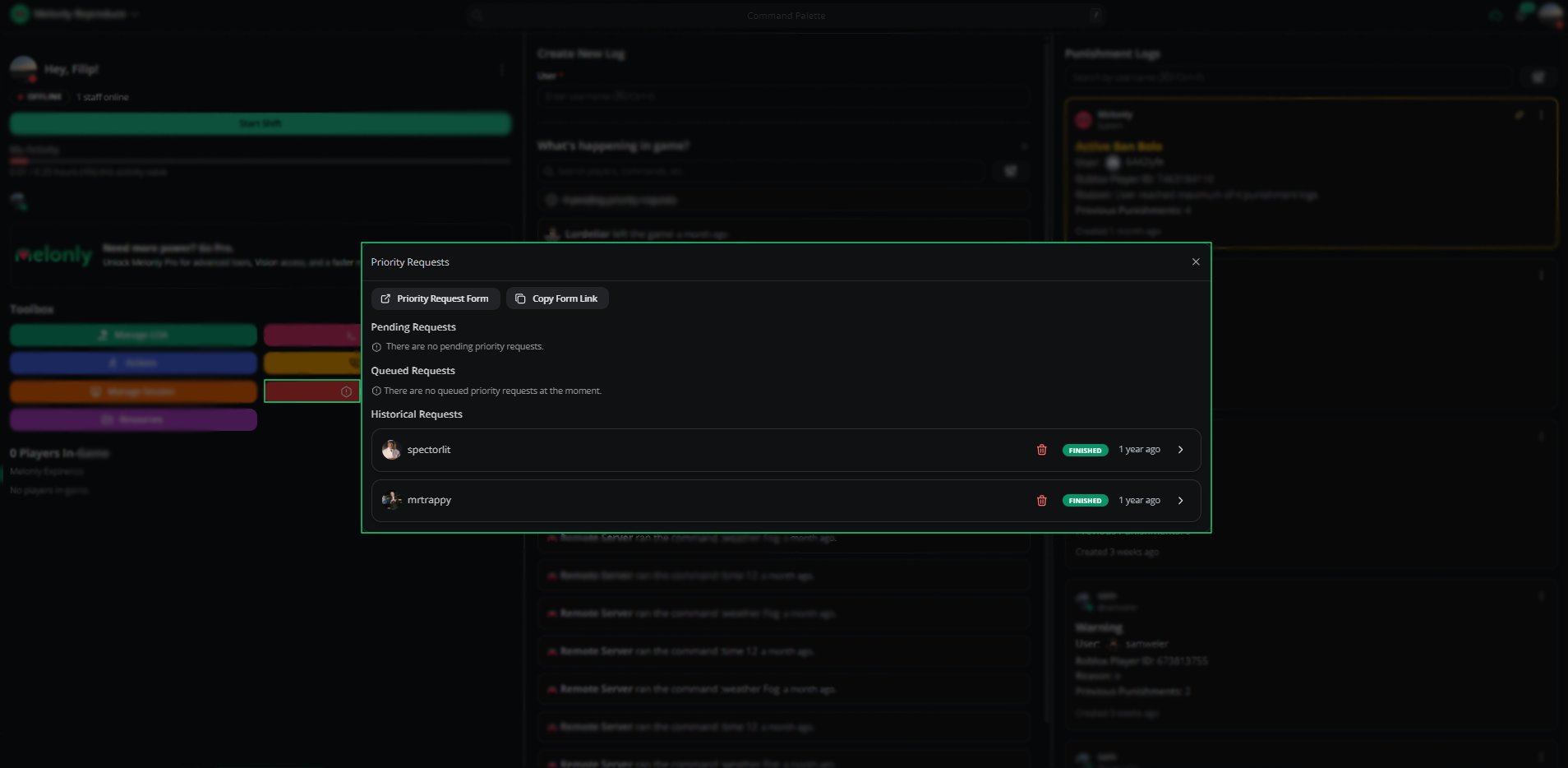
Priority requests panel
Example Use Cases
- Let players request scenes such as robberies or hostage situations
- Stop scene stacking with cooldowns
- Block certain roles from requesting priority
- Keep a record of every approved and denied scene
Need help?
Still have questions? Join our Discord server for support from the Melonly Team.