
What is Shift Automation?
Shift Automation starts a staff member’s shift when they join your ER:LC server and ends it when they leave. Nobody has to remember to clock in or out.Requires Melonly Plus. Staff need a Roblox account linked to Melonly.
How to Use Shift Automation
Find Shift Automation on the ER:LC Integration → API page, below Warn Automation.Configuration Options
If your server has no shift types yet, create one on the Shifts page first.
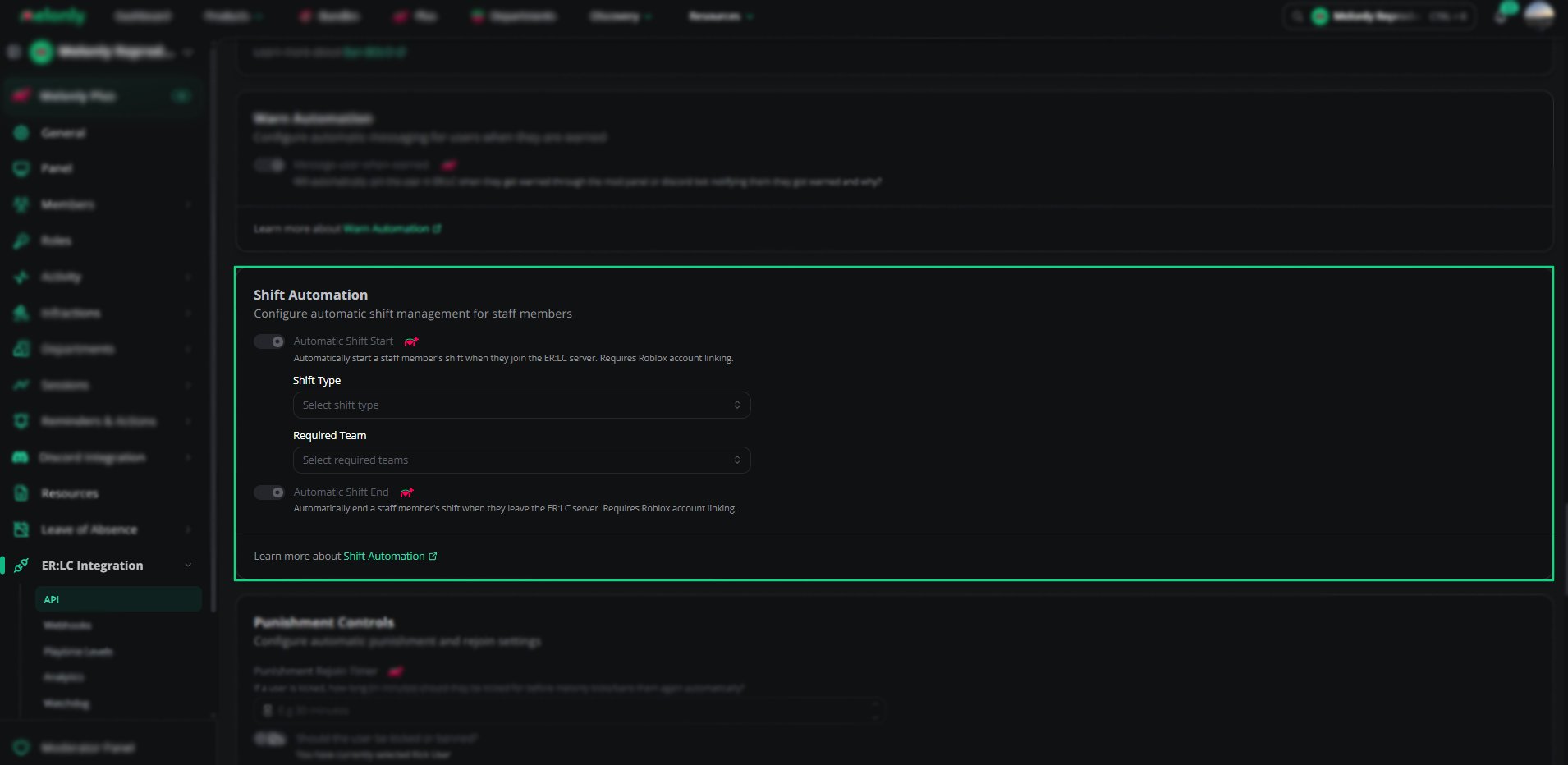
Shift Automation
Example Use Cases
- Track staff activity without manual clock-ins
- Only start shifts when staff join an approved team
- Stop staff from forgetting to end their shift
Need help?
Still have questions? Join our Discord server for support from the Melonly Team.